11
OPERATING YOUR SYSTEM
System Not Ready
1. Press the View Info key (Key #1) repeatedly to view zones not
ready. The Control Station will alternate between displaying the
zone condition and the zone number. See Protection Zones for a
list of zone numbers and descriptions.
2. Secure zones not ready. If you cannot secure a zone or do not
want to secure a zone, you may still turn the system ON by
bypassing the zone. See Optional Features - Bypass and Force
Arming.
Changing The Security Level
From the STAY or NIGHT mode
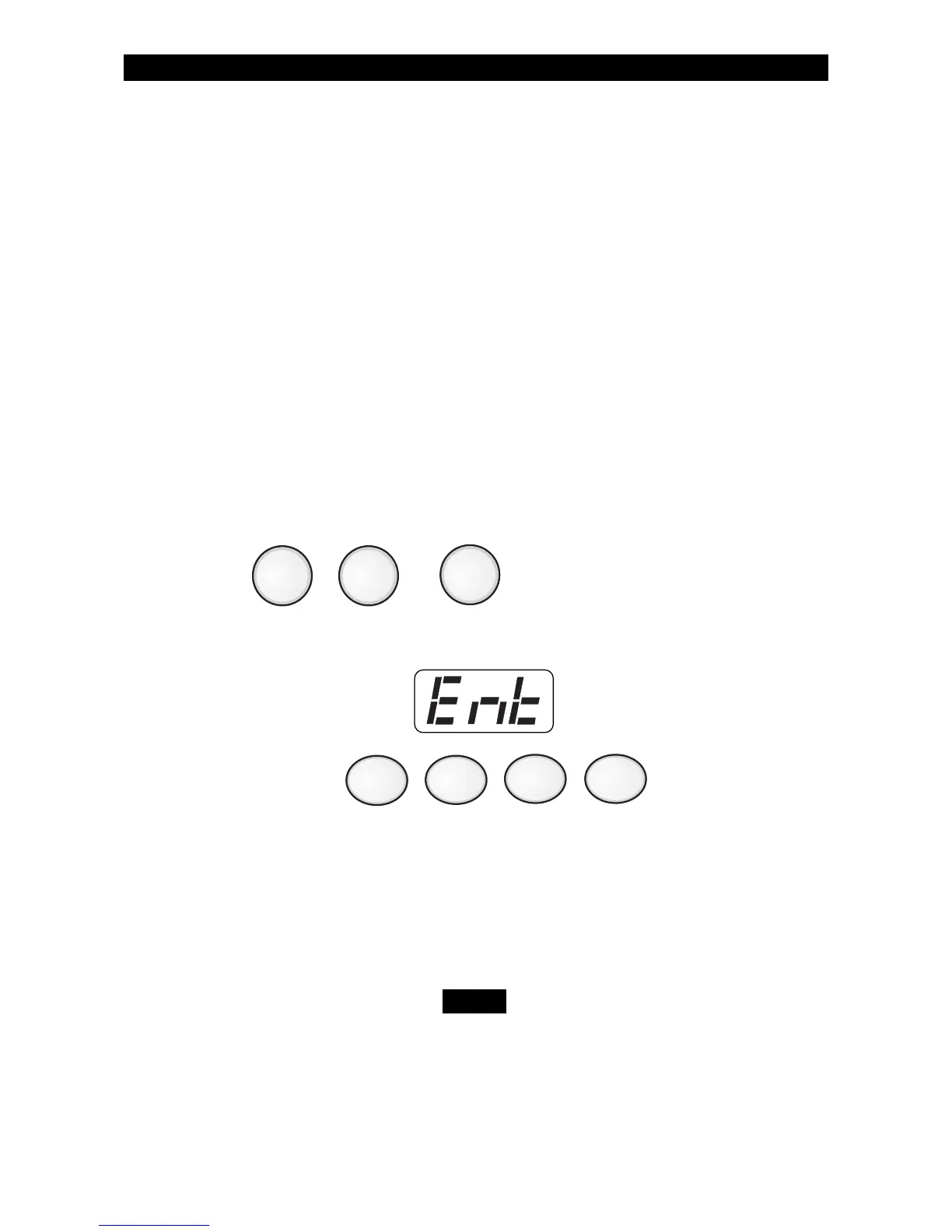
1. Press , or .
The Control Station will display:
2. Enter passcode: .
3. The Control Station will then begin exit countdown time. It is safe to
exit the building during the countdown time. If you exit during the
last 10 seconds of countdown time, the timer will restart the count-
down once. If you turn your system ON in the AWAY mode and you
do not exit, the countdown will begin again only once so that you
may exit.
When the system is turned ON in the STAY or NIGHT
mode, you can switch between these modes as often
as you wish without turning your system OFF. When
the system is turned ON in the AWAY mode, you must
turn your system OFF first before you can change
security levels.
AWAY
NIGHT
STAY
NOTE



 To Next Page