22
Alarm Conditions
ALARM CONDITIONS
2
Alarm Memory
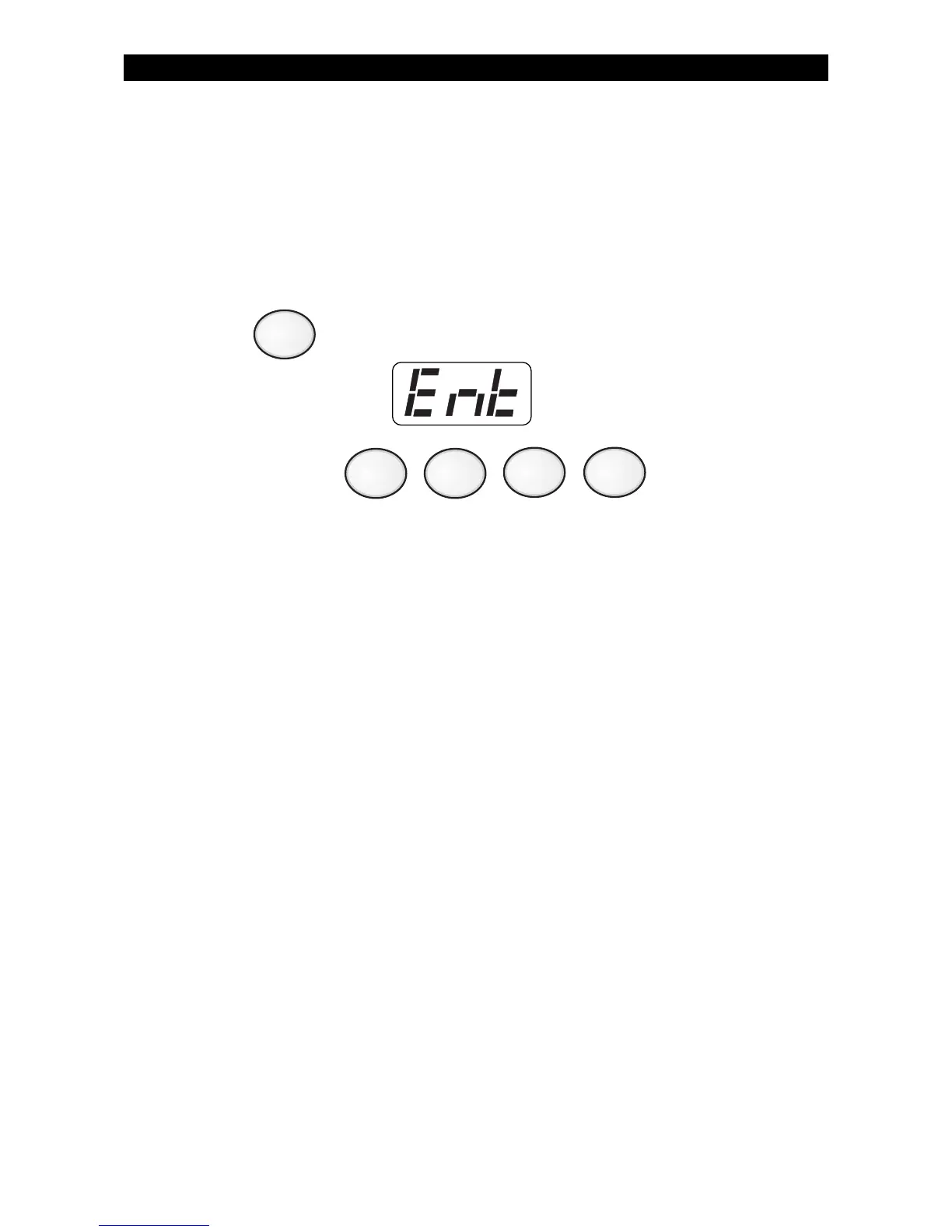
To view zones and keypads that caused an alarm:
1. Press . The Control Station will display:
2. Enter passcode: .
The Control Station display alternates between the most recent zone
(or keypad) number that caused an alarm and the alarm type. If more
than one zone (or keypad) caused an alarm, press the View Info key
(Key #1) repeatedly to view the alarms. See SSD Control Station
Displays & Descriptions.



 To Next Page