46
Cancelling Exit-ON for Today
If your system is programmed to automatically turn ON ten (10)
minutes after you leave the premises with no other activity detected,
you may cancel it for today only.
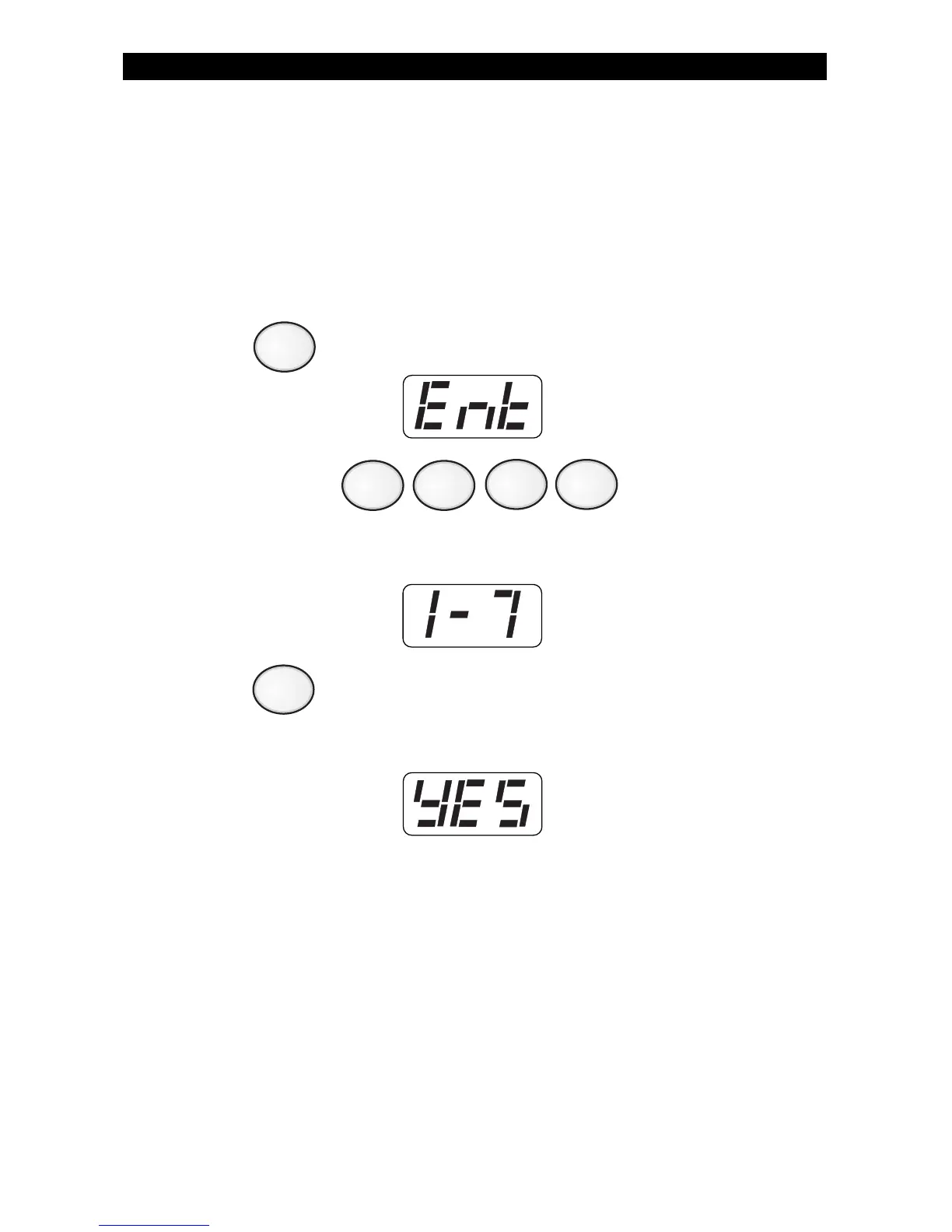
To cancel Exit-ON for today:
1. Press . The Control Station will display:
2. Enter passcode: .
The Control Station will display:
3. Press .
If Exit-ON was programmed for today, the Control Station will
display:
ZX400/ZX410 PROGRAMMING
9
7



 To Next Page