45
ZX400/ZX410 PROGRAMMING
Cancelling the Automatic-ON for Today
If your system is programmed to perform an Automatic-ON scheduled
for today, you may cancel it for today only without changing your
programmed schedule.
To cancel Automatic-ON for today:
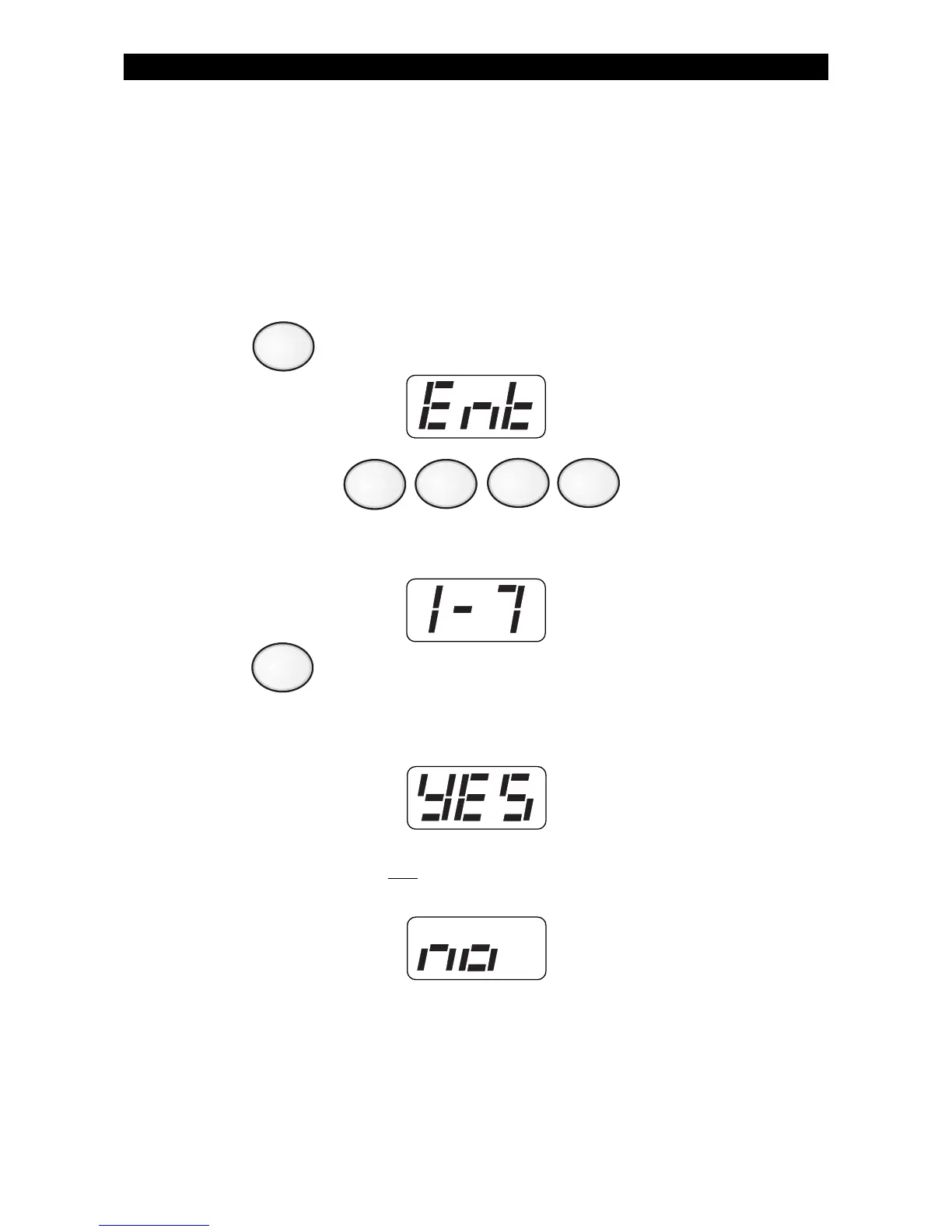
1. Press . The Control Station will display:
2. Enter passcode: .
The Control Station will display:
3. Press .
If Automatic-ON was programmed for today, the Control Station
will display:
If Automatic-ON was
not programmed for today, the Control
Station will display:
6
9



 To Next Page