33
Set Clock
The clock is set according to military time (24:00 hours).
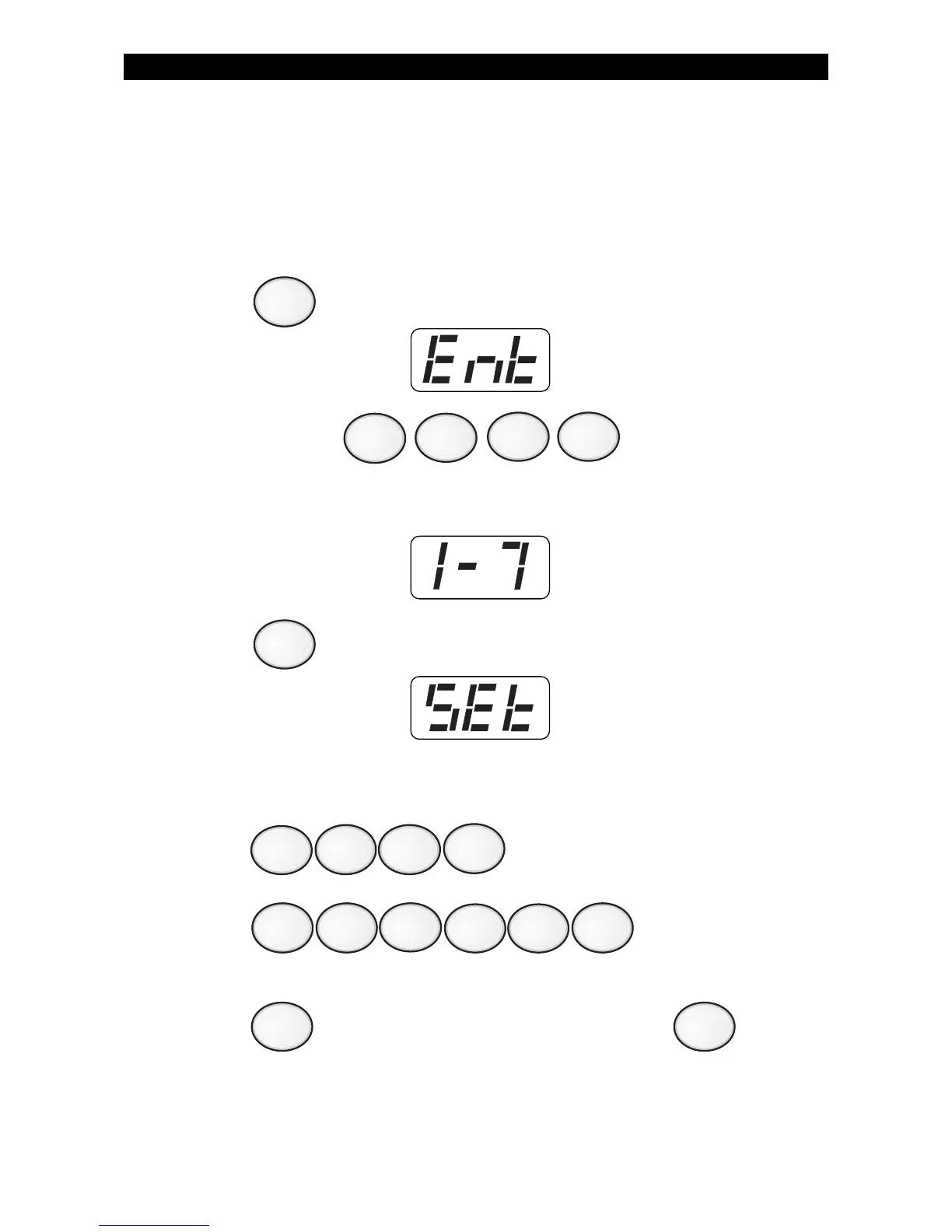
To set the clock:
1. Press . The Control Station will display:
2. Enter passcode: .
The Control Station will display:
3. Press . The Control Station will display:
EXAMPLE: To set the clock to 2:15 pm on June 17, 1996:
Press (2:15 pm) .
Press (June 17, 1997) .
4. Press
to start over if a mistake is made or press
to save changes.
ZX400/ZX410 PROGRAMMING
9
2
1
4
5
6
7
1
0
1
9



 To Next Page