NOTE
When your system detects a trouble condition, the Control Station will
light the TROUBLE light and flash the trouble condition message. See
SSD Control Station Displays & Descriptions.
The Control Station will alternate between displaying the system state
(Ready to Arm, etc.) and the trouble message, with each message
displayed for two seconds at a time. If more than one trouble condi-
tion is present, then each trouble condition is displayed separately.
Silencing Trouble
To silence the trouble sounder:
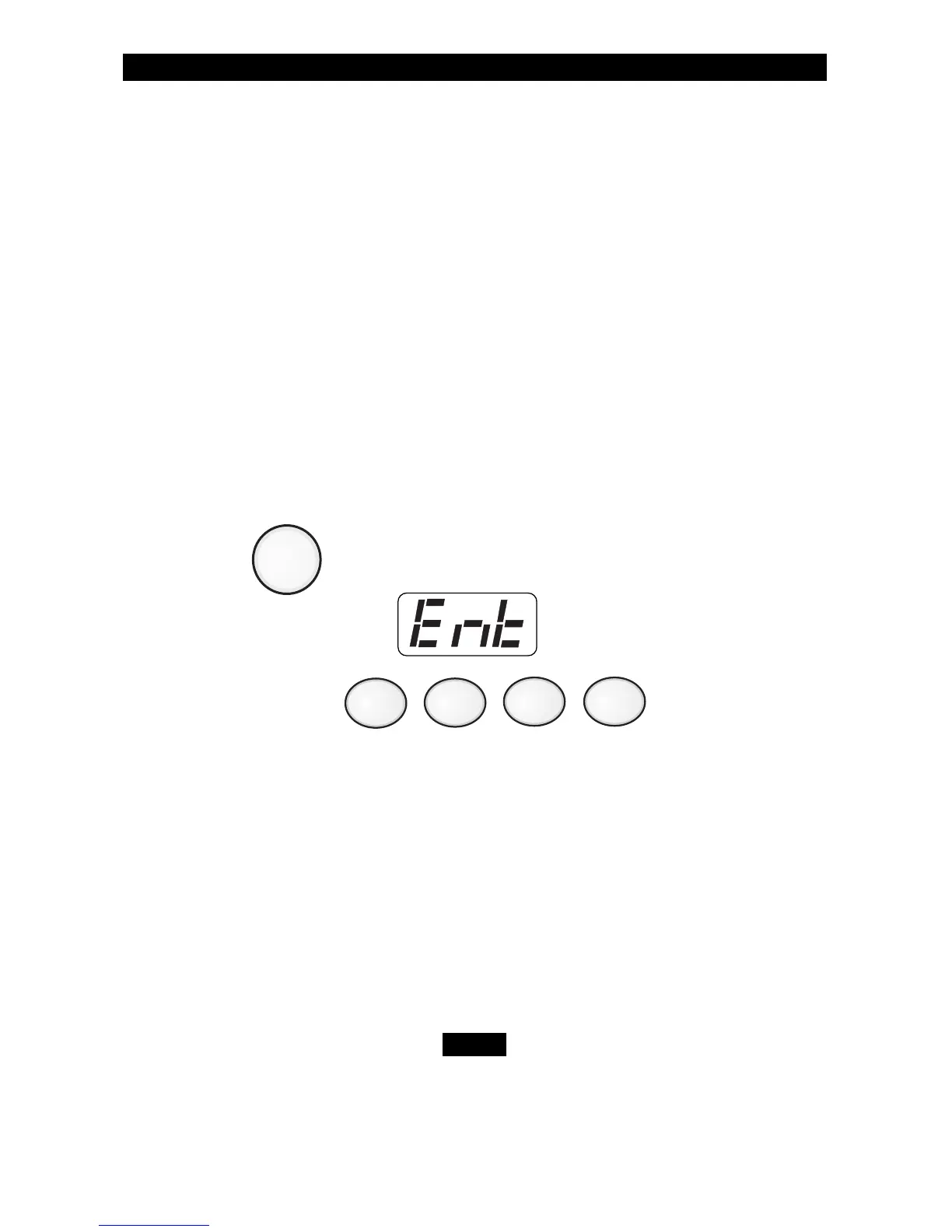
1. Press . The Control Station will display:
2. Enter passcode: .
After you silence the trouble sounder, the trouble light will remain ON.
Identifying Zone Conditions
Press the View Info key (Key #1) repeatedly to display the following
zone conditions that may have occurred: Trouble Zones, Faulted
Zones, and/or Bypassed Zones. The Control Station display will
alternate between the zone condition and the zone number.
If a trouble condition light does not turn OFF, contact
your Security Company Representative.



 To Next Page