12
OPERATING YOUR SYSTEM
Chime
To enable or disable a “Chime” sound whenever an exterior window or
door zone is opened:
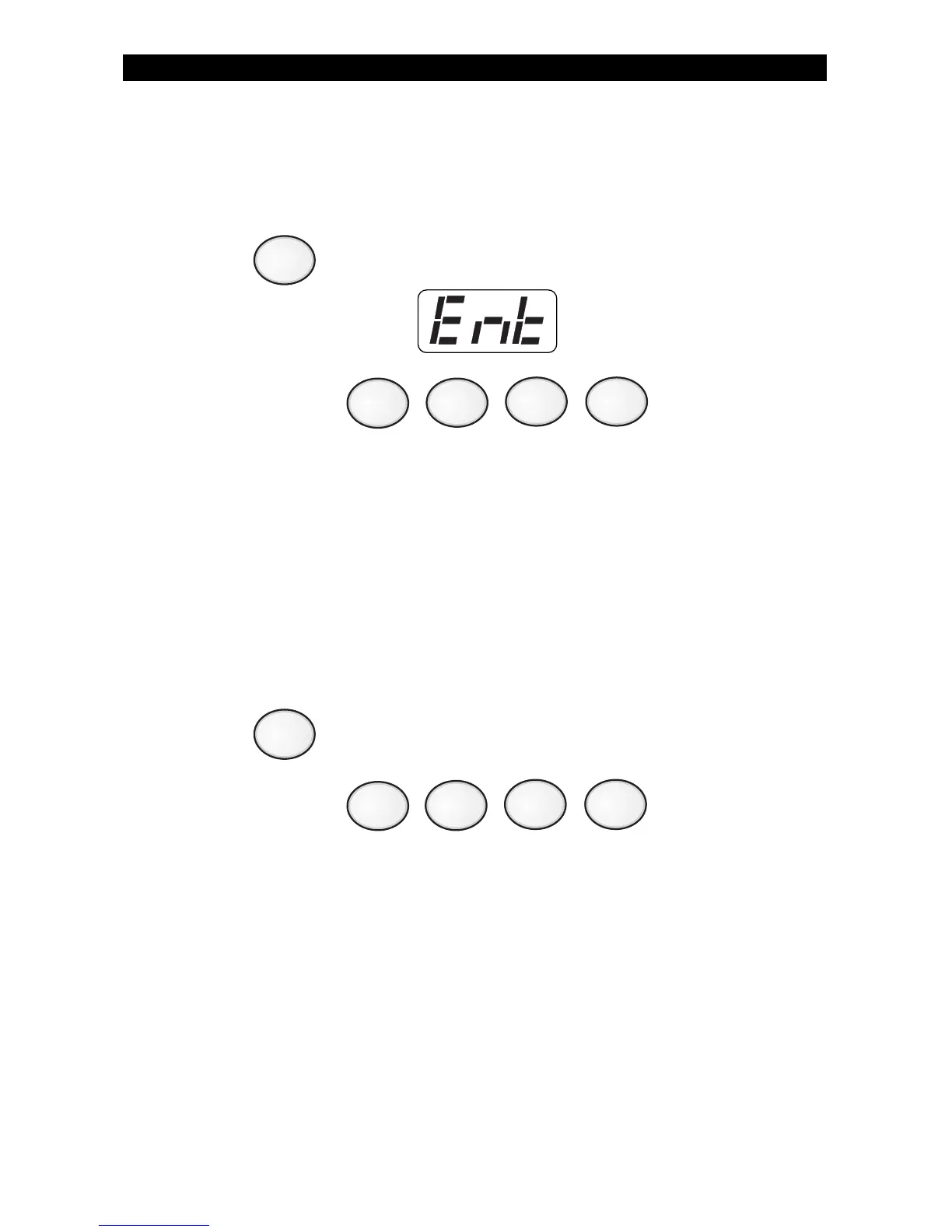
1. Press . Control Station will display:
2. Enter passcode: .
The Control Station will display whether the chime was turned ON or if
it was turned OFF.
Printing The Event Log - (ZX400/ZX410 only)
The Event Log is a record of the activities of your security system. You
may print the Event Log if you have a printer attached.
To print the Event Log:
1. Press .
2. Enter passcode: .
6
3



 To Next Page