15
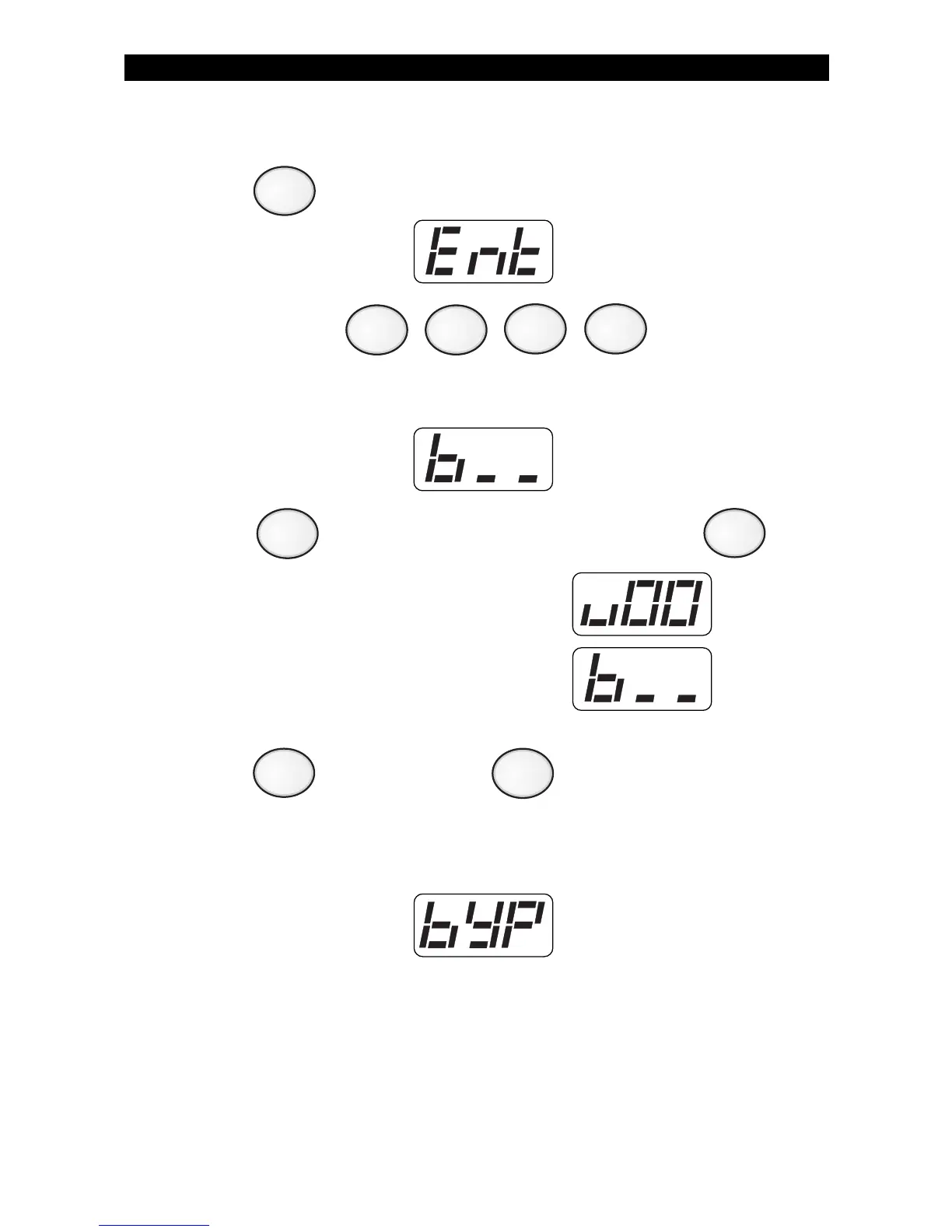
Removing Bypass
1. Press . The Control Station will display:
2. Enter passcode: .
The Control Station will display:
3. Press to unbypass all bypassed zones, then press .
The Control Station will briefly display:
then return to the zone selection display:
4. Press to save changes or to cancel changes.
After saving any changes, the Control Station will return to the
READY prompt after briefly displaying:
OPTIONAL FEATURES
4
0
ENTER
CLEAR
ENTER



 To Next Page