16
Force-Arming - (DO NOT enable for UL Listed Systems)
OPTIONAL FEATURES
O
P
T
I
O
N
E
N
A
B
L
E
D
When you turn the system ON with Force-Arming, the system will not
turn ON any zones that are not ready. Once the zone is secured, that
zone is automatically turned ON and will cause an alarm if it is violated.
See Operating Your System - System Not Ready, to identify zones that
are not ready.
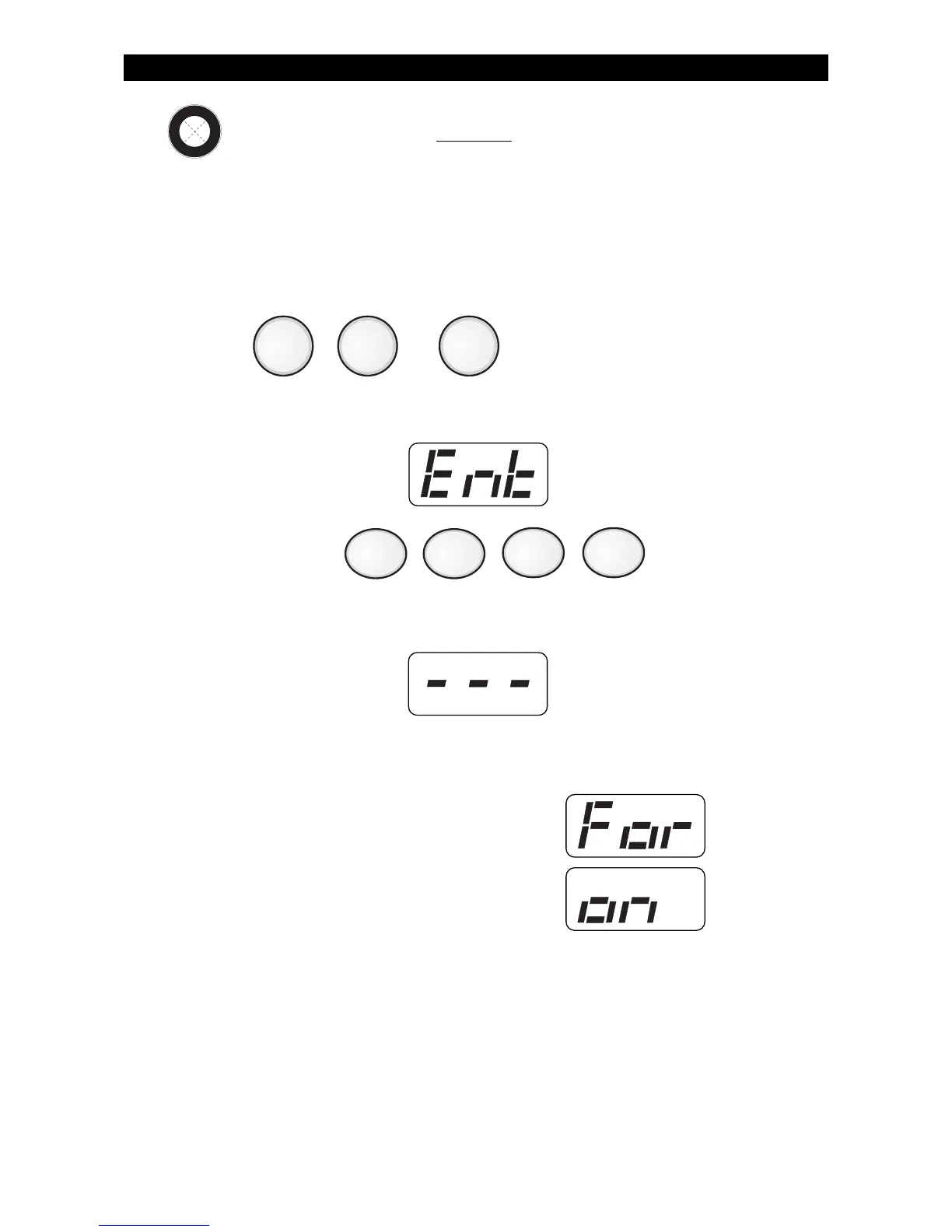
1. Press , or .
The Control Station will display:
2. Enter passcode: .
The Control Station will display:
3. Within 5 seconds, press the same key that was pressed in Step 1
above.
The Control Station will display:
then, after the countdown time expires:
AWAY NIGHTSTAY



 To Next Page