ELI 250/210__________________________________________________________________________
3-2
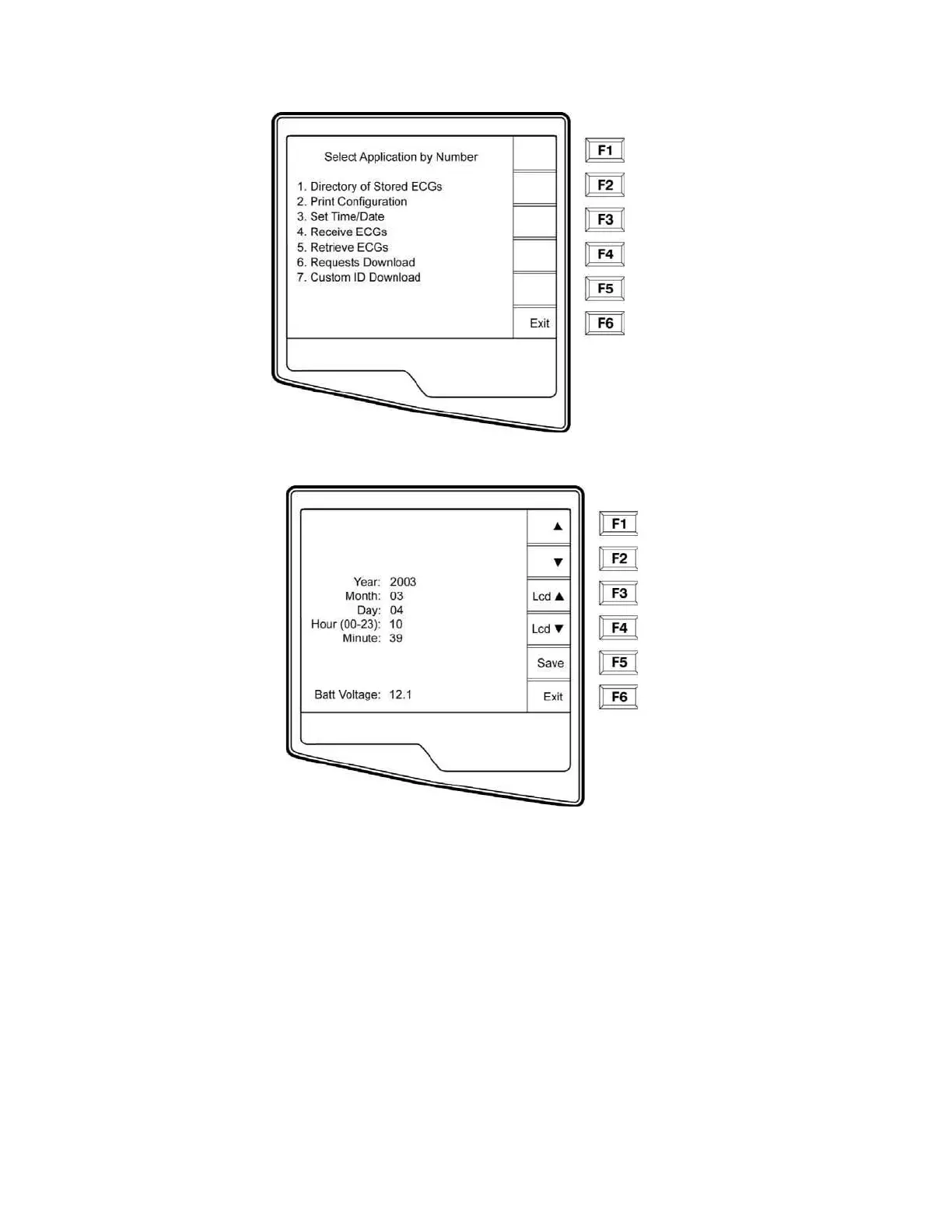
o Select Set Time/Date (number 3) from the application menu
p From the Set Time/Date screen, simultaneously press
Ï (SHIFT) + ALT + C. The first
configuration screen will appear. Notice the page indicator in the upper right hand corner on
each screen.



 To Next Page