____________________________________________________________________________Section 3
3-3
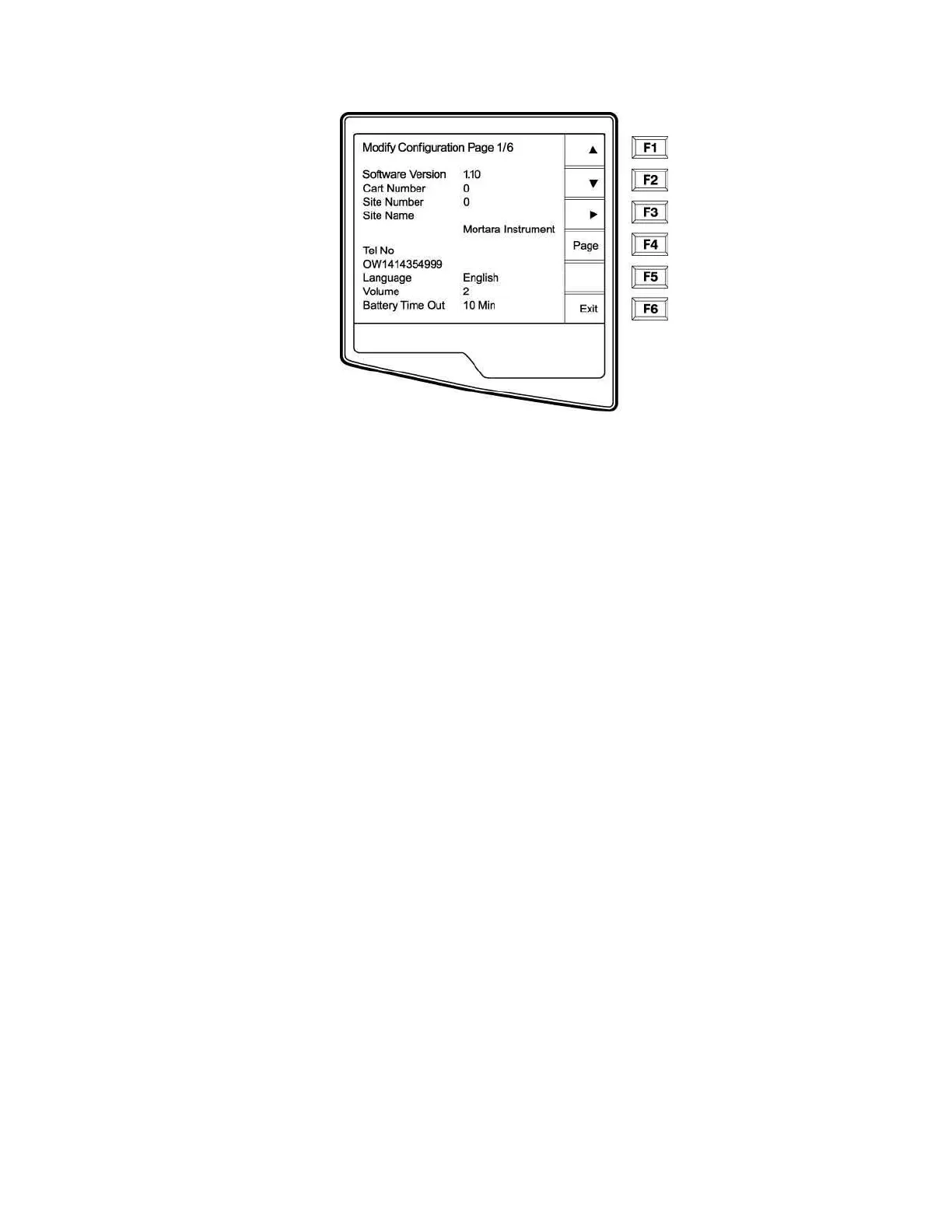
NOTES: Use Page (F4) to toggle through the configuration pages.
Use ▲ (F1) and ▼ (F2) to move back and forth through each configuration option.
Use ► (F3) to toggle through pre-programmed available settings per configuration field.
Use Exit (F6) to return to the Real-Time ECG View. Any changes you have made will be saved.
Use the BACKSPACE
Í
key to erase entry errors.
The following chart summarizes the configuration screens and the available options for each parameter.



 To Next Page