ELI 250/210 _________________________________________________________________________
4-20
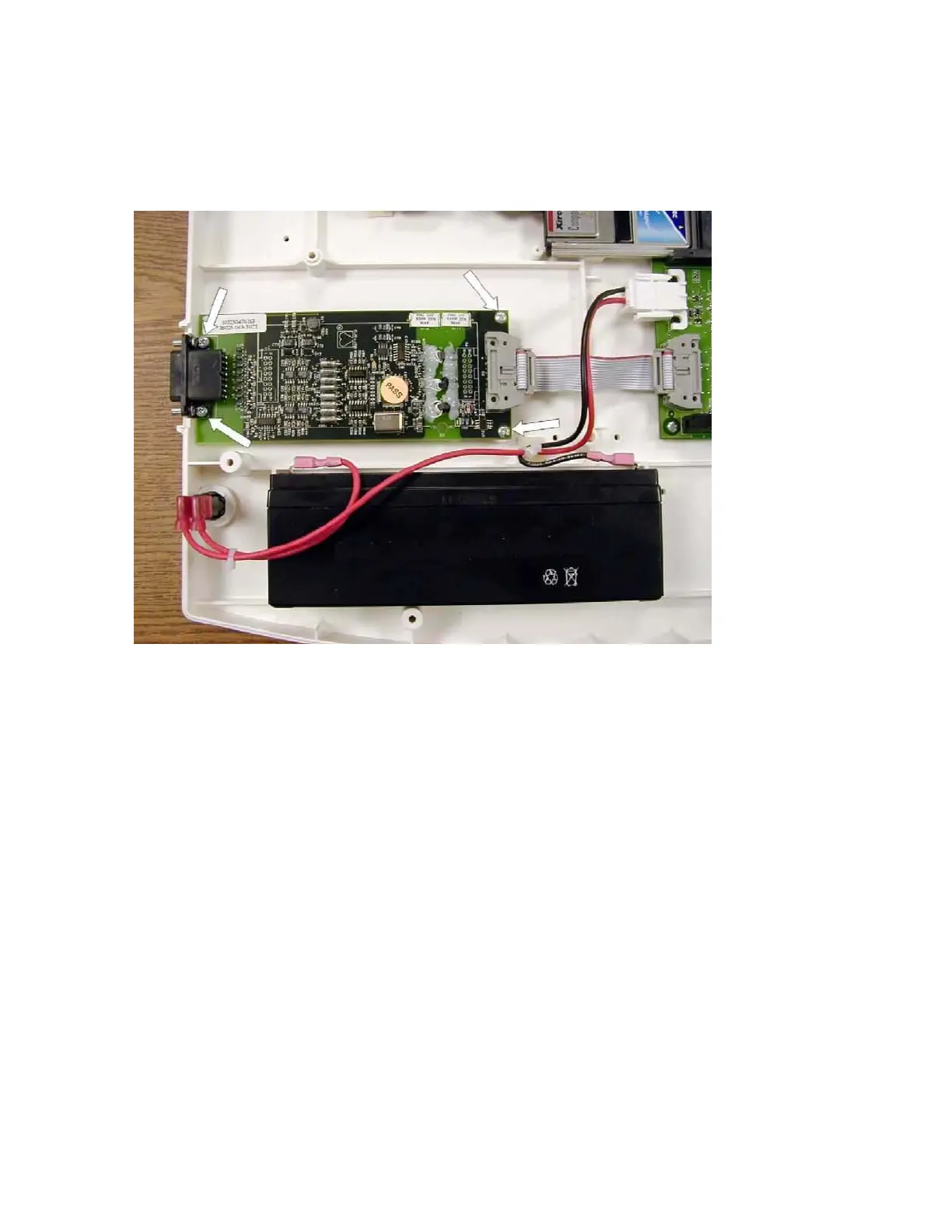
Locate the 4 screws holding the front-end to the chassis and remove.
Note: The screws located near the front end to motherboard interconnect cable will be shorter, item number 45,
than those where the patient cable connects to the front end board, item number 46. This is important when
reassembling the unit.
Lift the front-end out of the chassis.
Reassemble in reverse order.



 To Next Page