___________________________________________________________________________ Section 4
4-19
CAUTION
1.) When installing a new board, do not replace the battery fuse until all cables have
been connected to the board.
2.) The screws that hold the front of the motherboard down are shorter than the screws
that hold the back of the motherboard down. Make sure that when installing the
motherboard that the correct screws are used for the correct locations.
Front End Board Removal and Replacement
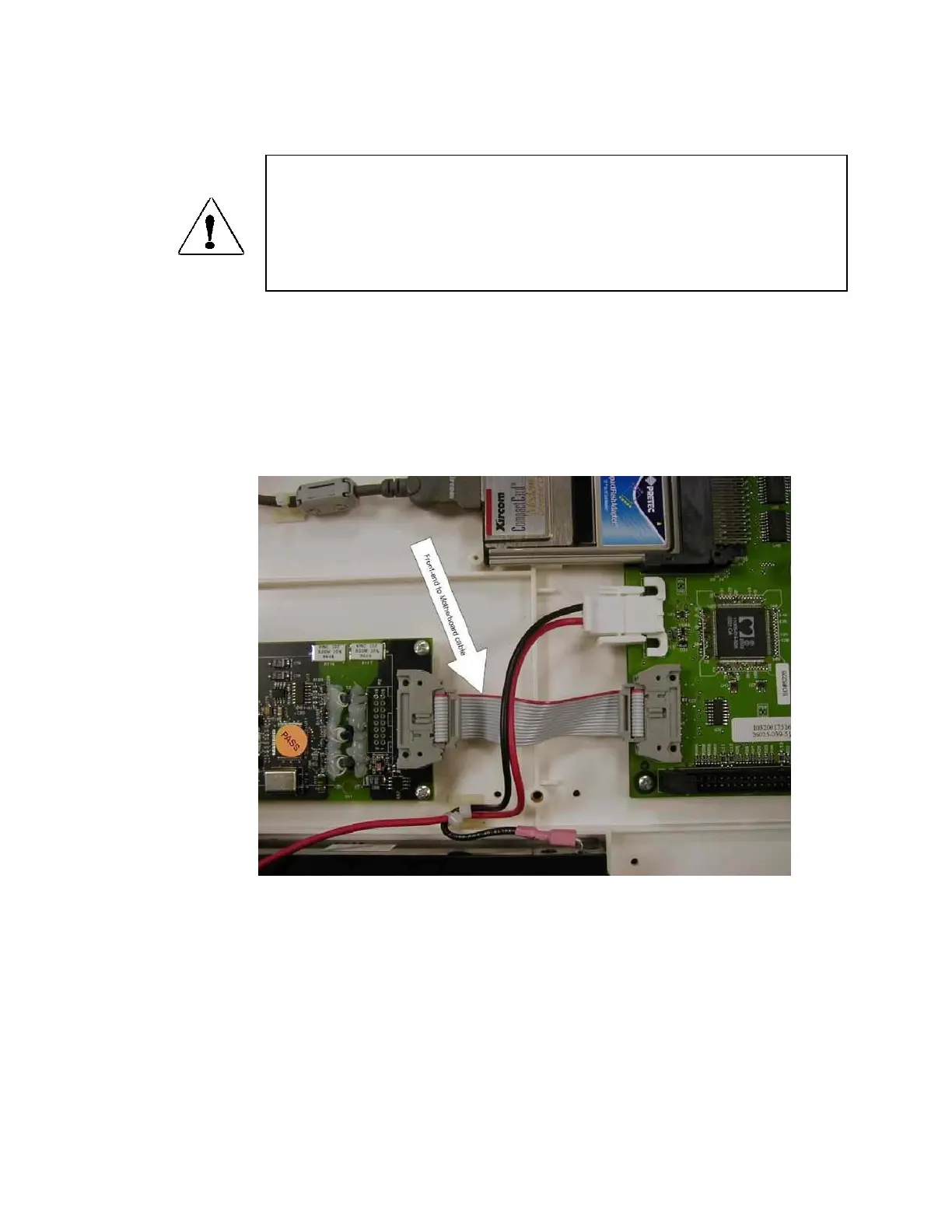
Locate the front-end board in the unit.
Remove the cable, item 32, from the front-end board to the motherboard.



 To Next Page