EasyManua.ls Logo

Motorola APX 6000 - PA Failure

Motorola APX 6000
438 pages
Print Icon
To Next Page IconTo Next Page
To Previous Page IconTo Previous Page
Loading...
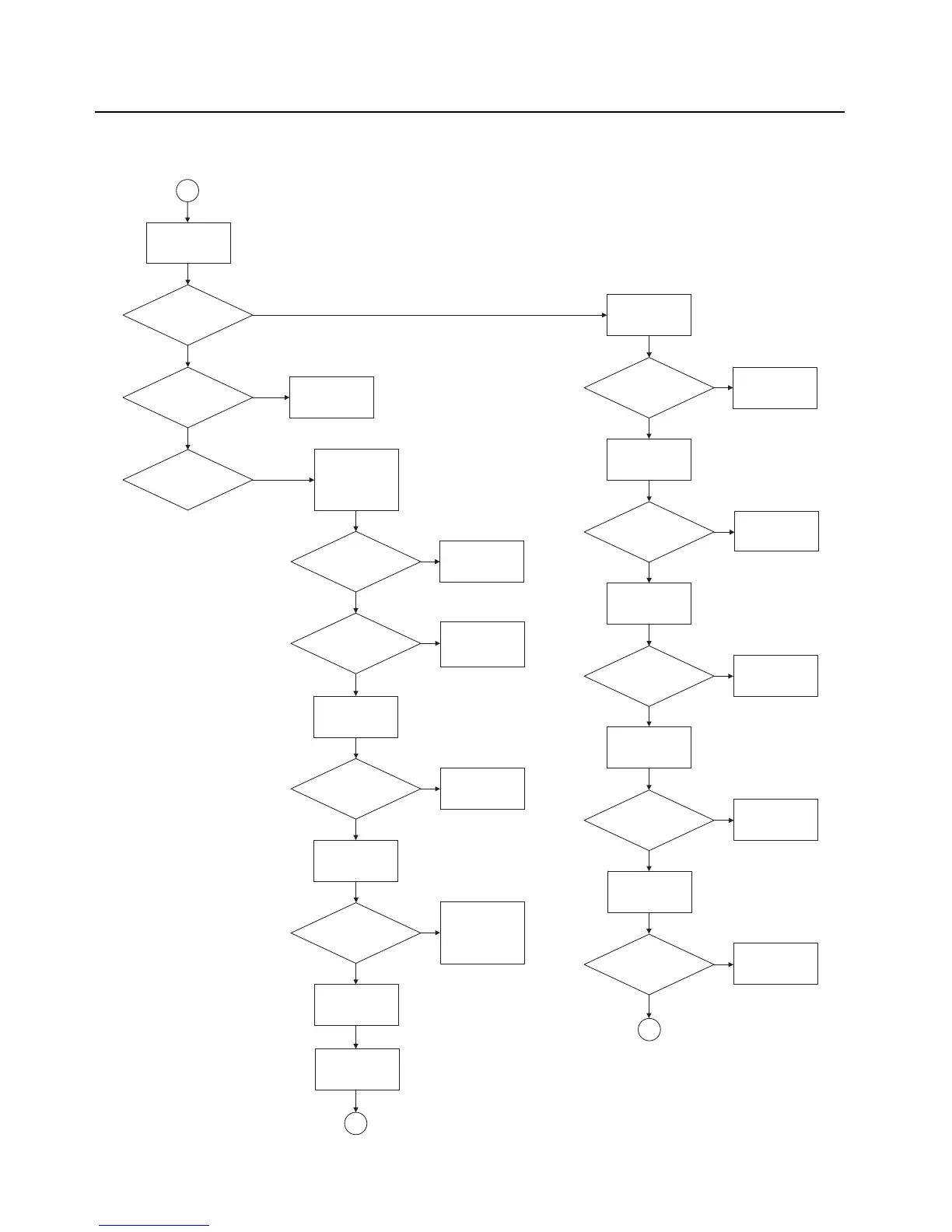
5-56 Troubleshooting Charts: PA Failure
PA Failure – Page 1 (7/800 PA)
Yes
No
Yes
Yes
No
No
Yes
Yes
No
No
Yes
No
Yes
Yes
No
No
Yes
Yes
No
No
Yes
Yes
No
1
Is current less
than 350 mA?
Replace Q1001
Is current
approximately
500 mA?
Is current
greater than 2A?
Use a spectrum
analyzer and high-
impedance RF probe.
Measure RF_IN_2 at
C1001.
Is the frequency
correct?
Is the power
level about 3
dBm?
Is the power
appoximately 36
dBm?
See FGU
troubleshooting
charts.
Check U1110 and
see FGU
troubleshooting
charts.
Measure power at
C1022.
Replace U1002.
Measure power at
C1411, and calculte
harmonic filter loss.
Is the loss less
than 1 dB?
Repair any issues
with 1400 series parts
in the harmonic filter.
PA and harmonic
filter are functioning
properly.
Measure voltage at
pin 4 of U1001.
Is voltage
approximately 6
V?
Replace U1002 and
Q1001.
Measure TX current
at 7/800 test
frequencies.
Measure voltage at
pin 5 of U1001.
Is voltage
approximately 7
V?
Replace U1001.
Measure voltage at
pin 3 of Q1102.
Is voltage
approximately 0
V?
Replace Q1104.
Measure voltage at
pin 1 of Q1102.
Is voltage
greater than 1.5
V?
Replace Q1102.
Measure voltage at
pin 6 and 7 of U1119.
Are Pins 6 and
7, 5V and
2.775V
Replace U1119.
6
If power issue is not
resolved.
4

Table of Contents

Other manuals for Motorola APX 6000

Related product manuals