6
Network Camera User Manual
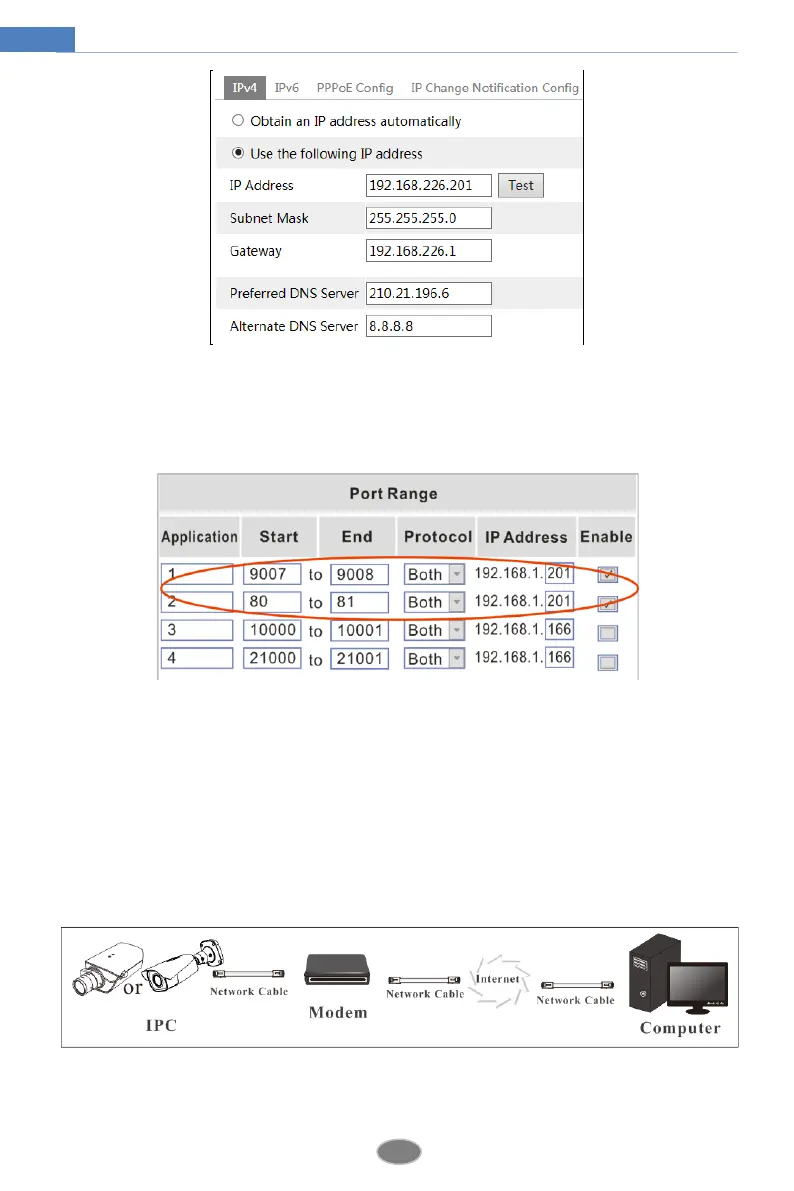
IP Setup
③ Go to the router’s management interface through IE browser to forward the IP address and
port of the camera in the “Virtual Server”.
Router Setup
④ Open the IE browser and enter its WAN IP and http port to access. (For example, if the http
port is changed to 81, please enter “192.198.1.201:81” in the address bar of web browser to
access).
Access through PPPoE dial-up
Network connection
Access the camera through PPPoE auto dial-up. The setup steps are as follow:
① Go to ConfigNetworkPort menu to set the port number.












 To Next Page