7
Network Camera User Manual
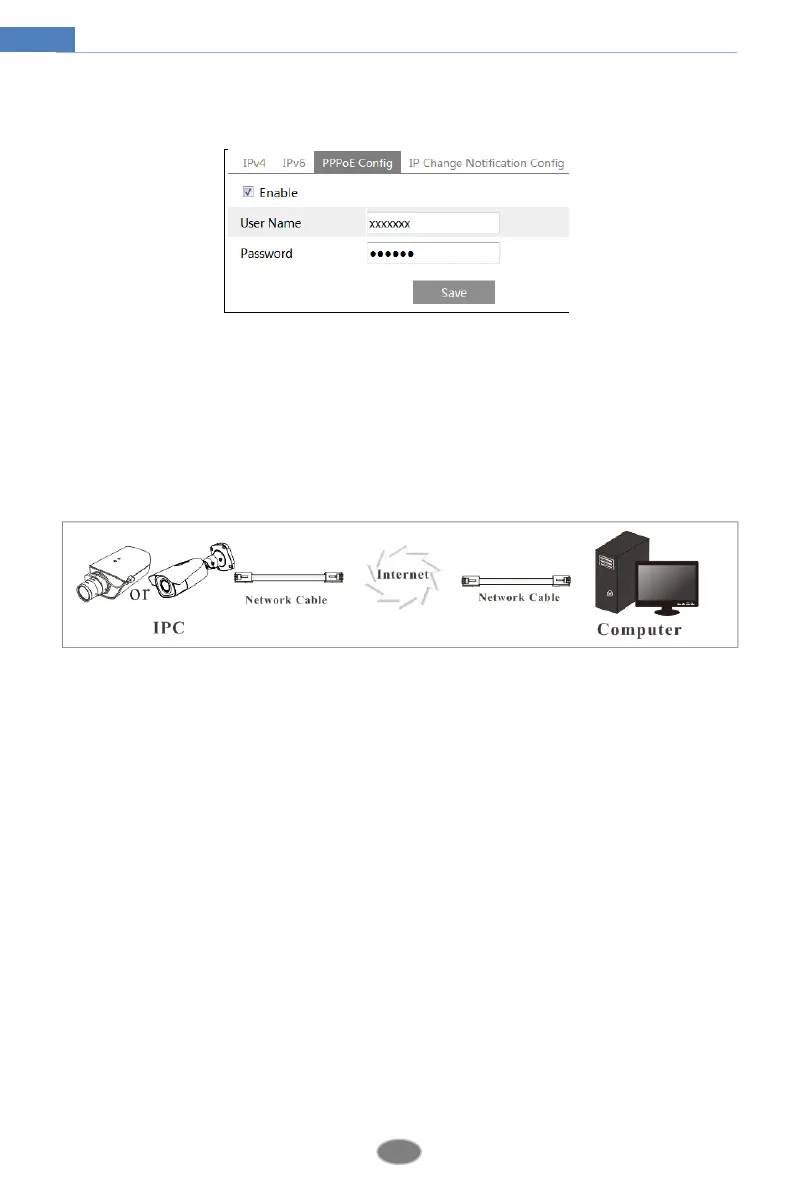
② Go to Config NetworkTCP/IPPPPoE Config menu. Enable PPPoE and then enter
the user name and password from your internet service provider.
③ Go to Config NetworkDDNS menu. Before configuring the DDNS, please apply for a
domain name first. Please refer to DDNS configuration for detail information.
④ Open the IE browser and enter the domain name and http port to access.
Access through static IP
Network connection
The setup steps are as follow:
① Go to ConfigNetworkPort menu to set the port number.
② Go to Config NetworkTCP/IP menu to set the IP address. Check “Use the following
IP address” and then enter the static IP address and other parameters.
③ Open the IE browser and enter its WAN IP and http port to access.












 To Next Page