Configuring the Gateway
FS-B35XX Series Start-up Guide 16
5.4 Test and Commission the FieldServer
• Connect the FieldServer to the third party device(s), and test the application.
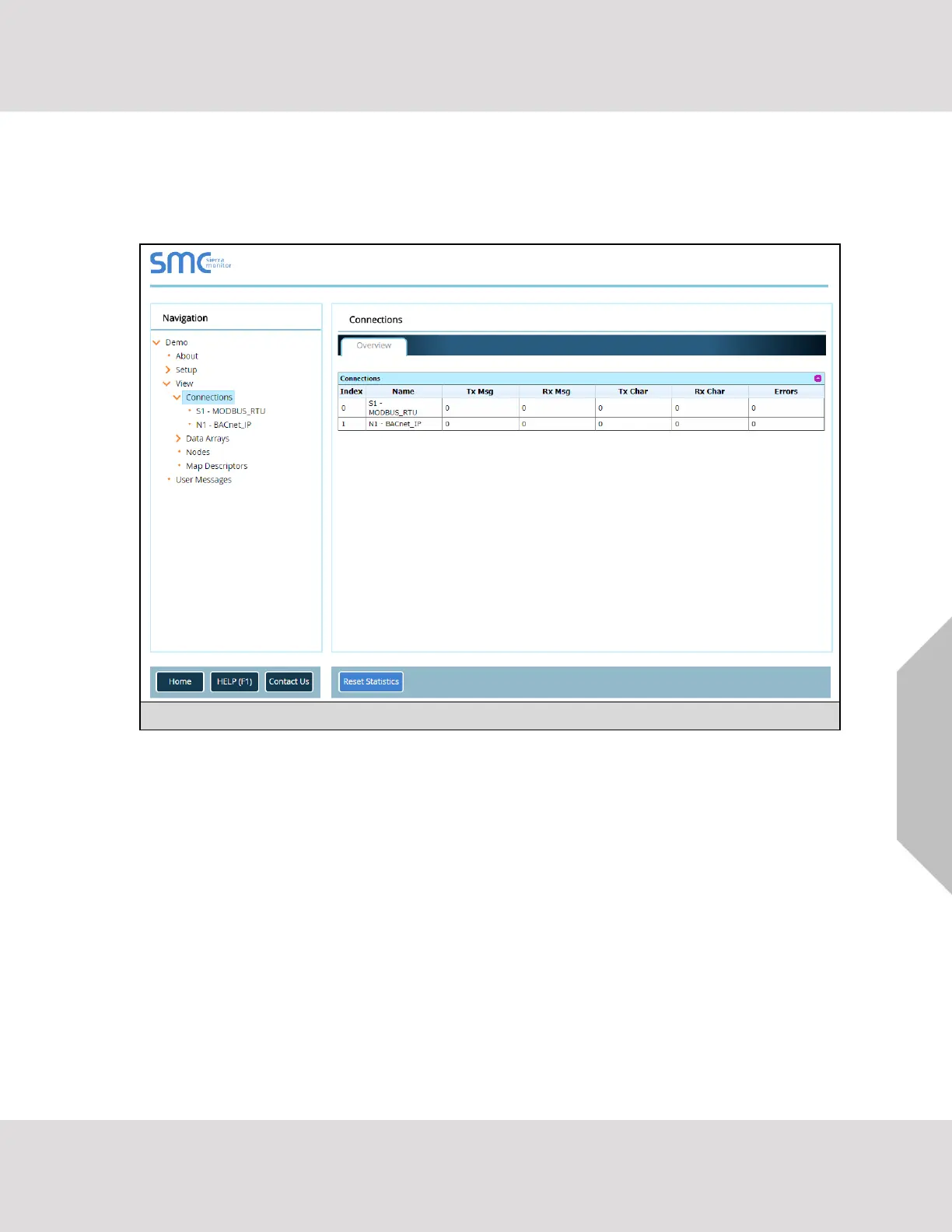
• From the main menu of the FS-GUI click on “View”, then “Connections” to see the number of
messages on each protocol.
NOTE: For troubleshooting assistance refer to Section 6, or any of the troubleshooting
appendices in the related driver supplements and configuration manual. MSA Safety also
offers a technical support page on the MSA Safety website, which contains a significant
number of resources and the latest versions of documentation that may be of assistance.



 To Next Page