EasyManua.ls Logo

MSA FieldServer FS-B35 Series - LED Interpretation; LED Power-Up Sequence; Internet Browser Software Support

MSA FieldServer FS-B35 Series
25 pages
Print Icon
To Next Page IconTo Next Page
To Previous Page IconTo Previous Page
Loading...
Troubleshooting
FS-B35XX Series Start-up Guide 22
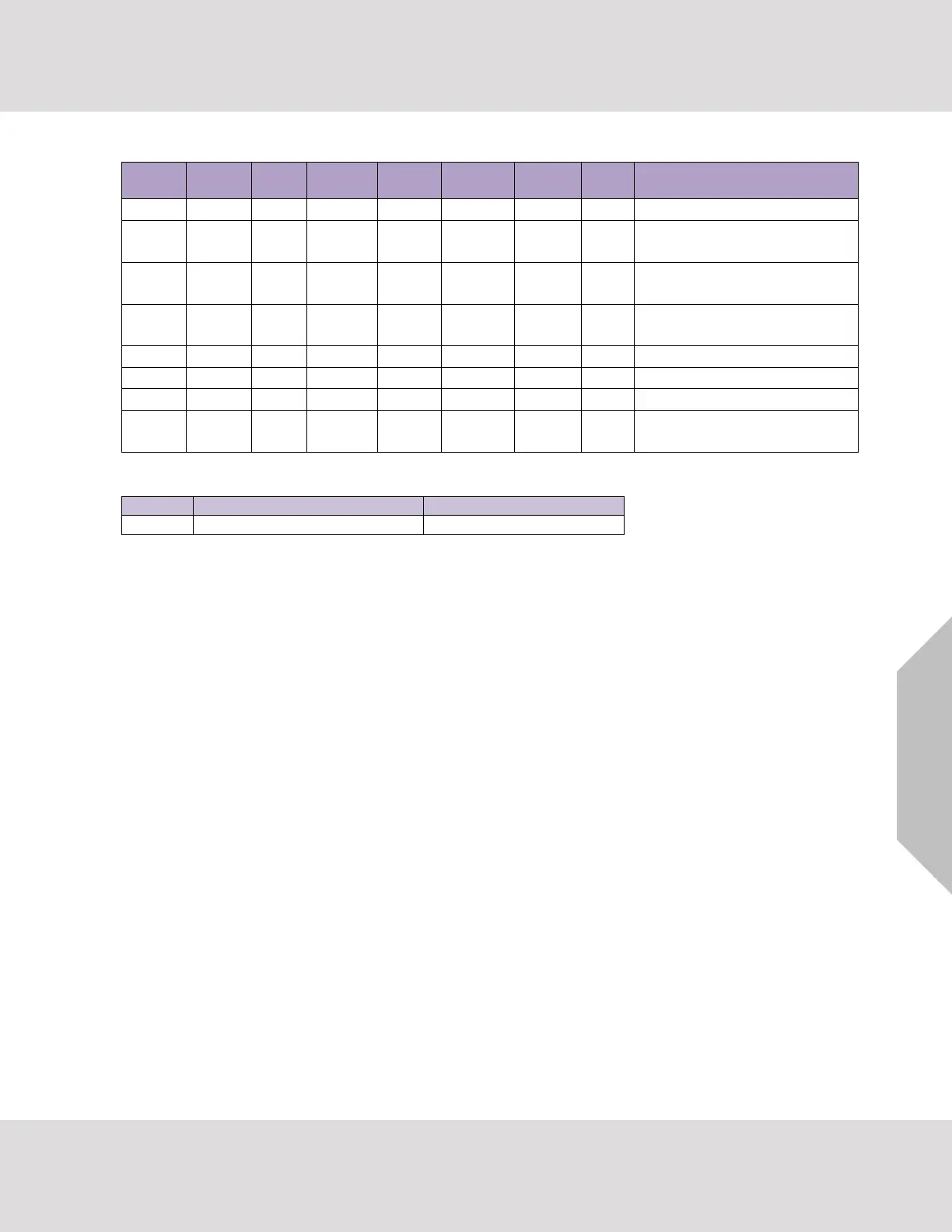
6.4.2 LED Interpretation
Sys
Err
HSB
Active
Com
Err
Config
Err
Active
Node
Offline
Run
PWR
Description
FLASH
ON
Indicating Power.
ON
FLASH
ON
One of the configured nodes
is offline.
ON
FLASH
ON
FieldServer is active in a Hot
Standby configuration.
ON
FLASH
ON
System Error. Contact
support.
OFF
FLASH
ON
RELEASE DCC running.
ON
FLASH
ON
Configuration error.
FLASH
FLASH
ON
Demo Mode.
Flash
Once
Flash
Once
Flash
Once
Flash
Once
Flash
Once
Flash
Once
Flash
Once
ON
Sequence of LEDs shows a
boot cycle attempt.
LonWorks LED Interpretation:
Explicit
Implicit Not Commissioned
Implicit Commissioned
Off
Flashing
Off
6.4.3 LED Power-up Sequence
1. Start-up: All LED’s on.
2. Load Bios: Run LED will switch off after completion.
3. Load U-boot: HSB Active LED will switch off after completion.
4. Load Linux Kernel: Node Offline LED will switch off after completion.
5. Load Ethernet driver: Config LED will switch off after completion.
6. Load Flash File: Sys LED will switch off after completion.
7. Load Application Firmware: Sys Error LED will switch off after completion.
6.5 Internet Browser Software Support
The following web browsers are supported:
Chrome Rev. 57 and higher
Firefox Rev. 35 and higher
Microsoft Edge Rev. 41 and higher
Safari Rev. 3 and higher
NOTE: Internet Explorer is no longer supported as recommended by Microsoft.
NOTE: Computer and network firewalls must be opened for Port 80 to allow FieldServer GUI to
function.


Table of Contents

Related product manuals