Troubleshooting
FS-B35XX Series Start-up Guide 18
6.2 Take a Diagnostic Capture
When there is a problem on-site that cannot easily be resolved, perform a Diagnostic Capture before
contacting support. Once the Diagnostic Capture is complete, email it to technical support. The
Diagnostic Capture will accelerate diagnosis of the problem.
NOTE: While all necessary documentation is shipped with the FieldServer on the USB flash drive,
these documents are constantly being updated. Newer versions may be available on the
MSA Safety website.
• Ensure that FieldServer Toolbox is loaded onto the local PC. Otherwise, download the
FieldServer-Toolbox.zip via the MSA Safety website.
• Extract the executable file and complete the installation.
• Connect a standard Cat-5 Ethernet cable between the PC and FieldServer.
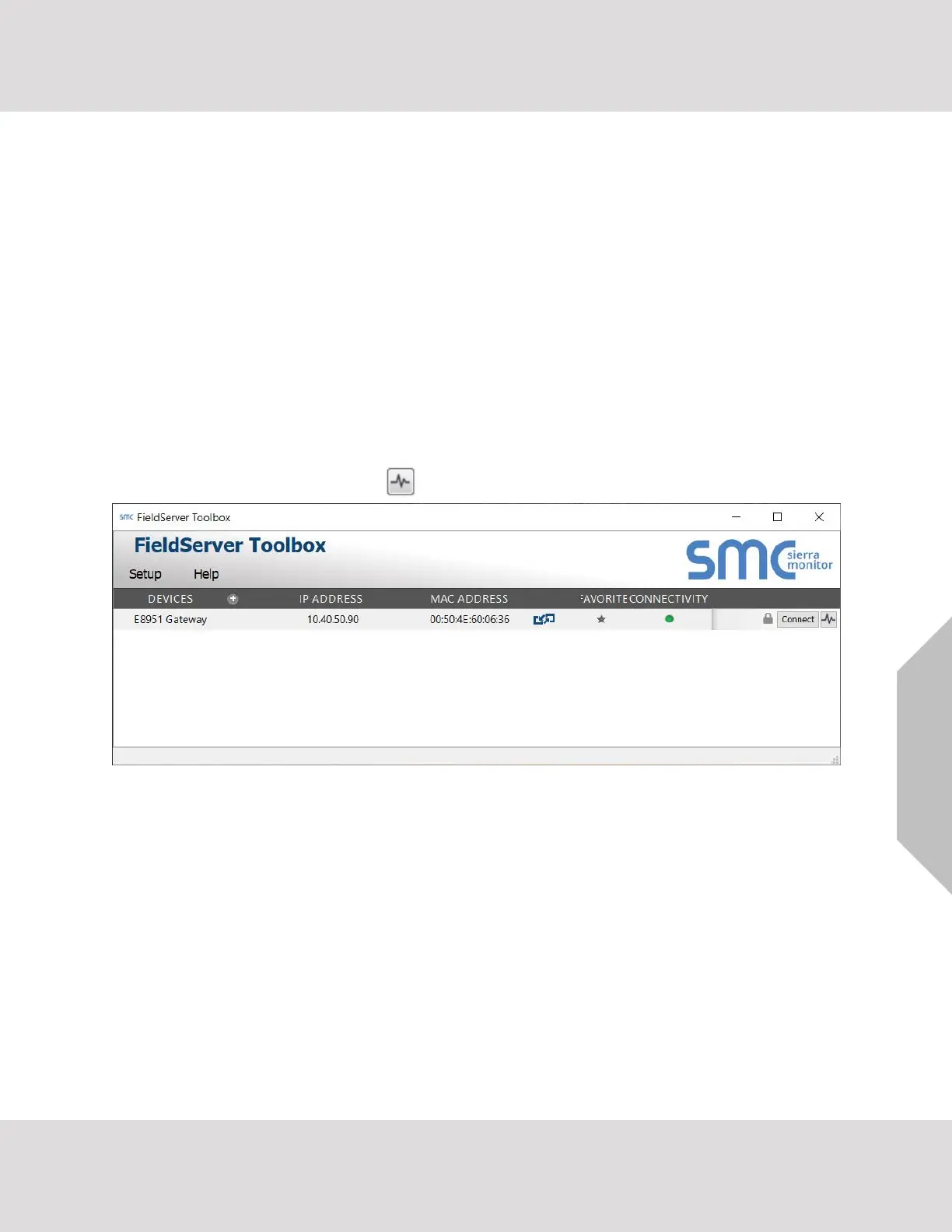
• Double click on the FS Toolbox Utility.
• Step 1: Take a Log
o Click on the diagnose icon of the desired device



 To Next Page