Troubleshooting
FS-B35XX Series Start-up Guide 19
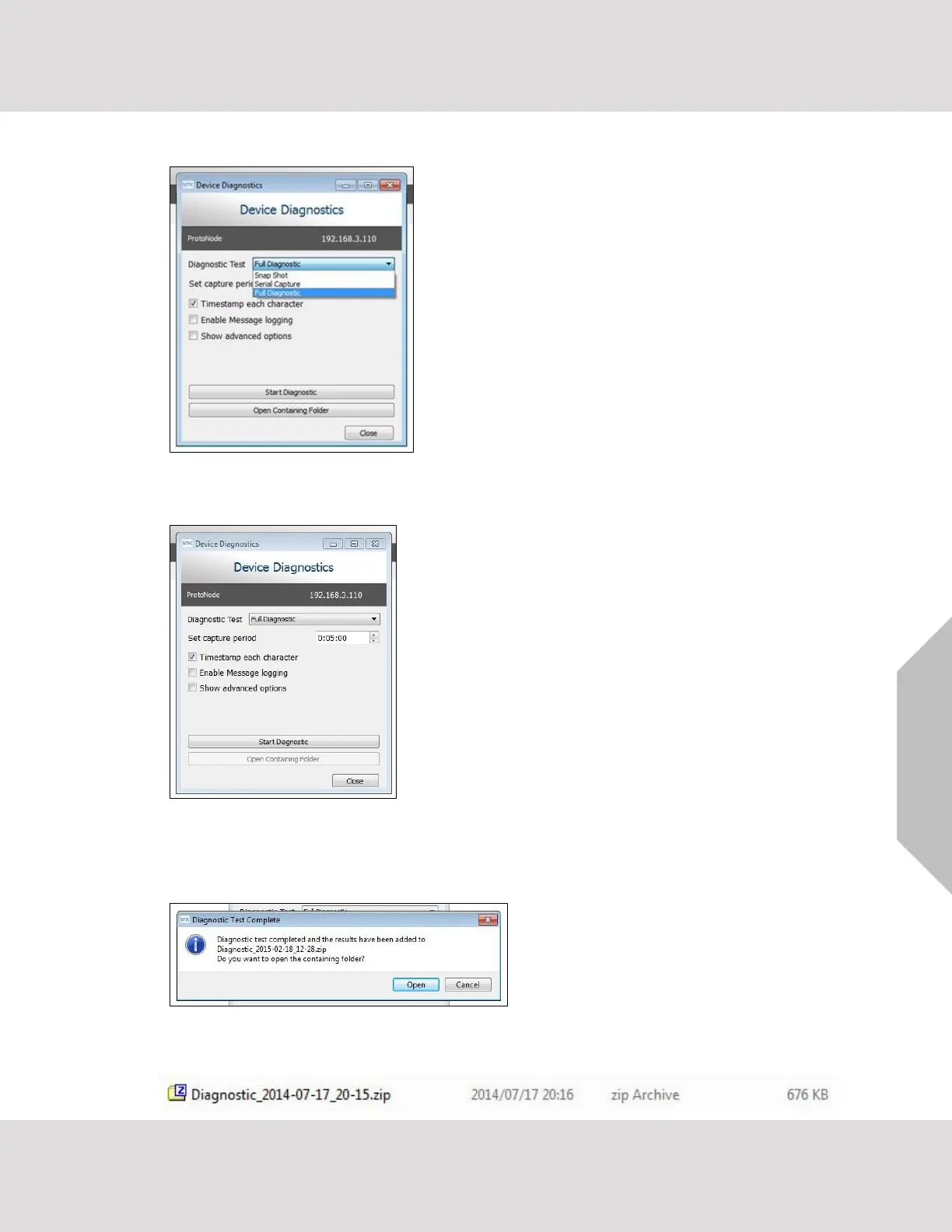
o Ensure “Full Diagnostic" is selected (this is the default)
NOTE: If desired, the default capture period can be changed.
o Click on the Start Diagnostic button
o Wait for the capture period to finish and the Diagnostic Test Complete window will appear
• Step 2: Send Log
o Once the diagnostic test is complete, a .zip file is saved on the PC
o Choose “Open” to launch explorer and have it point directly at the correct folder
o Send the Diagnostic zip file to technical support



 To Next Page