2-25
Hardware Setup
Slots
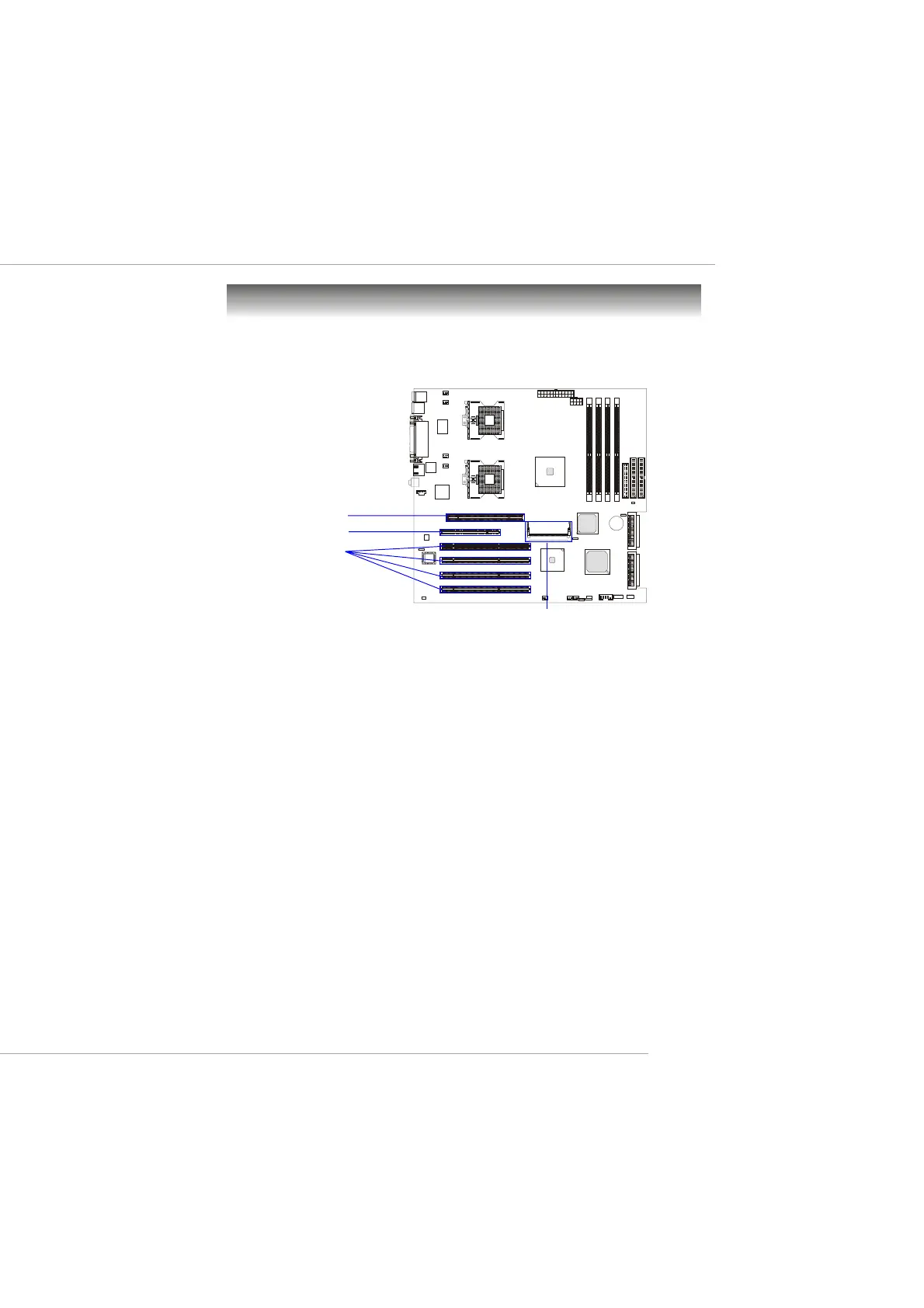
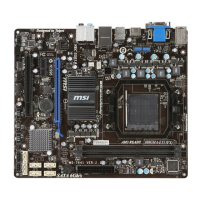
The motherboard provides one AGP Pro slot, one 32-bit Master PCI
slot, one Mini PCI slot, and four 64-bit PCI-X slots.
AGP (Accelerated Graphics Port) Pro Slot
The AGP Pro slot allows you to insert the AGP/AGP Pro graphics card.
AGP is an interface specification designed for the throughput demands of 3D
graphics. It introduces a 66MHz, 32-bit channel for the graphics controller to
directly access main memory.
PCI (Peripheral Component Interconnect) Slots
The PCI slots allow you to insert the expansion cards to meet your needs.
When adding or removing expansion cards, make sure that you unplug the
power supply first. Meanwhile, read the documentation for the expansion card
to make any necessary hardware or software settings for the expansion card,
such as jumpers, switches or BIOS configuration. One PCI slot is conven-
tional 32-bit PCI bus slot and the other four are 64-bit PCI bus (also called
PCI-X) slots.
32-bit PCI bus: The bus has 32 data lines and runs at 33MHz.
64-bit PCI-X bus: The bus has 64 data lines and runs at 100MHz.
With twice data lines and much faster PCI clock, the 64-bit PCI bus
increases the throughput and overall system performance. The 64-bit
PCI-X Slot 3 in GREEN color is the only PCI slot where the Zero
Channel RAID (ZCR) card can be installed.
32-bit PCI Slot
64-bit PCI-X Slots
AGP Pro Slot
Mini PCI Slot
This manual downloaded from http://www.manualowl.com



 To Next Page