2-27
Hardware Setup
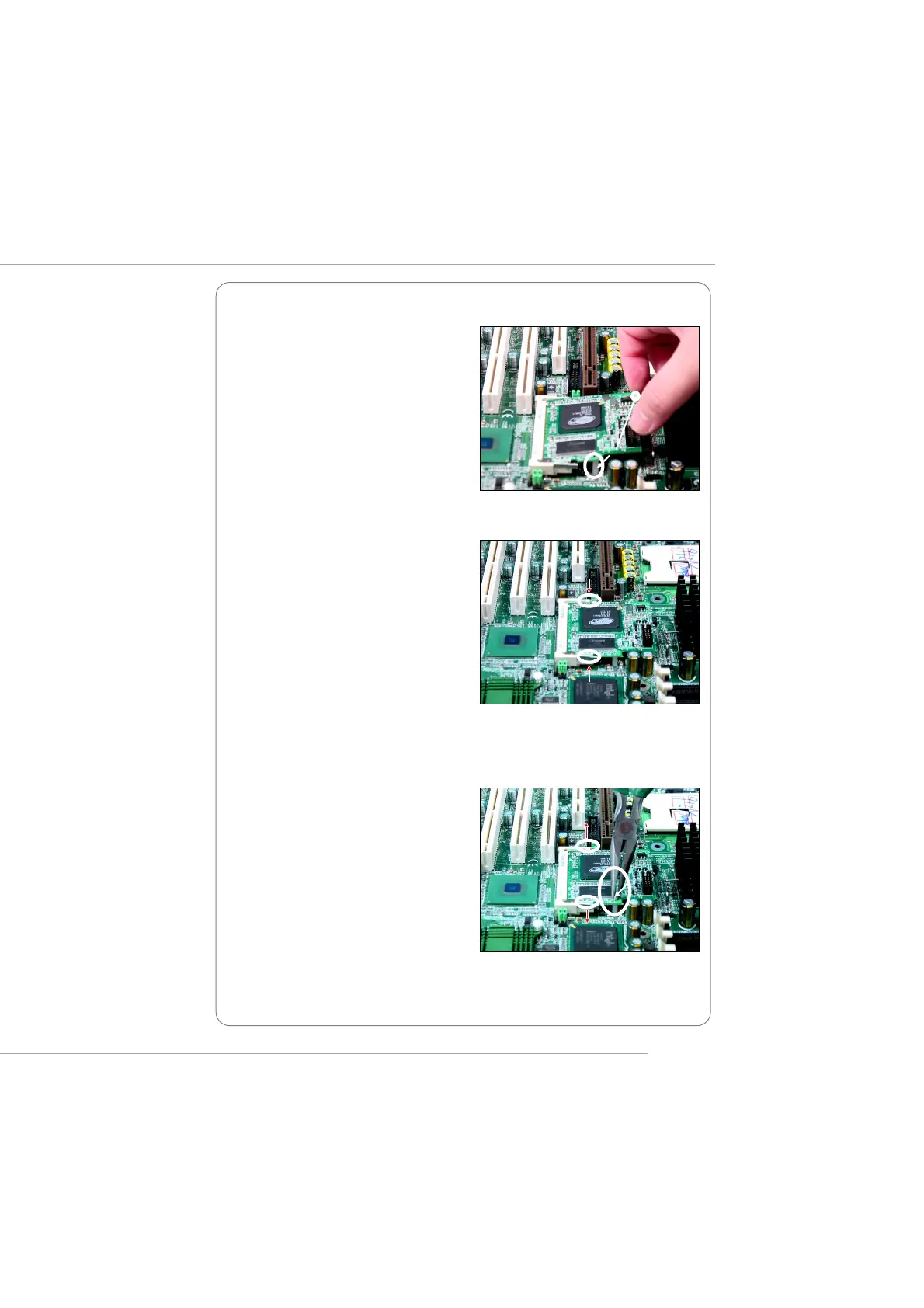
Removing the card:
supporters
supporter
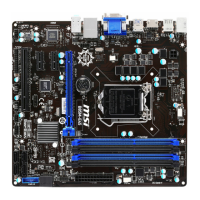
3. Locate the supporters on the
mainboard (one on the right end and
the other on the left end). Align the two
fixing holes on the card with the sup-
porters and press the card carefully
down until the fixing holes get locked
by the supporters.
4. Push the retaining clips (on two ends
of the slot) inwards until they lock onto
the notches in the ends of the card. The
card should securely fit into the slot.
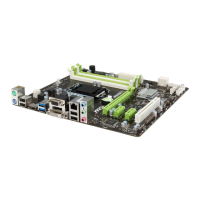
1. Gently push the retaining clips
outwards. Hold the card lightly but
firmly. Use long nose pliers to clip one
of the supporters and press it down-
wards until it withdraws from the fix-
ing hole.
This manual downloaded from http://www.manualowl.com



 To Next Page