USER MANUAL V1.0 | Updated January 19, 2019 20
Setup machine
See Getting Started.
NOTES:
The machine will function with Water and Solvent base ink series from us only. Trying to use
unapproved cartridges may damage the machine and void the warranty.
Keyboard setup
Insert the receiver of wireless keyboard to USB port (port 2) on machine, remove the
protected stamp in the battery slot and turn on the button at the back of the keyboard to
begin operating machine with wireless keyboard.
From the main screen of machine, use arrow keys to move the cursor to Settings
and begin implementing initial setups for the machine. Press Enter to save and apply
settings. Otherwise, press ESC.
Wi-Fi setup
See at QUICK GUIDE.
PC connection setup
Be sure you have a PC plugged in connected with machine via a USB A-B cable.
Install Controller Application and Driver of machine to your PC.
From the main screen of machine, go to Operation and select Connect to PC to
connect machine with PC.
Open Controller Application on your PC to begin design your desired message with free
template designing tool.
Setup external devices (Optional)
See again at External device connection.
Install external sensor.
Install encoder.
Install alarm kit.
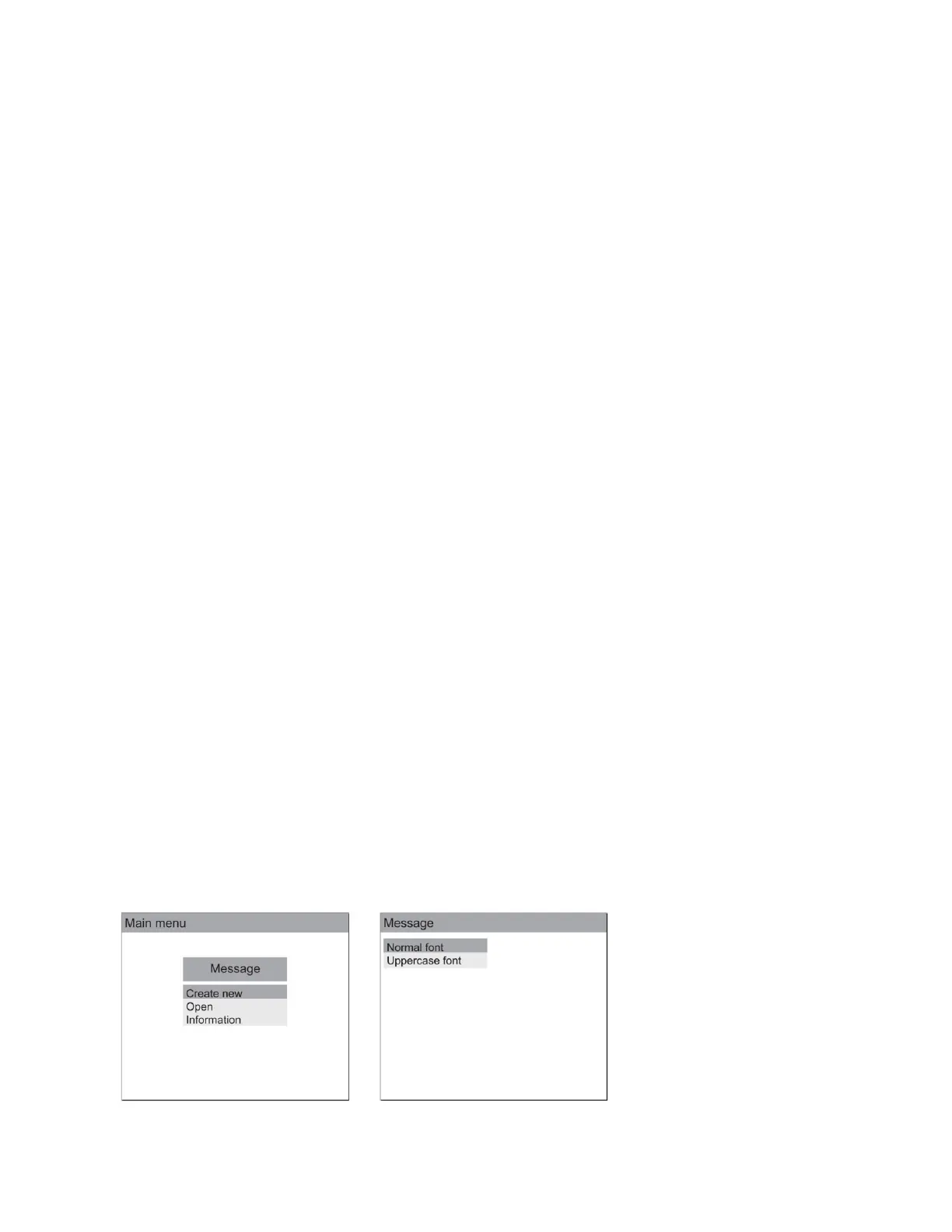
Create first messages
On machine with keyboard (Standalone mode)
Select Normal/Uppercase
font



 To Next Page