USER MANUAL V1.0 | Updated January 19, 2019 47
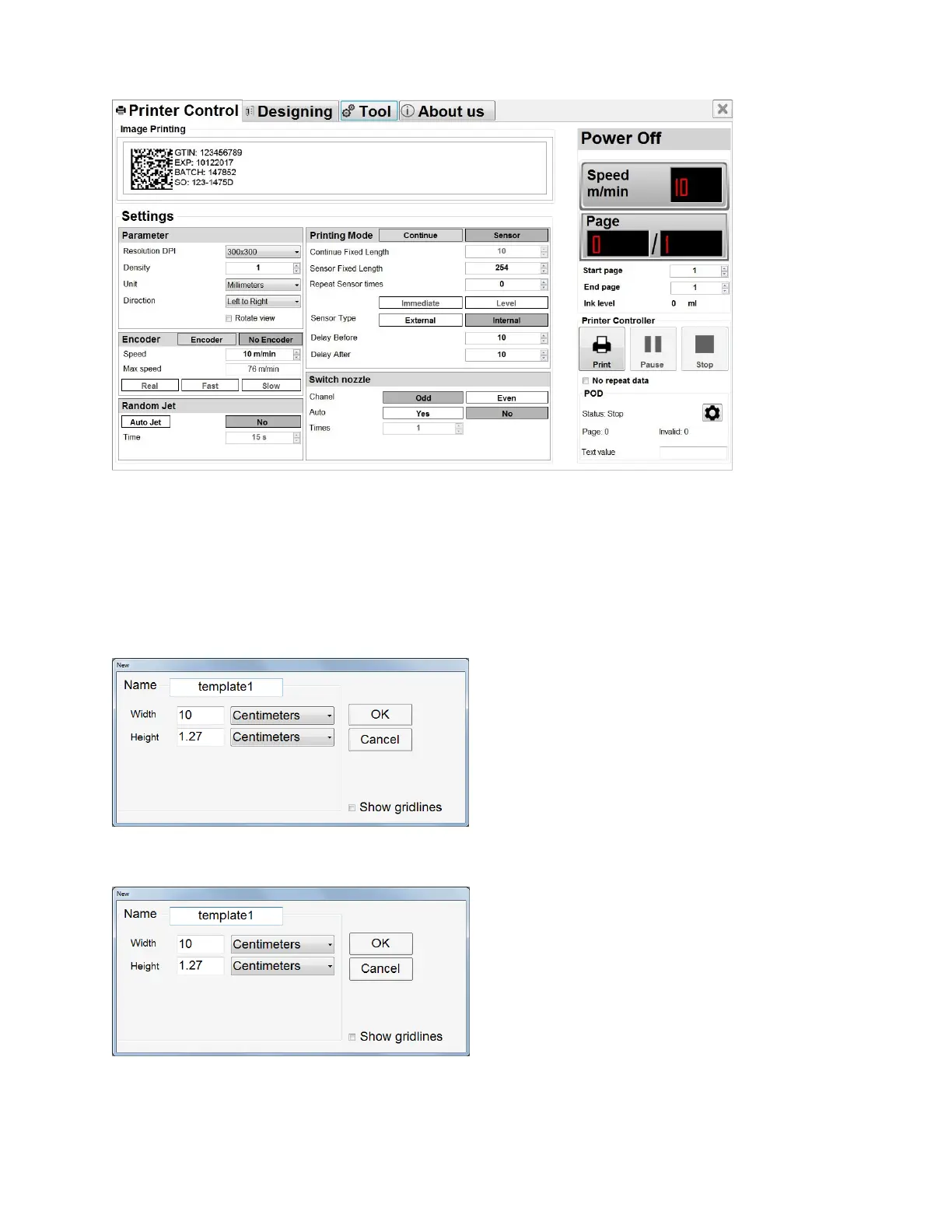
Printer Controller Interface
Setting all printing parameters for the message before starting print. Be sure to stop the
printing mode before setting the parameters.
Create new message
Click DESIGNING to open design template. From the designing section, select New
Template. A new window pops up.
• Name your message in Name field.
Input Width and Height of your message. Height of the message is default at 12.7mm.
Select measurement: Centimeters, Millimeters, Inches, Pixel.
Select OK to save settings and begin designing message.



 To Next Page