USER MANUAL V1.0 | Updated January 19, 2019 59
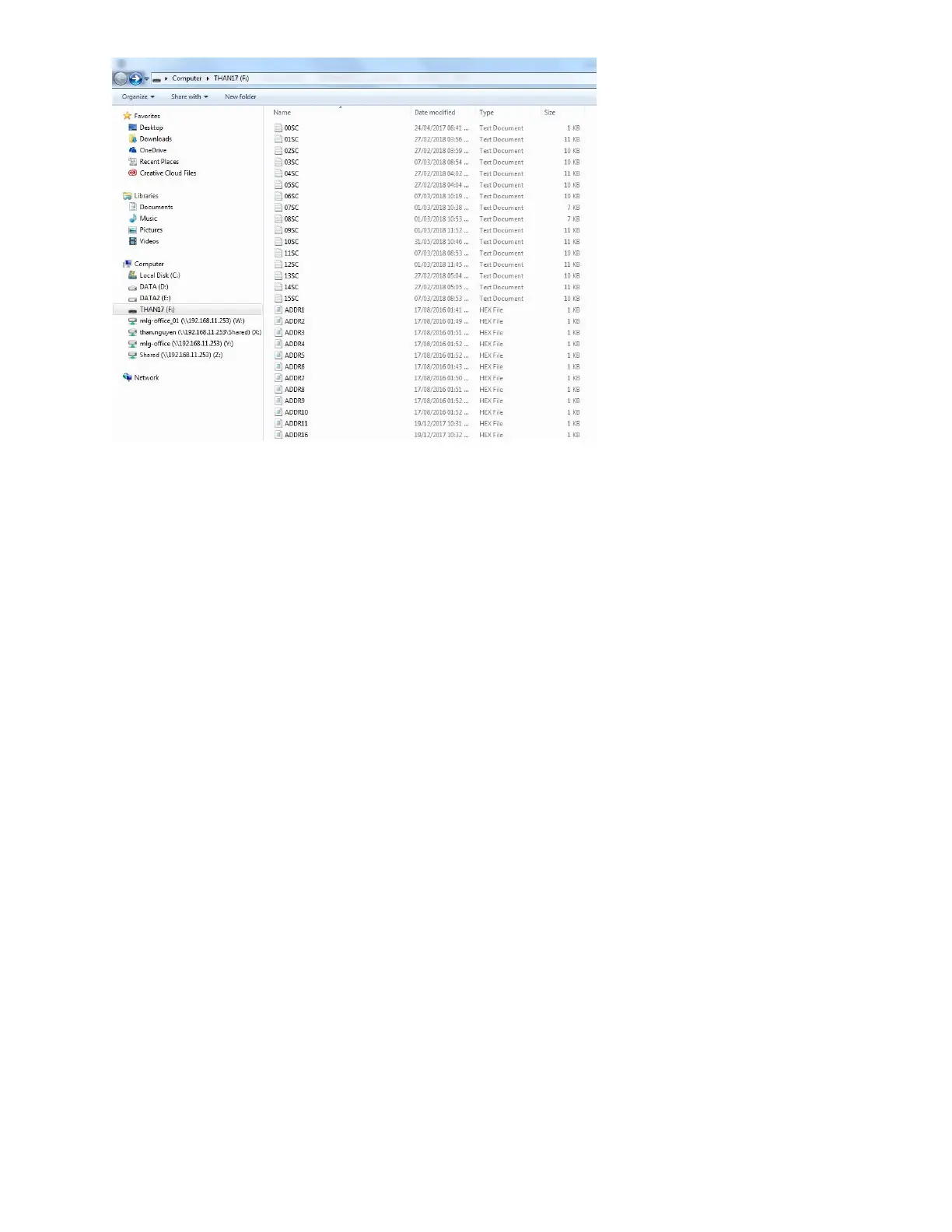
Insert USB flash disk into USB port 1 on machine.
Update firmware
From the main menu, use the arrow keys to go to Settings About Update Firmware
Yes.
This process will take 3 minutes.
When update is complete, use the arrow keys to go to Settings Default Yes.
After default complete, at Main Menu and press F12.
Press combine Ctrl + Shift + Alt + K to update booting logo.
Update logo
When update is complete, go to Settings Update logo and do the following updates:
Update Logo Logo 1.
Update Logo Logo 2.
Update Logo Logo 3.
Update Logo Logo 4.
Select All to update all logo.
You can skip this step if it not applicable to you.
Update font
This process will take 7 - 10 minutes.
Update Font Font 12.7 mm.
Update Font Font 5.92 mm.
Update Font Font 3.89 mm.
Update Font Font 2.54 mm.
Update Font Font 1.69 mm.
NOTES:
This step must be updated to make sure your Edit Messages on machine work well.



 To Next Page