USER MANUAL V1.0 | Updated January 19, 2019 46
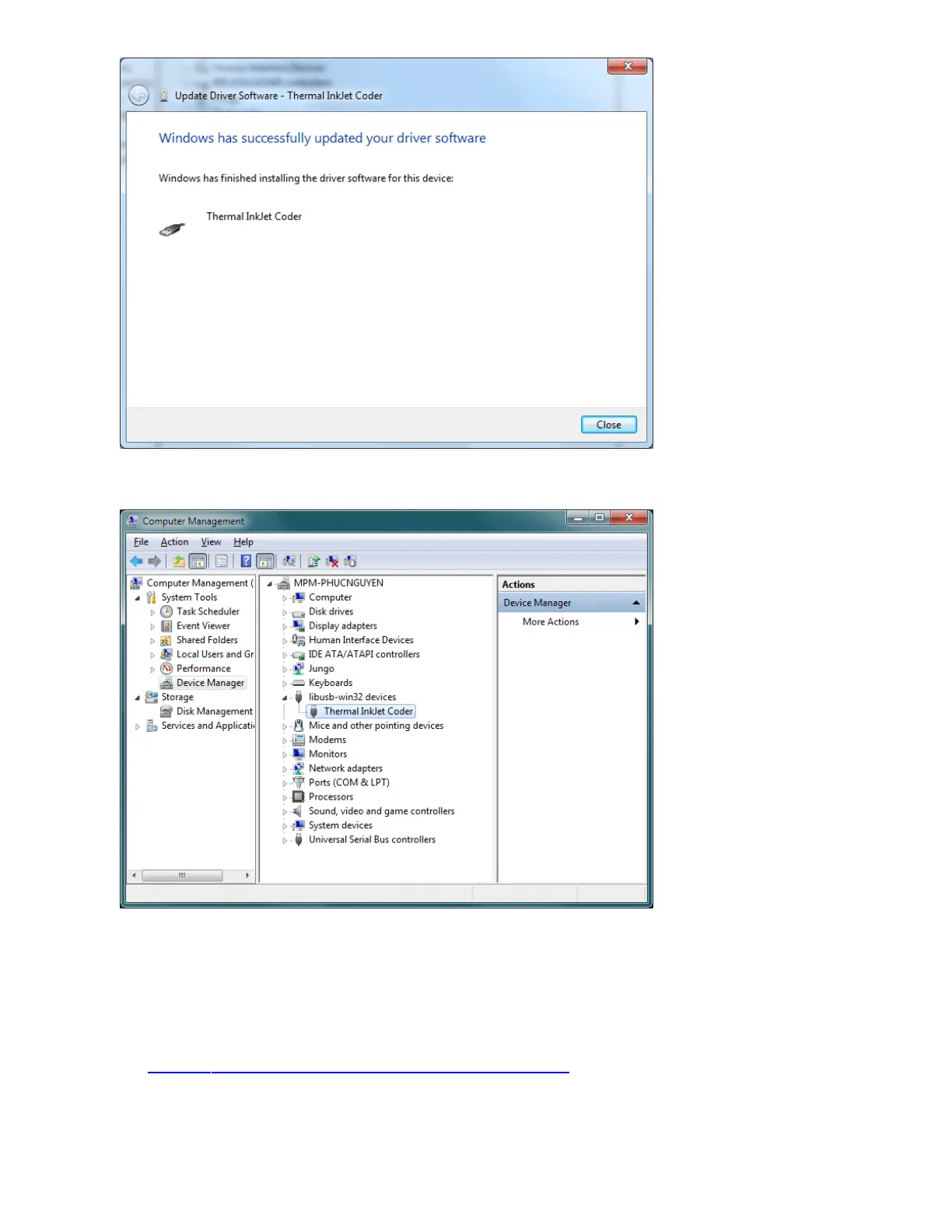
Wait a moment and see your driver has installed successfully.
Look at Device Manager, you will see Thermal InkJet Coder device appear here.
Install driver on Windows 8, 10
If your PC uses Windows 8 or Windows 10, please perform the next step to Disable
signature enforcement before you install the driver. Please see the instructions in the
link: How to Disable Driver Signing Check in Windows 10
Software Using
Make sure Hardware Setup has been completed.
After installed, open Controller application.



 To Next Page