USER MANUAL V1.0 | Updated January 19, 2019 48
NOTES:
Be sure the objects are completely located in the template. Any parts projected out of this
section will be missed print.
Static text object
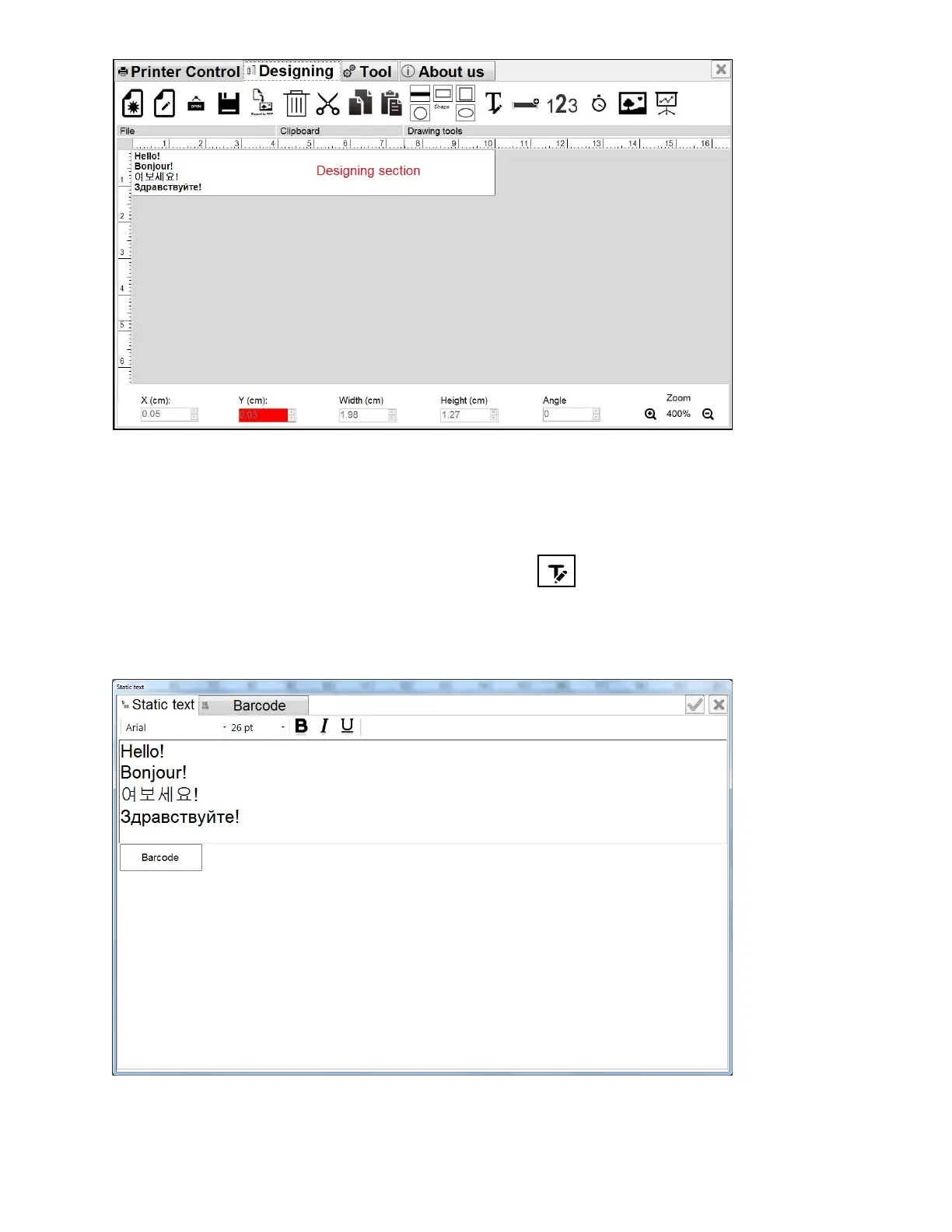
From the Designing section, select Static Text and click on the designing section.
Static Text window will pop up.
Input content from your keyboard. You can select any font type (Window True Font), any
font size and input in any language.
Format your content just like functioning on Microsoft Word, including font, size, bold, italic,
underline, left, center and right align.



 To Next Page