USER MANUAL V1.0 | Updated January 19, 2019 49
• Position of the text can be aligned in 2 directions: Vertical Alignment and Horizontal
Alignment.
• Vertical Alignment: Top, Center, and Bottom.
• Horizontal Alignment: Left, Center, Right.
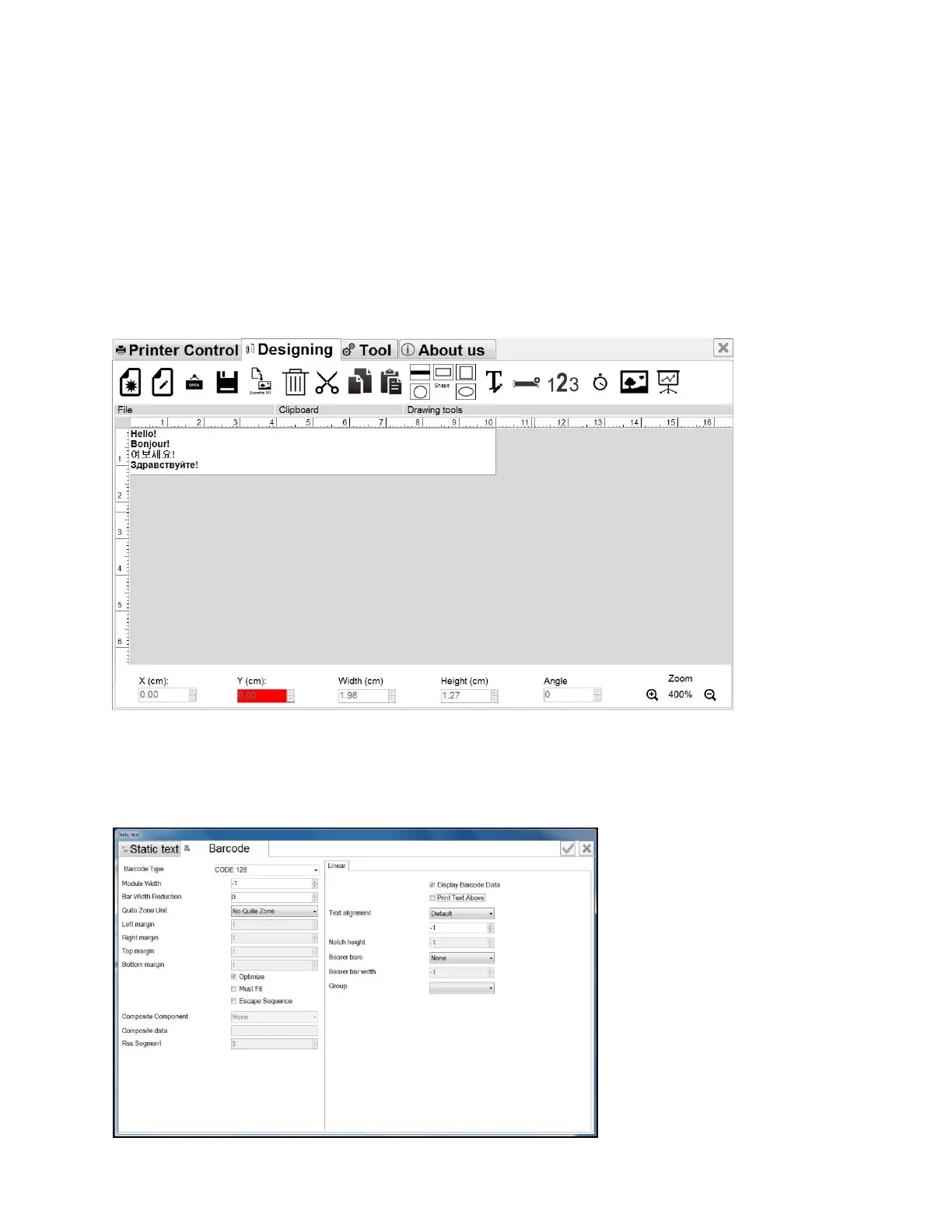
• Select Barcode to create if barcode is needed.
• Barcode tab will pop up.
• Press button to finish your input.
Your static text will appear on the template. Right now you can adjust position and size of this
text.
Use the roll button to zoom in or zoom out the template.
If you would like to convert above string to barcode format. Please check at “Barcode” check
box. The window input will open new barcode tabs.
• Click on Barcode tab. A new window will pop up to set the parameters for the barcode.
• Select your desired type of barcode at Barcode Type.



 To Next Page