USER MANUAL V1.0 | Updated January 19, 2019 50
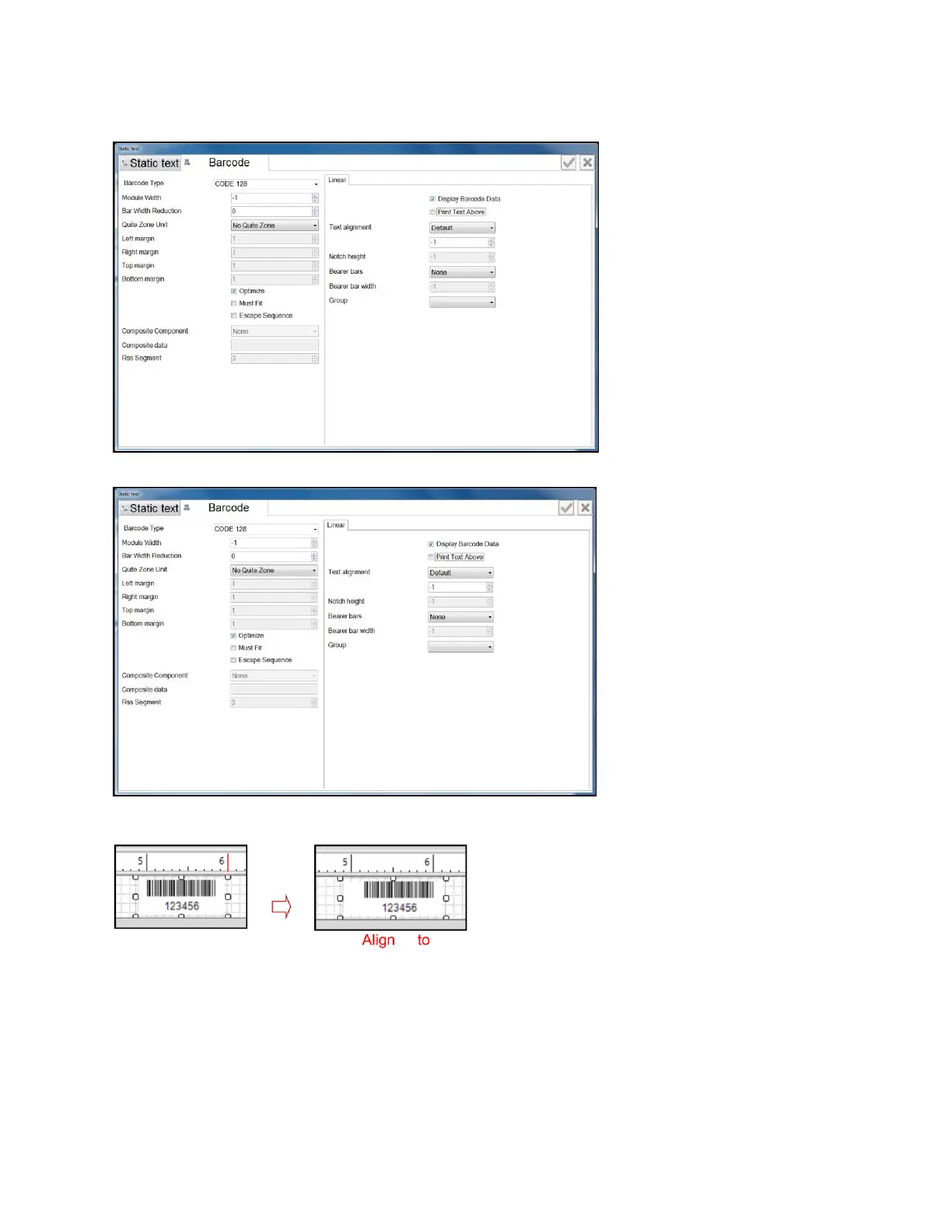
Look at below Barcode type and Linear to set parameters according to your specific
requirements for each barcode.
Place your barcode within the Margin.
Left Margin: align barcode from the left.
Right Margin: align barcode from the right.
Top Margin: align barcode from top.
Bottom Margin: align barcode from bottom.
Unit of Measure: choose unit of for margin: Centimeter, Inch and Pixel.
Text Margin: set distance from the text (barcode data) to the bottom edge of barcode.



 To Next Page