USER MANUAL V1.0 | Updated January 19, 2019 51
Barcode module width: adjust width of barcode.
Barcode module height: adjust height of barcode.
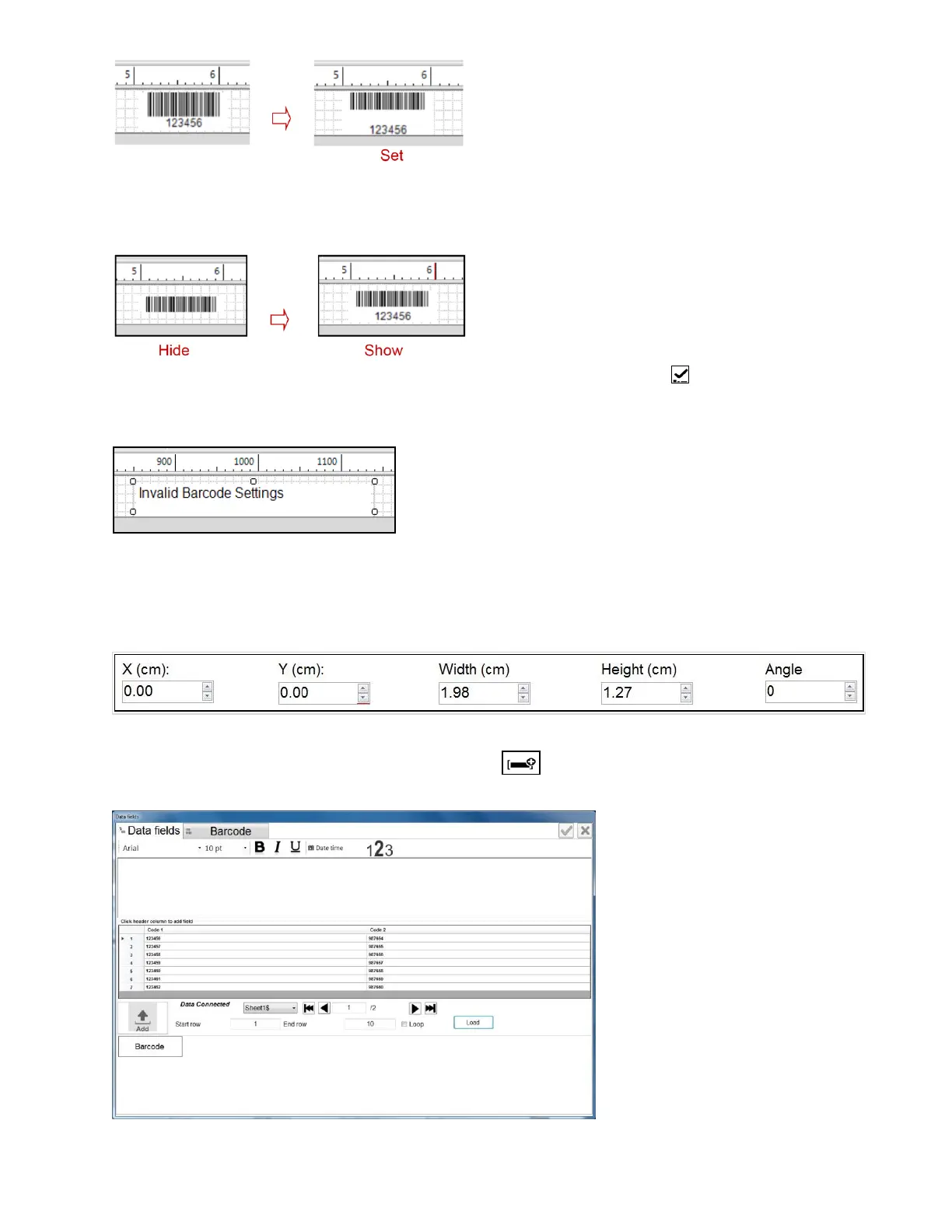
Display Barcode data: show/hide barcode data.
When all parameters are set, go back to Static Barcode, select to confirm and apply
settings.
No barcode will be generated if the data input is incorrect.
Set the position of the object.
X: Align object from the left.
Y: Align object from the top.
Angle: rotate the object.
Data field object
From the Designing section, select Data Fields and click on the designing section. Data
Fields window will pop up.



 To Next Page