Press the p or q button to select the menu item STORAGE FOR RECORDING. Confirm with OK.
You can choose between two options:
SD-Card:
Choose SD card to get the videos on an SD card.
USB device:
Choose USB device to get the videos on an USB device.
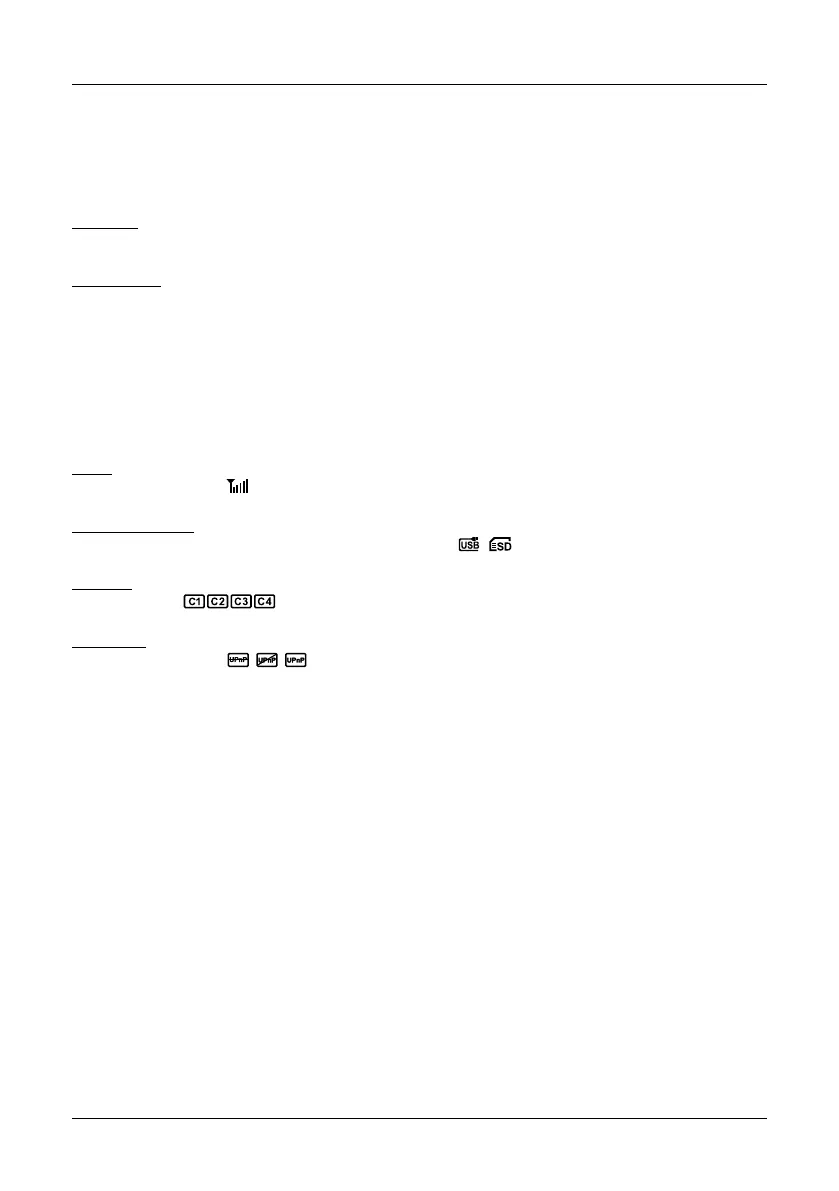
Press the p or q button to select the menu item DISPLAY ITEMS. In this menu you can choose
which icons should be shown on the display.
RSSI:
Signal intensity icon:
SD / USB Status:
Whether the SD card or mobile hard disk is inserted:
Kamera:
Camera name:
Netzwerk:
Network connection:
If the icons are displayed, each option is provided with a marker. You can press the OK button to
activate the option or disable. Then press the MENU button to save and exit.
Press the p or q button to select the menu item TV SYSTEM. In this menu you can select the TV
standard for the external monitor. You can choose between NTSC and PAL.
Press the p or q button to select the menu item SYSTEM INFORMATION. In this menu, you will
see various information about the camera system, or the monitor.
Storage for Recording
Display Items
TV System
System Informationen
11
5. Main Menu
ENGLISH


 To Next Page