21
6. Operating with Android devices
ENGLISH
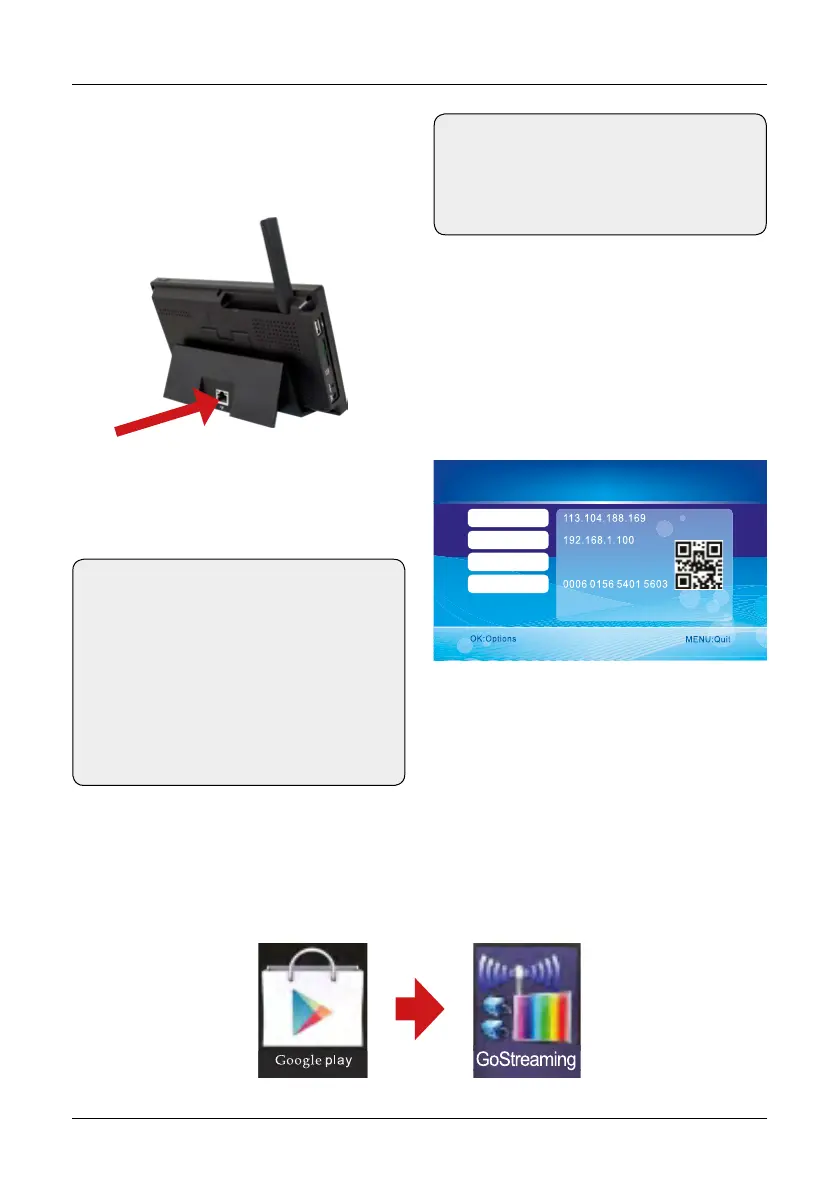
Check the Google Play Store with your mobile device (eg smartphone). Search for the application
„Goscam GoStreaming“ and download it. Install the software.
After successful connection, go to the Main
Menu -> Network -> Network Information. In
the monitor display the following window will
be displayed.
Note:
The monitor does not support Plug and
Play. First, plug the network adapter and the
LAN cable before you turn on the monitor.
Note:
If you want to stream the videos over the
phone network on your smartphone, you
must enable the UPnP function on your
Internet router.
Warning: uPnP is not supported by any
Internet router. Alternatively, you enter
the port that is displayed on the display
manually.
Connect to the network
Download & Operation the App for Android devices
5003
Networ k ready!
Networ k Informatio n
Golbal IP
Loca l IP
Port
Device ID
Stecken Sie ein LAN Kabel in die Buchse an
der Dockingstation und verbinden Sie so mit
Ihrem Internet-Router.


 To Next Page