MTS 793 Controller Hardware
FlexTest GT Controller Connections
154
How to Send Signals to External Readout Devices
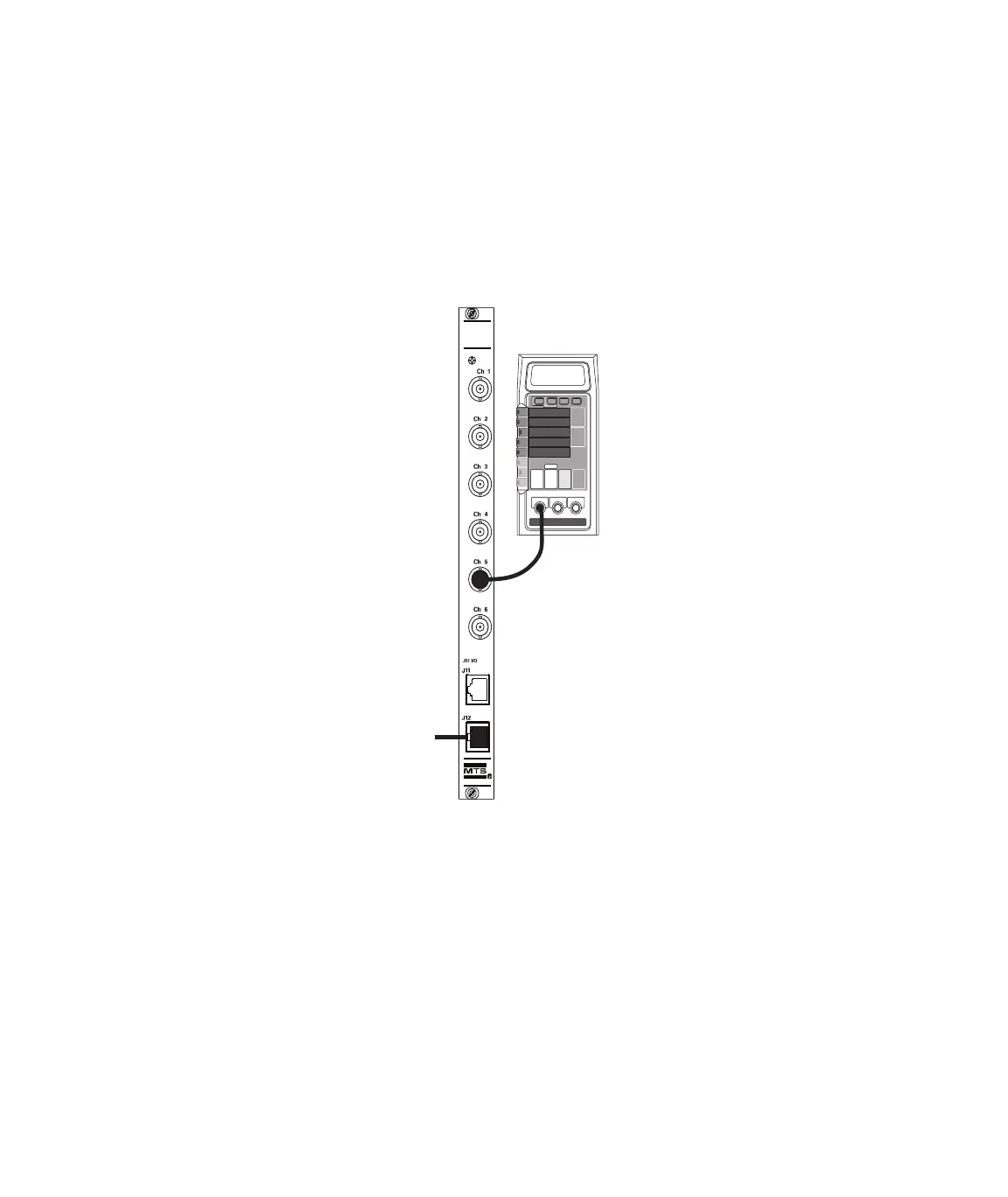
1. Cable your controller to the readout device.
Cable your FlexTest IIm analog output connector to the readout
device. Analog I/O connectors are located on the rear of the test
processor chassis. Connect an external readout device analog
input to a BNC connector on a Model 493.76 Analog Out module.
2. Create a readout channel with Station Builder.
3. Adjust the readout signal in Station Manager.
Use Station Manager to adjust the readout signal.
493.76
Analog Out
Analog Monitor
From
I/O Carrier
Module
Artisan Technology Group - Quality Instrumentation ... Guaranteed | (888) 88-SOURCE | www.artisantg.com



 To Next Page