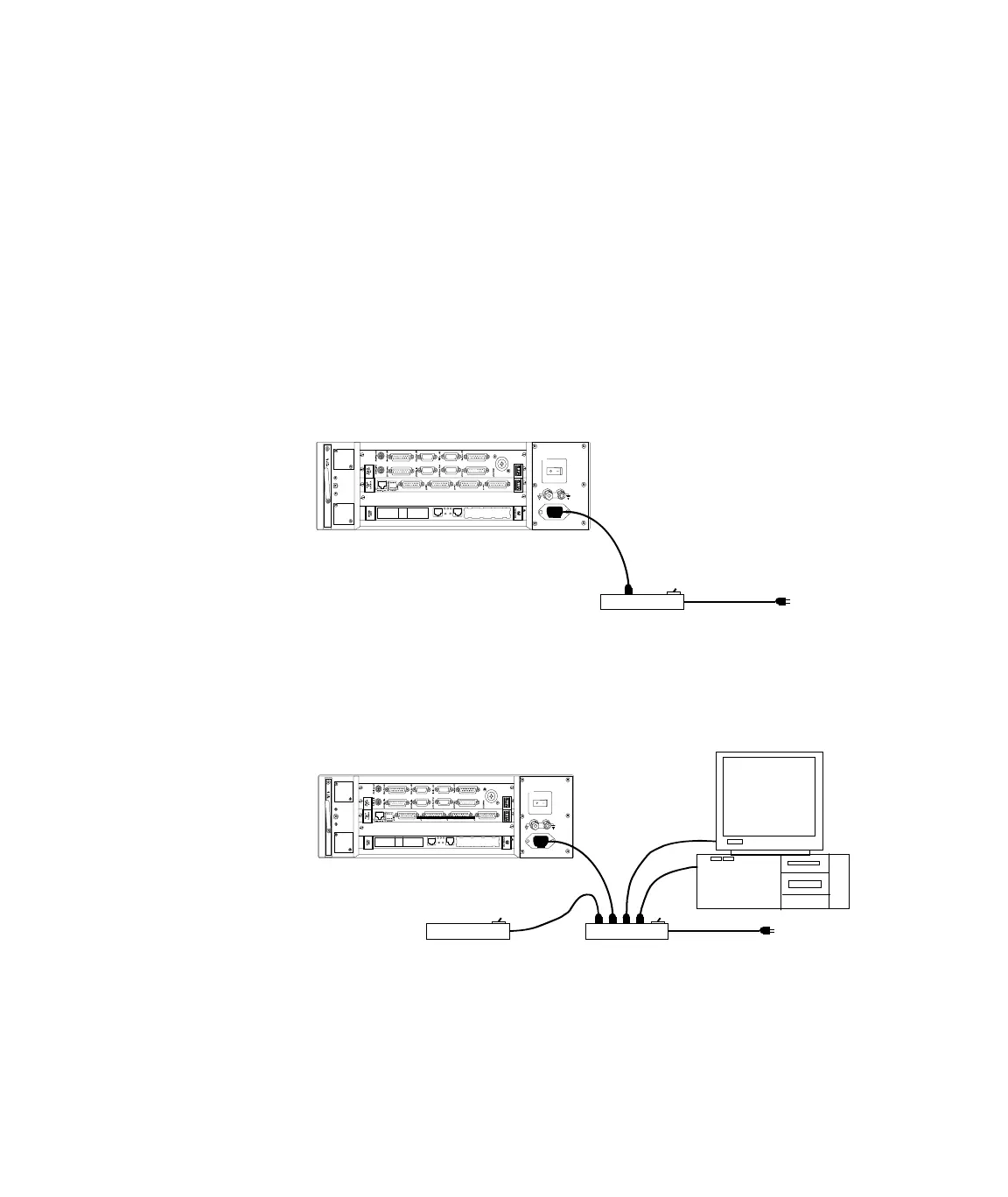
MTS 793 Controller Hardware
Installing the 493.02 Chassis (FlexTest SE)
Installation
54
• The power supply automatically selects the proper voltage range
and line frequency.
• The power supply is protected with an external circuit breaker in
the On/Off switch that trips at a 5 amp overload. An internal fuse
in the power supply is not user accessible or repairable.
AC power disconnect Turn off the AC power switch. Remove the AC power cord from the
unit. This will remove all AC power from the 493.02 chassis.
Note Be sure to locate the chassis so you have adequate access to
disconnect the power cord from the chassis.
TYPE E PC-MIP
TYPE E PC- MIP
RUN 6TS BFL
ABT R ST
DEBUG
PCI MEZZANNE CA RD
Powe r
100– 240 VA C
50–60 Hz, 12–6A
Outlet Strip
w/ circuit breaker
Line
Voltage
tan
-
one
on
gurat
on
Line
Voltage
Outlet Strip
(printer, etc)
TYPE E PC-MIP
TYPE E P C-MI P
RUN 6TS BFL
ABT RST
DEBUG
PCI ME ZZA NNE CAR D
Power
100–240 V AC
50–60 Hz, 1 2–6A
Outlet Strip
w/ circuit breaker
Automated Configuration
Artisan Technology Group - Quality Instrumentation ... Guaranteed | (888) 88-SOURCE | www.artisantg.com



 To Next Page