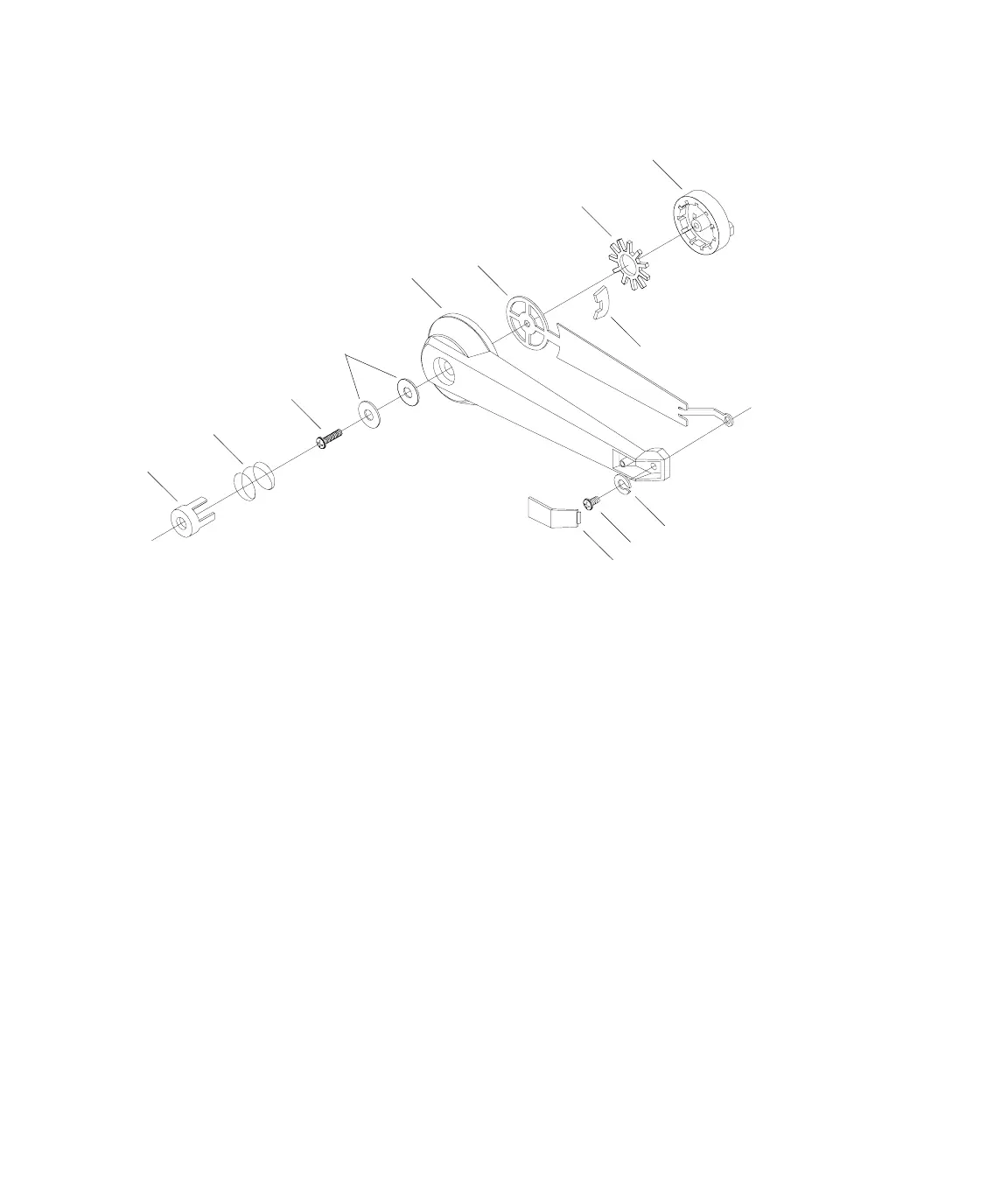
Installing the 493.02 Chassis (FlexTest SE)
MTS 793 Controller Hardware Installation
57
Handle Kit
1. Place one support arm (1) into one handle side leg (2), as shown
in the handle kit assembly figure.
2. Set one of the clips (3) in place over the slender, straight portion
of the support arm (1), just behind the circular end of the support
arm.
3. Insert two washers (4) and a screw (5) through the mounting hole
in the handle side leg (2).
4. Insert a spring (6) and a button (7) into the handle side leg
mounting hole, over the screw (5) and washers (4).
5. Press the button (7) into the handle side leg, as far as you can and
push a ratchet (8) over the button (7) leg detentes, until it snaps
into place over the first set of detentes. Make certain the burred or
sharper edges of the ratchet are pointing toward the handle side
leg.
1
2
3
4
5
6
7
8
9
10
11
12 (handle-not shown)
13
Artisan Technology Group - Quality Instrumentation ... Guaranteed | (888) 88-SOURCE | www.artisantg.com



 To Next Page