MTX-xG-JAVA-IoT Family
www.mtxm2m.com 2017/07 v1.2 Page 61/105
MTX M2M® by MATRIX ELECTRONICA S.L.U
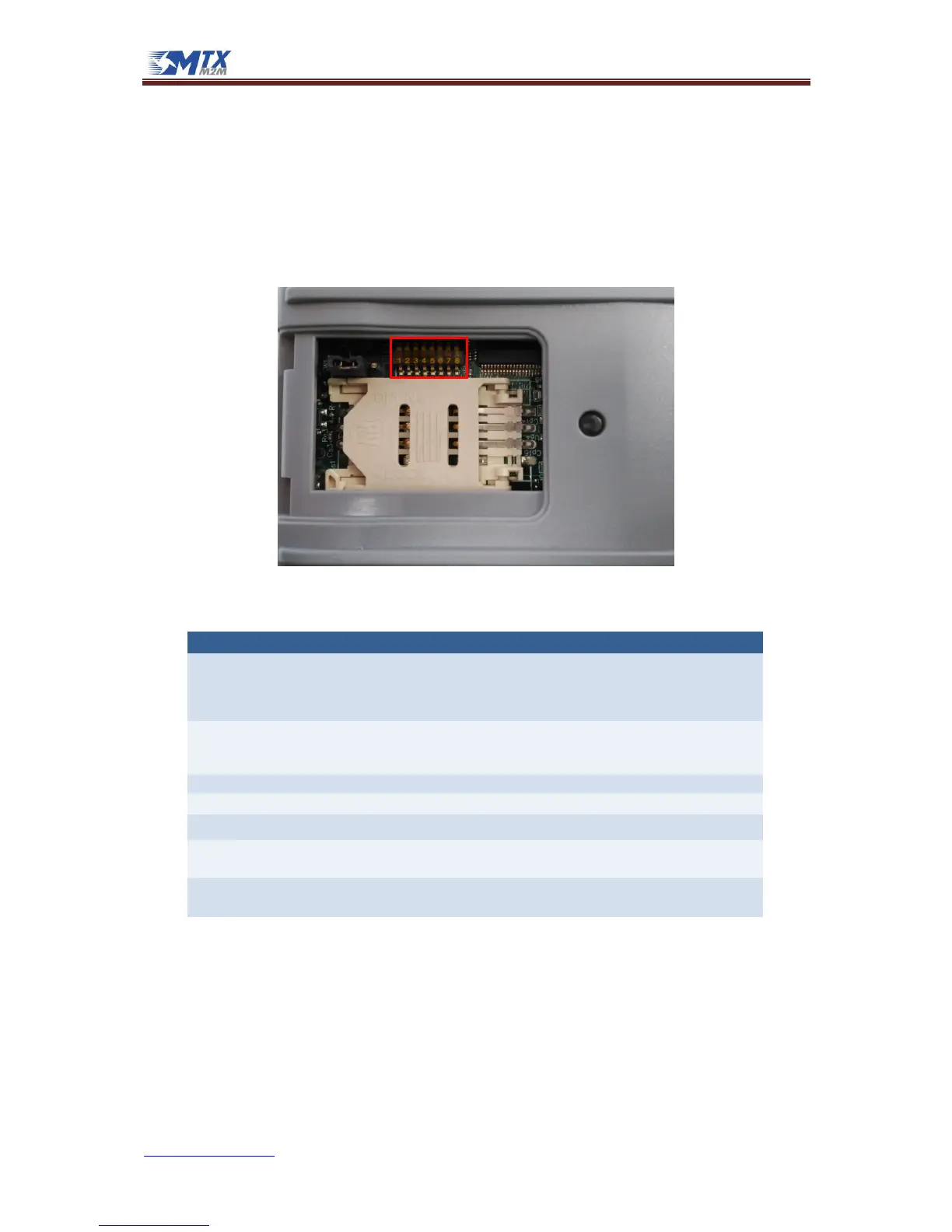
4.7 DIP switches
The MTX-IoT modems include 8 DIP microswitches allowing the user to configure some functionalities
of the device. These switches are located close to the SIM card holder, so you can access them through
the same removable panel of the SIM card holder.
By default, all switches are delivered in OFF state. In the following picture you can see them in their
default OFF state with their corresponding numbers:
The table below explains the functionality of each one:
Serial interface
configuration
This switch configures which serial interfaces are enabled:
• SW1 OFF, SW2 OFF (default): RS232 DB9 enabled, RS232 DB15 enabled, RS485 disabled
• SW1 OFF, SW2 ON: RS232 DB9 disabled, RS232 DB15 enabled, RS485 enabled
• SW1 ON, SW2 OFF: RS232 DB9 enabled, RS232 DB15 disabled, RS485 enabled
• SW1 ON, SW2 ON: Reserved for future uses.
This switch enables the periodic reset:
• OFF (default): disabled
• ON: device will be restarted periodically. Please read the MTX-IoT Family Software Manual to
learn how to configure the period of this timer.
Not used. Reserved for future uses
Not used. Reserved for future uses
Not used. Reserved for future uses
This switch configures the mode of the analog input 1:
• OFF (default): Voltage mode (0-50V)
• ON: Current mode
This switch configures the mode of the analog input 2:
• OFF (default): Voltage mode (0-50V)
• ON: Current mode



 To Next Page