Description
Display
13.05.2014 25
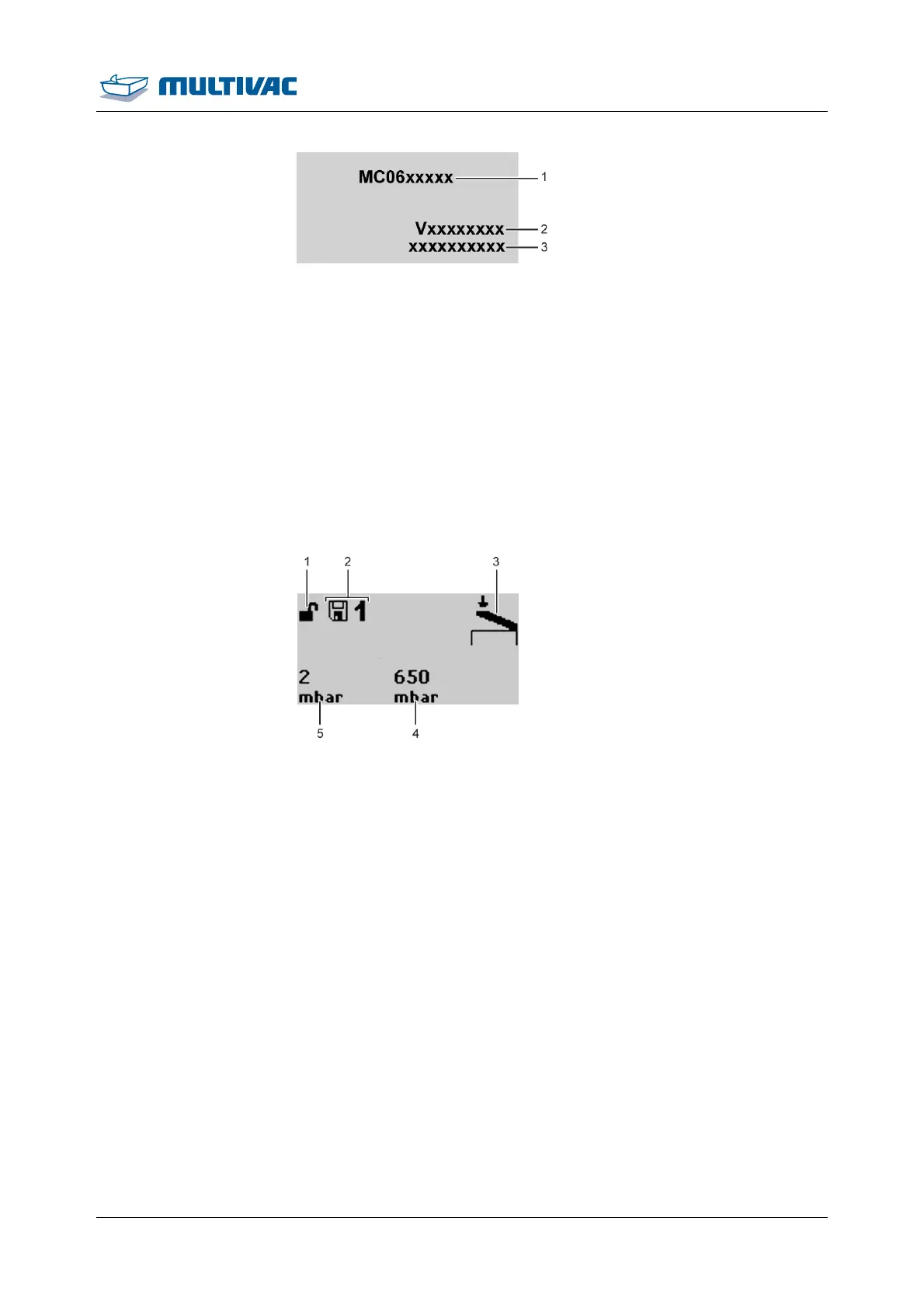
Fig. 9: Startup display
1
Type designation of machine control
2
Software version
3
Configuration code
2.3.2 Status display
Process data status
display
The process data status display shows information on the last pack-
aging procedure.
Fig. 10: Process data status display
1
Current access right (lock closed = user; lock open = set-up personnel)
2
Currently loaded recipe
3
Chamber lid symbol, machine is ready.
4
Gas pressure
5
Evacuation pressure
Process sequence
status display
The process sequence status display shows the progress of the cur-
rently running process, e.g. evacuation. During the process the corre-
sponding symbol flashes on the display. If time runs out during a
process, then a clock with the remaining time will flash in place of the
symbol.



 To Next Page