Disassembling and replacing modules
User manual 57120_hdb_en_12 35 / 70
Installing the new mod-
ule group
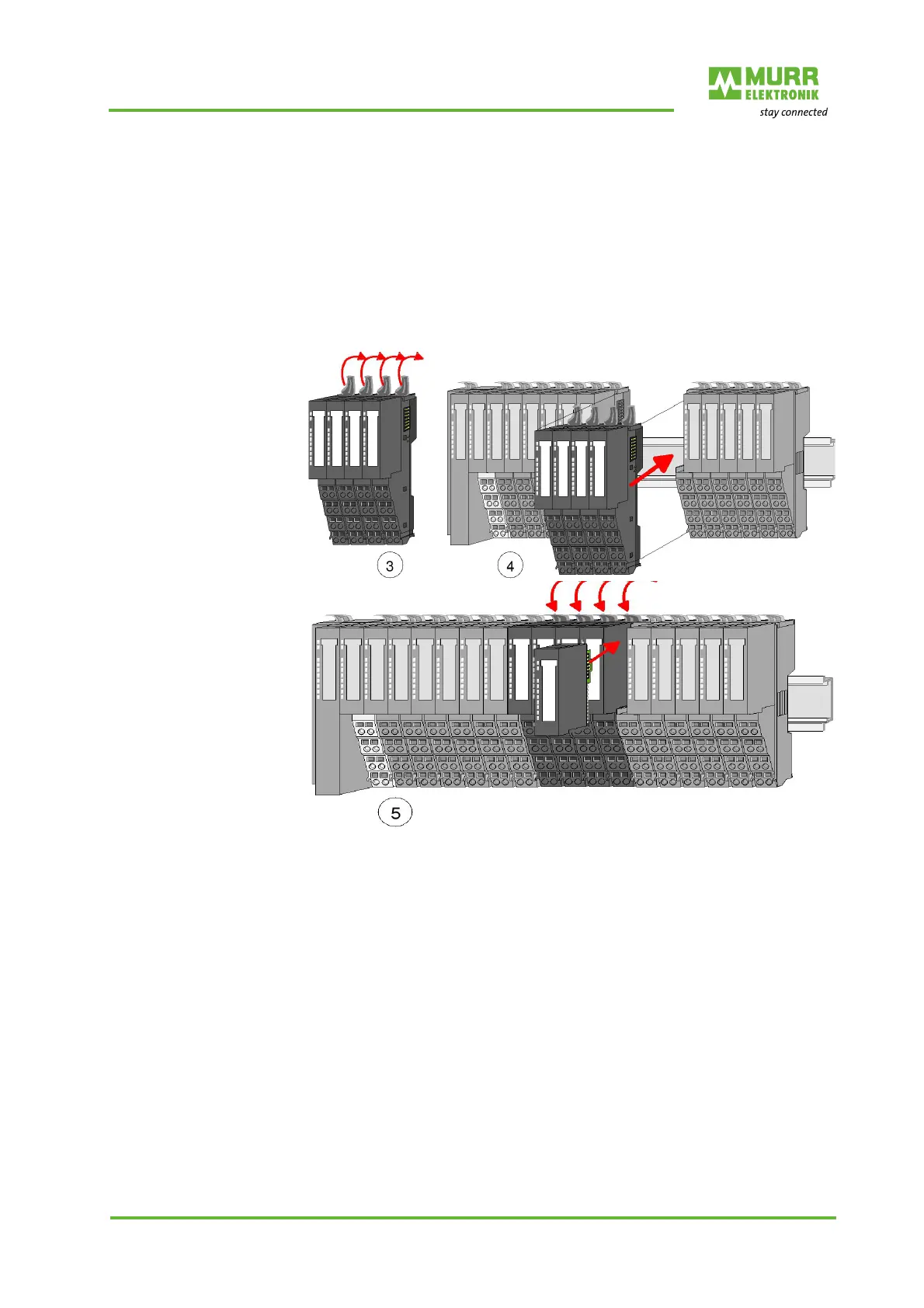
1 | Flap the locking levers of the module group upwards.
2 | Plug the module group in the gap between the modules.
3 | Slide the module group with the help of the guide strips at both sides onto
the DIN rail.
4 | Flap the locking levers of the module group downwards.
5 | Plug in the electronic module.
6 | Wire the new module group.
Now you can bring your system back into operation.
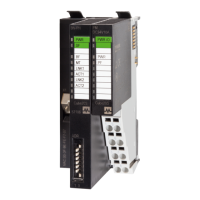
Fig. 6-7: Mounting of the module group


 To Next Page
 Loading...