EasyManua.ls Logo

MUTHIANI SECURITY SYSTEMS VT1000 - User Manual

MUTHIANI SECURITY SYSTEMS VT1000
42 pages
Print Icon
To Next Page IconTo Next Page
Loading...
User Manual of VT1000
- 1 -
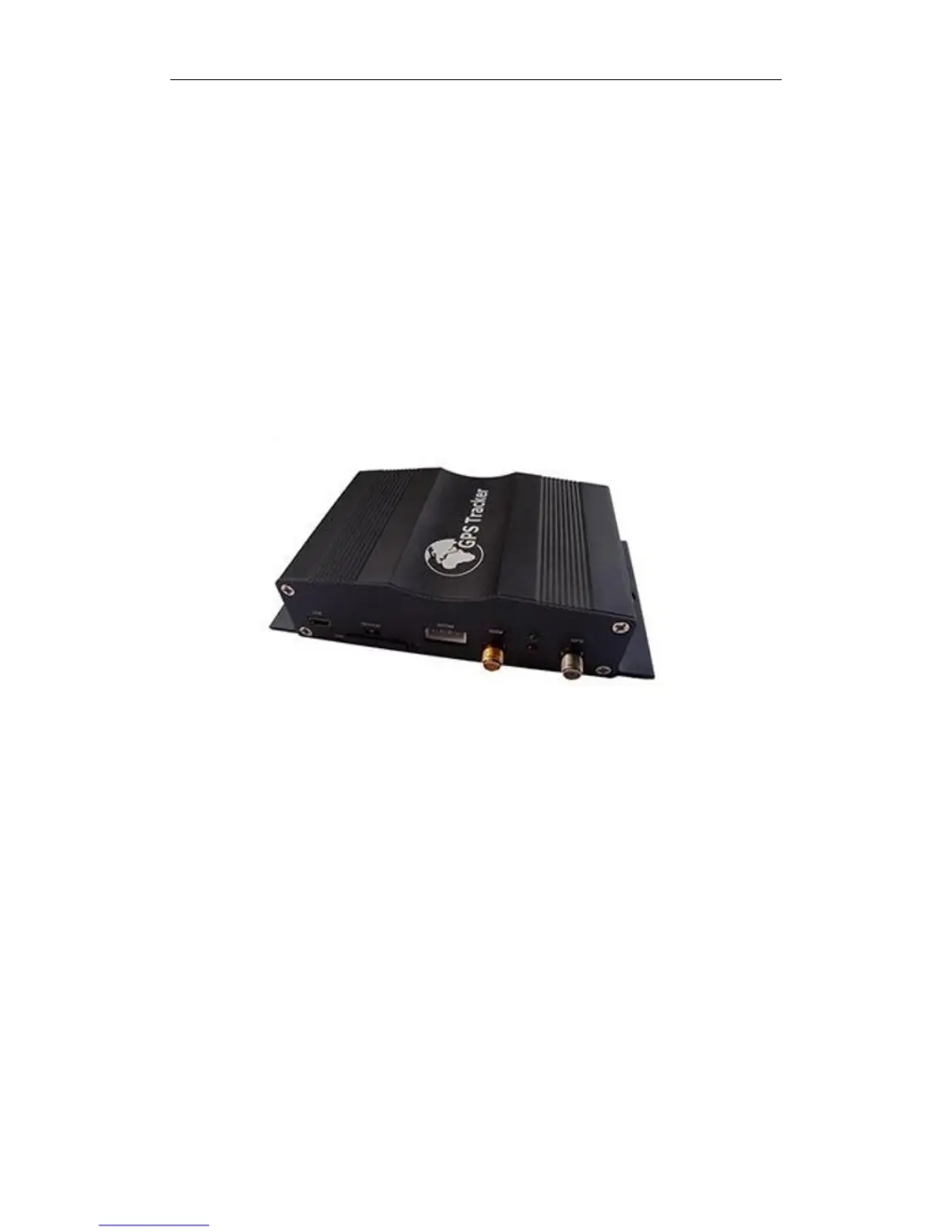
GPS Vehicle Tracker
User Manual (Model: VT1000)
Please Read Carefully Before Operation

Questions and Answers

  • J
    Jacob WoodsAug 12, 2025
    Why my MUTHIANI SECURITY SYSTEMS GPS unit will not turn on?
    • J
      jonathan52Aug 12, 2025
      There are a couple of reasons why your MUTHIANI SECURITY SYSTEMS GPS unit might not be turning on. First, check that the wiring is properly connected. If the wiring is in order, the battery might need charging, so recharge it.
  • L
    lucaskatherineAug 21, 2025
    What to do if SMS from MUTHIANI SECURITY SYSTEMS GPS VT1000 states ‘Last……’?
    • T
      thomas87Aug 21, 2025
      If you receive an SMS from your MUTHIANI SECURITY SYSTEMS GPS VT1000 stating ‘Last……’, it means that the unit either doesn't have a clear view of the sky, so move the antenna to a location where the sky is visible, or the VT1000 is in an inner place, so wait for the target to come out.
  • C
    corteztammyNov 1, 2025
    What to do if my MUTHIANI SECURITY SYSTEMS VT1000 GPS unit will not respond to SMS?
    • J
      Jamie CampbellNov 1, 2025
      If your MUTHIANI SECURITY SYSTEMS GPS unit isn't responding to SMS, there could be several reasons: * Ensure the GSM antenna is properly installed so that the VT1000 is connected to the GSM network. * The GSM network might be slow; wait for the SMS, as networks can slow down during peak times. * The unit may be in sleeping mode; cancel sleeping mode. * You might have entered the wrong password in your SMS; insert the correct password. * The SIM card in the VT1000 might have run out of credit; replace or top up the SIM card. * There might be no SIM card inserted; insert a working SIM card and check that it can send SMS messages. * The SIM card may have expired; check that it can send SMS messages and replace it if needed. * The SIM might have a PIN code set; remove the PIN ...

Summary

Product Overview and Specifications

Specifications

Technical specifications including dimensions, power, operating conditions, and connectivity.

Connecting to the GPRS Server Platform

Topshine Platform Setup

Settings on Topshine GPRS01 Platform

Procedures for logging into and managing the Topshine tracking platform.

Installation Guide

Basic SMS Commands

Vehicle Control and Status Commands

Commands for engine immobilization, speed alarms, address lookup, and map links.

Troubleshooting

Common Problems and Solutions

Common problems and their resolutions, including unit power and SMS response issues.

Appendix 1: Configure by Computer

Computer Configuration Details

Detailed guide for configuring the tracker using computer software and its parameters.

Appendix 2: Command List

SMS Command Reference

Comprehensive reference for all available SMS commands, their syntax, and remarks.

Appendix 4: RFID Functionality

Appendix 5: Fuel Sensor Integration

MUTHIANI SECURITY SYSTEMS VT1000 Specifications

General IconGeneral
BrandMUTHIANI SECURITY SYSTEMS
ModelVT1000
CategoryGPS
LanguageEnglish