User Manual of VT1000
- 7 -
6. Connect the tracker VT1000 to GPRS01 Web Server Platform
Two Methods to set GPS tracker online:
Configure by Computer or SMS Commands
Optional 1: Configure by Computer to set GPS tracker online
This part shows the basics of how to use the GPS tracker Parameter Editor.
Note: Don’t connect VT1000 to external battery when configuring.
How to Edit the Parameters of Tracker on PC
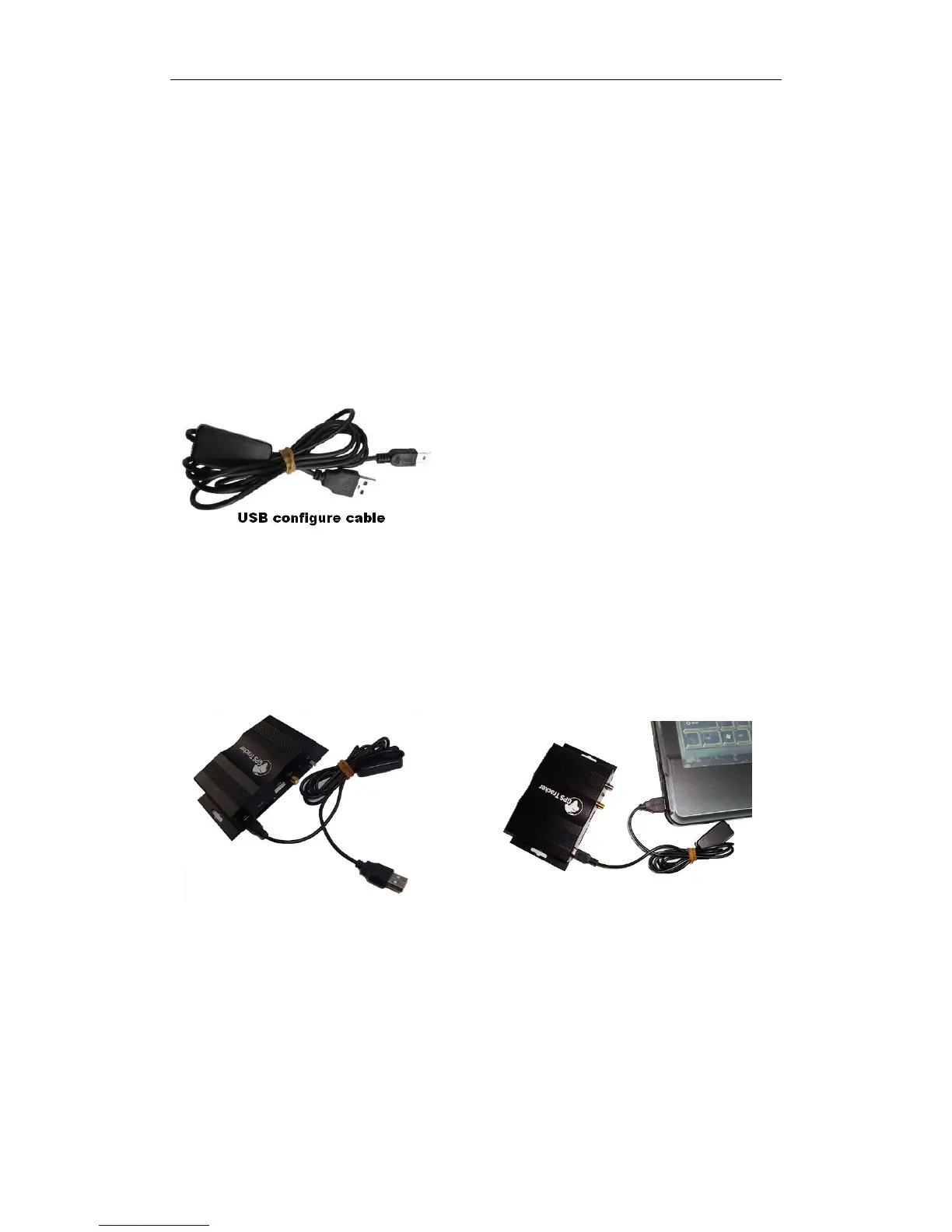
① (Buy one specific USB cable for configuration from our Company)
② Install USB driver program for the configuration USB cable
1. Run ‘CP210x_Prolific_DriverInstaller’ to install the driver for the USB data cable.
Note: CP210x_Prolific_DriverInstaller is in the folder ‘USB-232 Driver’ in the CD. Connect the
USB Data Cable between VT1000 and PC.
2. Connect the configuration cable with PC, open device management of your computer,
you can find “Prolific USB-to-Serial Comm. Port “ ,as following picture shows.
The USB port is virtual comm. Port (com3) in this example,


 To Next Page