User Manual of VT1000
- 25 -
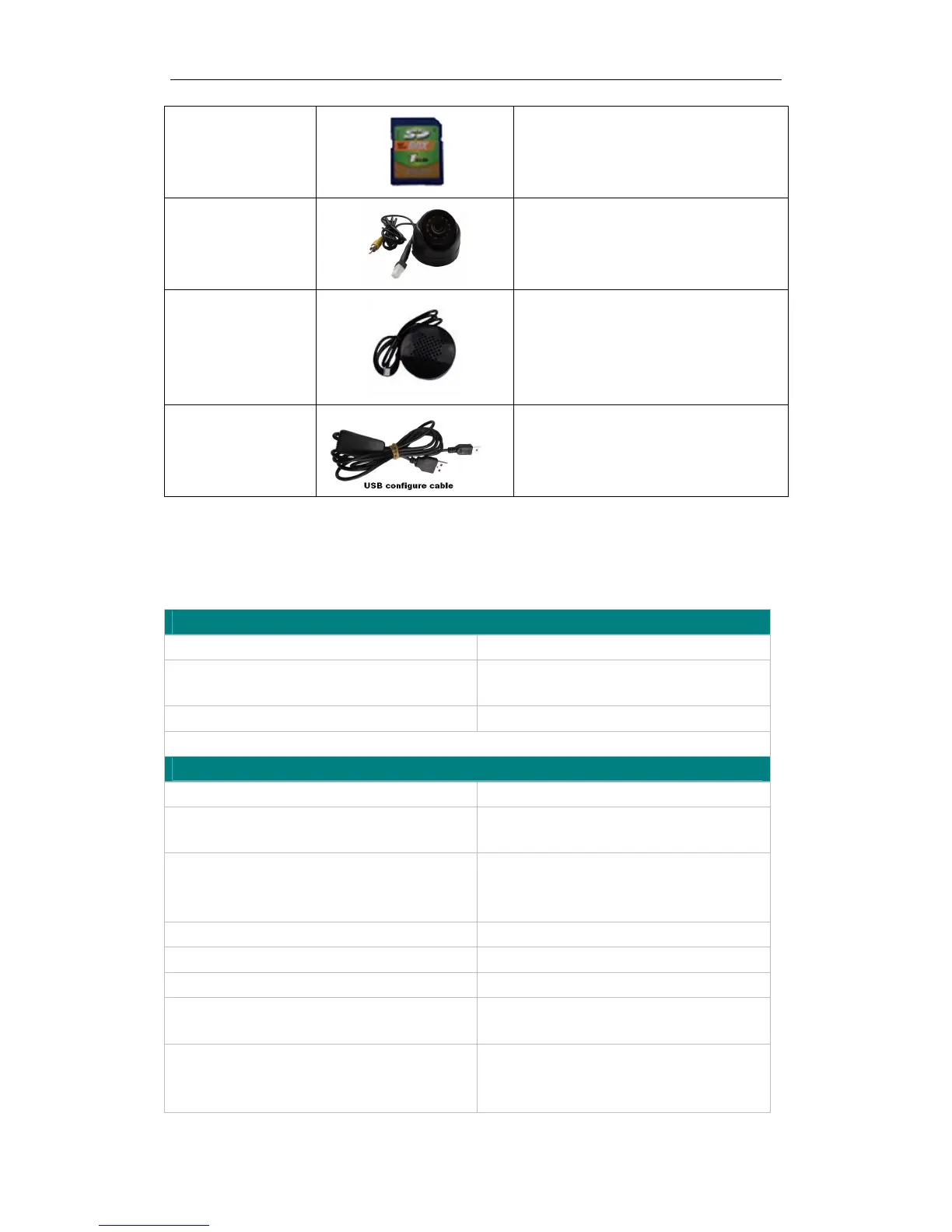
SD Card
Store pictures, max 64G, can store more
than 800,0000 pictures.
Camera
Snap photos, when trigger alarm, it will
auto snap photo.
Speaker
Configure USB cable
Configure tracker’s parameter
Upgrading the tracker’s firmware
11. Troubleshooting
Problem: Unit will not turn on
Possible Cause: Resolution:
Wiring was not connected properly Check and make sure wiring connection
is in order.
Battery needs charging Recharge battery
Problem: Unit will not respond to SMS
Possible Cause: Resolution:
GSM antenna was not installed properly
Make VT1000 connected to GSM
network.
GSM Network is slow Wait for SMS. Some GSM networks slow
down during peak times or when they
have equipment problems.
Unit is sleeping Cancel sleeping mode
Wrong password in your SMS Insert the correct password
The SIM in VT1000 has run out of credit Replace or top up the SIM card
No SIM card Insert working SIM card. Check in phone
that the SIM can send SMS messages.
SIM card has expired Check in phone that the SIM can send
SMS messages. Replace SIM card if
needed.


 To Next Page