User Manual of VT1000
- 13 -
③ Set IP Address and Port by SMS
Description: IP address is 210.209.68.180 Port is 9500
SMS command: W<password>,012,<IP>,<port>
Example:
SMS send: W000000,012, 210.209.68.180,9500
We support domain name instead of IP address:
Example: W000000,012,www.global-track.net,9500
④ Enable GPRS Function
Command: W<password>,013,X
Description: X=0,close GPRS(Default)
X=1,enable TCP
X=2,enble UDP
⑤ Set Time Interval for Sending GPRS Packet
Command: W<password>,014,XXXXX
Description: XXXXX should be in five digitals and in unit of 10 seconds.
XXXXX =00000, to disable this function
XXXXX =00001~65535, time interval for sending GPRS packet and in unit of 10 seconds
Note: More GPRS01 Platform functions, please check manual of Operation Instruction of
Topshine web-based tracking platform GPRS01.
Next Step: Settings on Topshine GPRS01 Platform
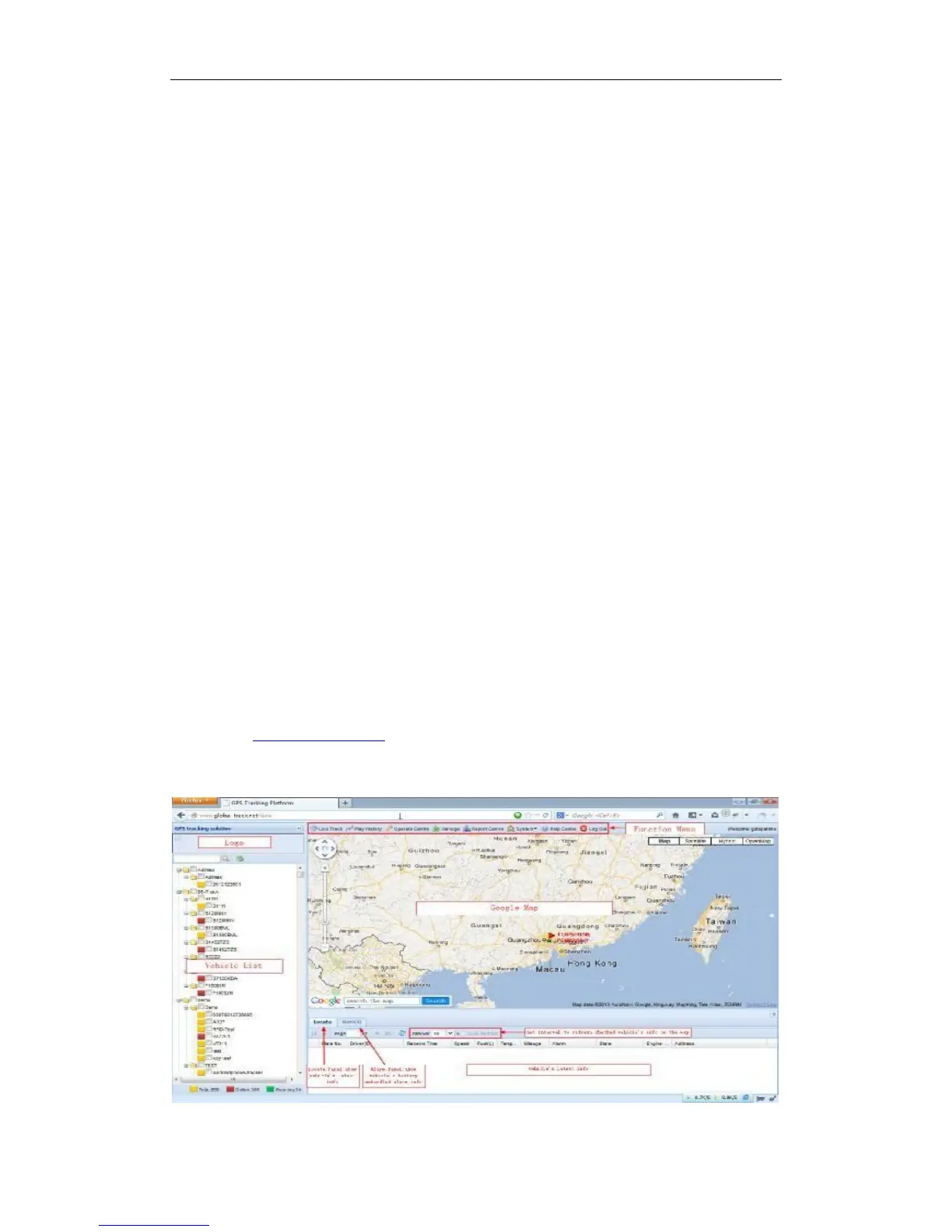
Turn on the tracker VT1000, when it normal working (find the GSM & GPS signal),
① Login Topshine GPRS01 Platform
Website: www.global-track.net
User Name: ***
Password: ***


 To Next Page