VJ-2638/1638X/1938WX/1638WX OPERATION MANUAL Before using
3.5 Test print 103
3.5 Test print
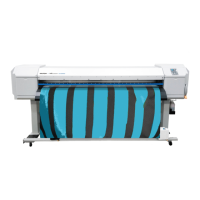
Follow the procedure below to perform test printing to confirm that the printer works correctly.
1. Turn ON the printer and load the roll media.
3.4.2 Setting Roll Media
2. Confirm that the printer is in the Normal status.
3. Display the Test Print menu on Operation panel.
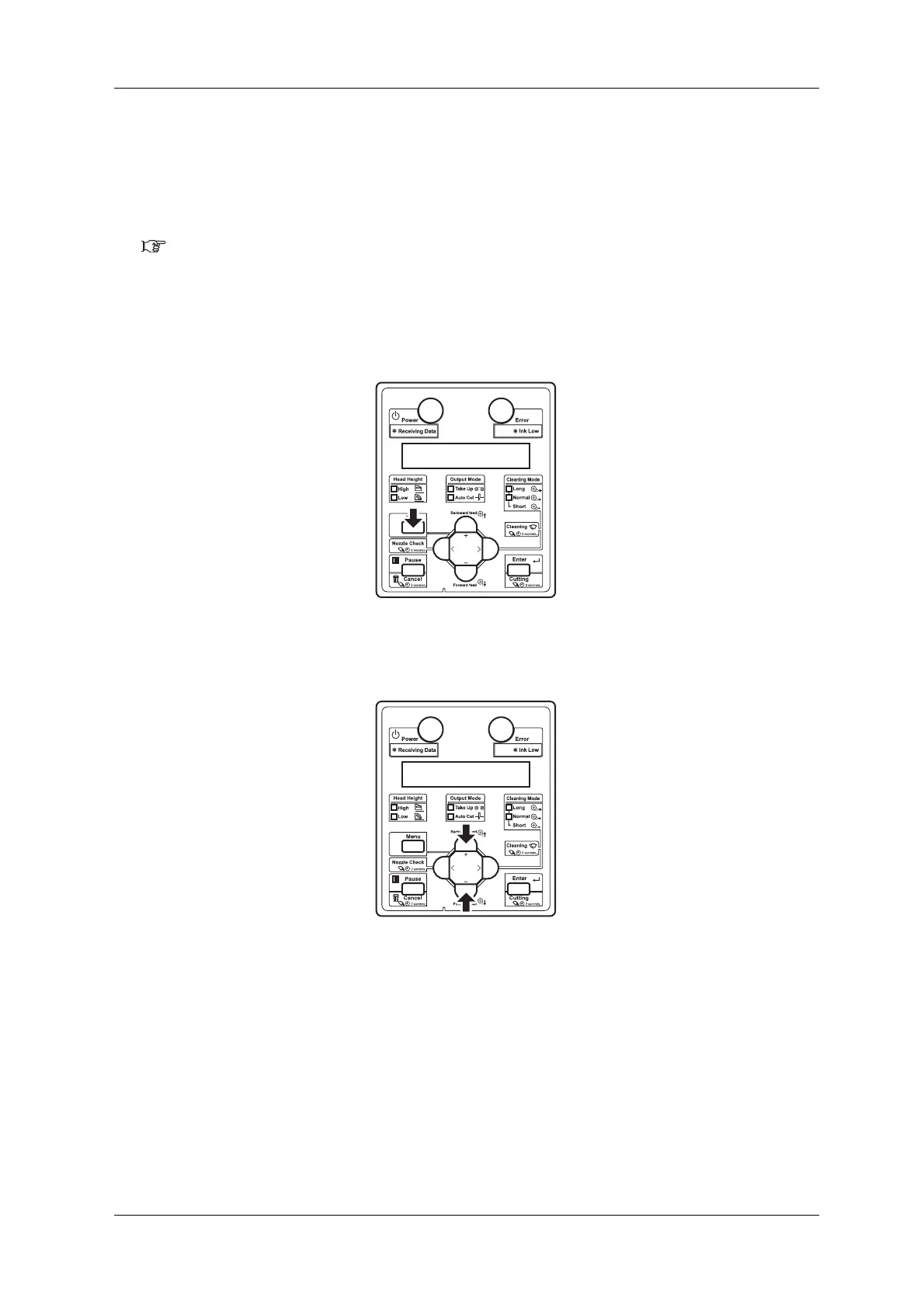
a. Press the [Menu] key on Operation panel.
• "Menu1: Setup>" is displayed on Operation panel.
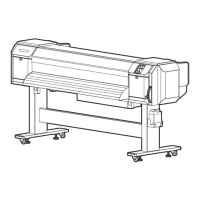
b. Press the [+] key or [-] key on Operation panel to select "Menu2: Test Print".









 To Next Page