VJ-2638/1638X/1938WX/1638WX OPERATION MANUAL Panel setup menu
5.1 Setup menu 249
5.1.2.1 Spitting Pass Count menu
Set the intervals that Print head returns to Spitting boxes when "On" or "On Media" is set in Spitting
menu. Print head returns to Spitting box every shuttle per the set number.
• If the number of spitting returns is set high, the spitting operation is not done on Spitting box.
Therefore there is a higher chance of nozzle clogging when printing for a long time. In such a case,
print quality cannot be guaranteed.
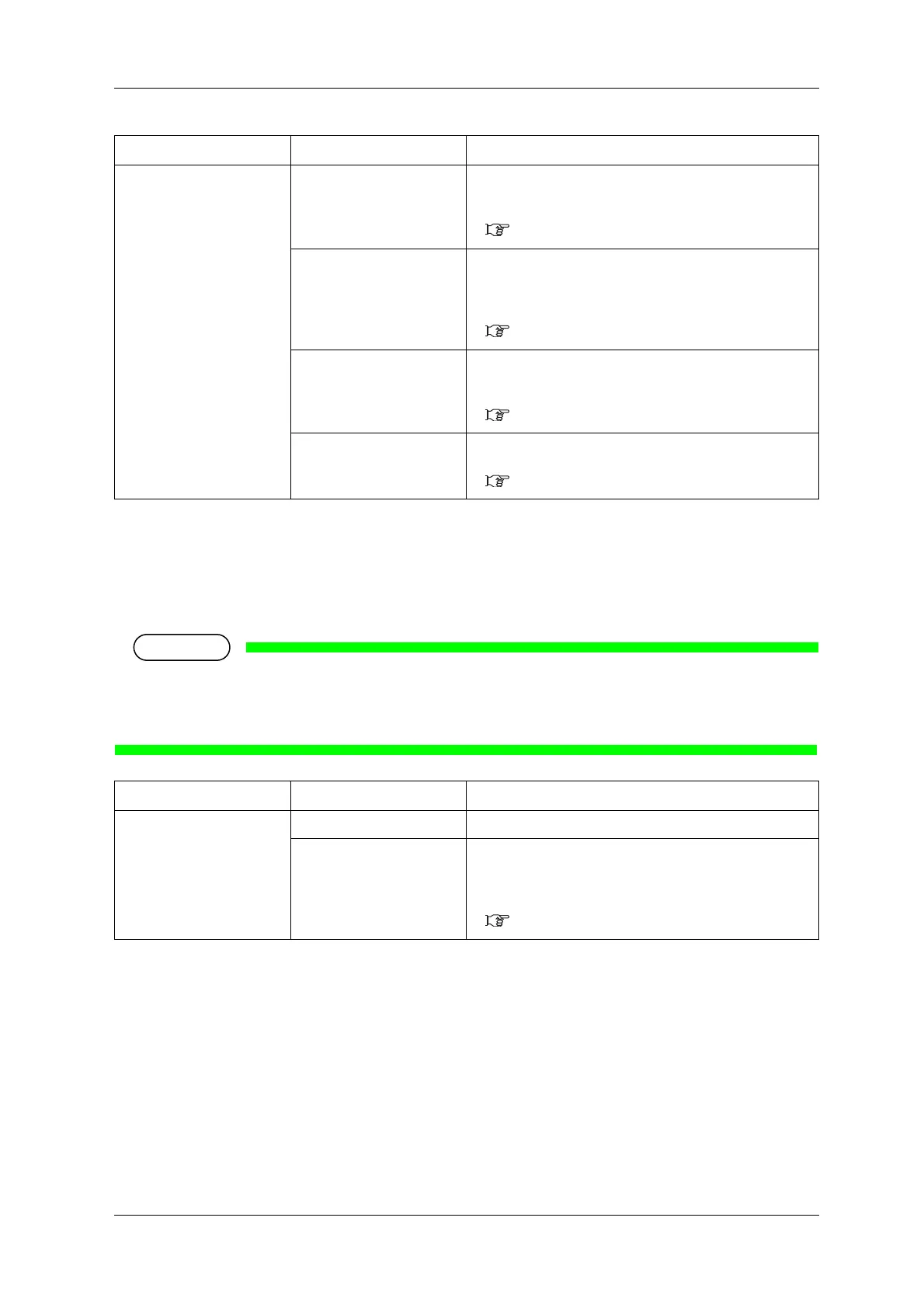
Setup item Setting Description
Spitting <On> Perform the spitting operation on Spitting box located on the
origin side for every shuttle.
• [Enter] key: saves the setting and shifts to the sub menu.
5.1.2.1 Spitting Pass Count menu
On Media Perform the spitting operation on the page margins.
The printing speed will be improved since the number of time
to return to Spitting box is reduced.
• [Enter] key: saves the setting and shifts to the sub menu.
5.1.2.1 Spitting Pass Count menu
Off Spitting operation is not performed.
• [Enter] key: saves the setting and shifts to the previous
menu.
5.1 Setup menu
— • [Cancel] key: cancels the setting and shifts to the previous
menu.
5.1 Setup menu
Setup item Setting Description
ReturnCount <1 time> to 999 times Set the spitting return count.
— • [Enter] key: saves the setting and shifts to the previous
menu.
• [Cancel] key: cancels the setting and shifts to the previous
menu.
5.1.2 Spitting menu













 To Next Page