Before using VJ-2638/1638X/1938WX/1638WX OPERATION MANUAL
152 3.6 Print quality adjustment
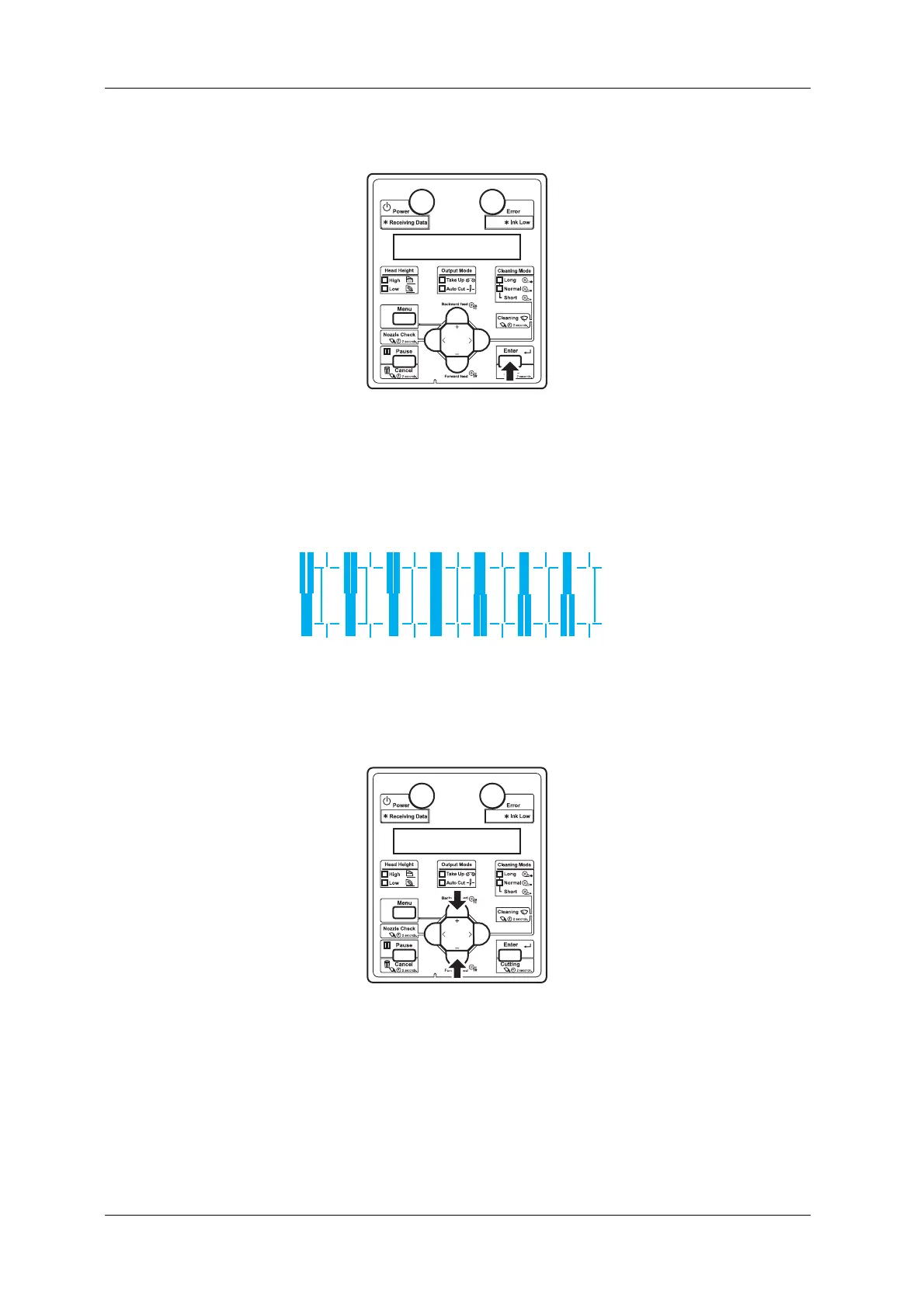
7. Press the [Enter] key on Operation panel.
• Determines the setting.
• "Pattern*2: 4" is displayed next.
8. For Head 2, check the print results on both sides and center of the media and select the number that
looks most aligned between 1 and 7.
9. Press the [+] key or [-] key on Operation panel to enter the number that you selected in Step 8.












 To Next Page