VJ-2638/1638X/1938WX/1638WX OPERATION MANUAL Panel setup menu
5.1 Setup menu 239
Custom Adjust Print menu
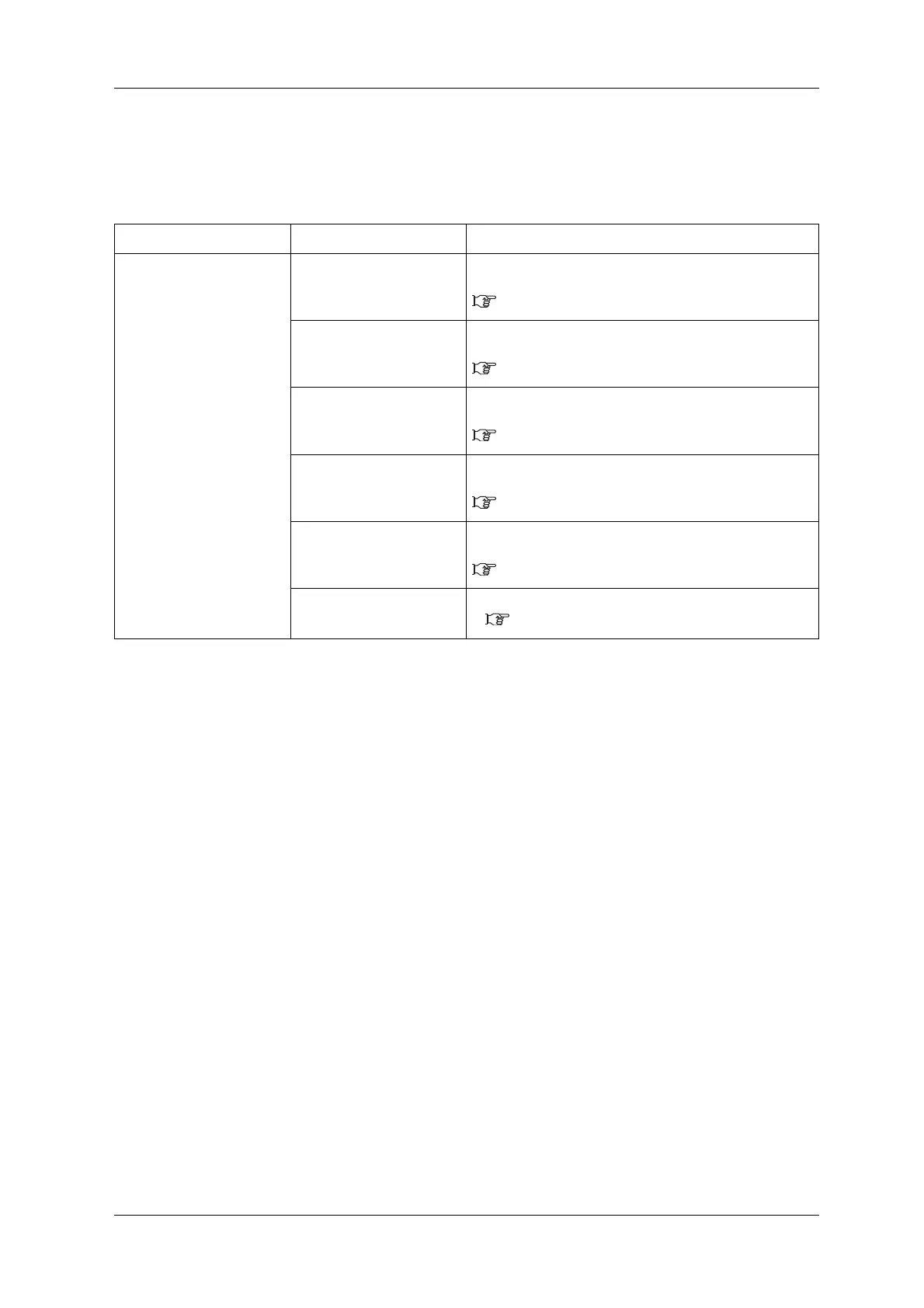
Perform adjustment for all patterns (A to F).
All print modes will be adjusted.
Setup item Setting Description
Adjustment Confirm ptn The test patterns of A to F will be printed for Adjust print.
Check before adjusting.
3.6.2.1 Custom confirmation pattern
Rough Ptn. ALL Perform this when the degree of misalignment is big.
Print Adjust patterns A to F and enter the set values.
3.6.2.2.1 Rough Pattern ALL
Rough Pattern A to F When the degree of misalign is big, print out an adjust pattern
selected from A to F and enter the value.
3.6.2.2.2 Rough Pattern A to F
Fine Ptn. ALL Perform this when the degree of misalignment is small.
Print Adjust patterns A to F and enter the set values.
3.6.2.3.1 Fine Pattern ALL
Fine PatternA to F When the degree of misalign is small, print out one of the
Adjust patterns and enter the set value.
3.6.2.3.2 Fine Pattern A to F
— • [Cancel] key: shifts to the previous menu.
5.1.1.1.2 Adjust Print menu













 To Next Page