VJ-2638/1638X/1938WX/1638WX OPERATION MANUAL Before using
3.3 Filling ink 73
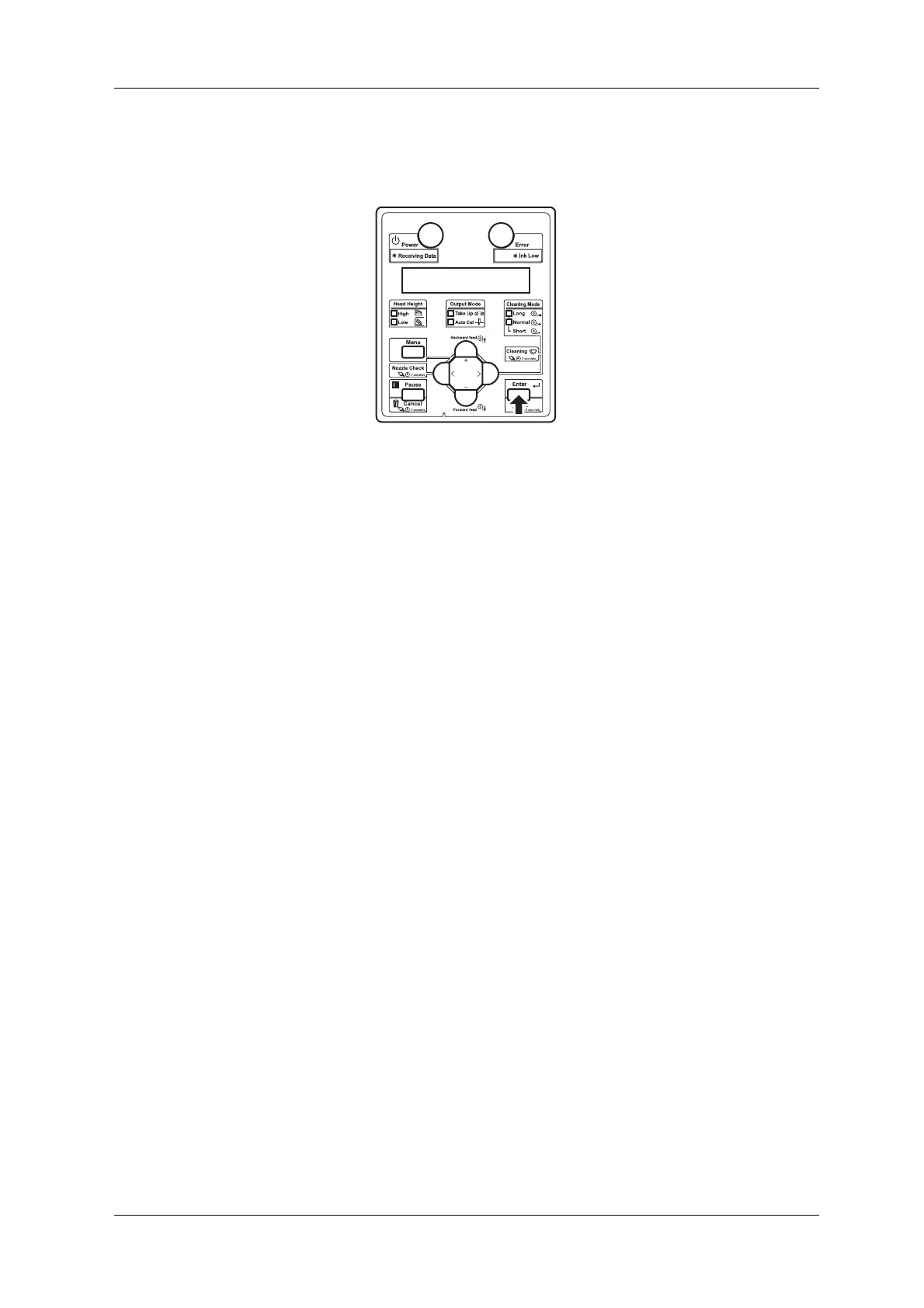
• When head cleaning is complete, "Wash retry? No" is displayed on Operation panel.
9. Press the [Enter] key on Operation panel.
• "Insert InkCartridges" is displayed on Operation panel.
10. Take out the ink cartridge from the bag and gently shake it two to three times.
• You need the following cartridges.
• Black (K): 2 cartridges
• Cyan (C): 2 cartridges
• Magenta (M): 2 cartridges
• Yellow (Y): 2 cartridges













 To Next Page