- 84 -
OPERATION 4
4
EN
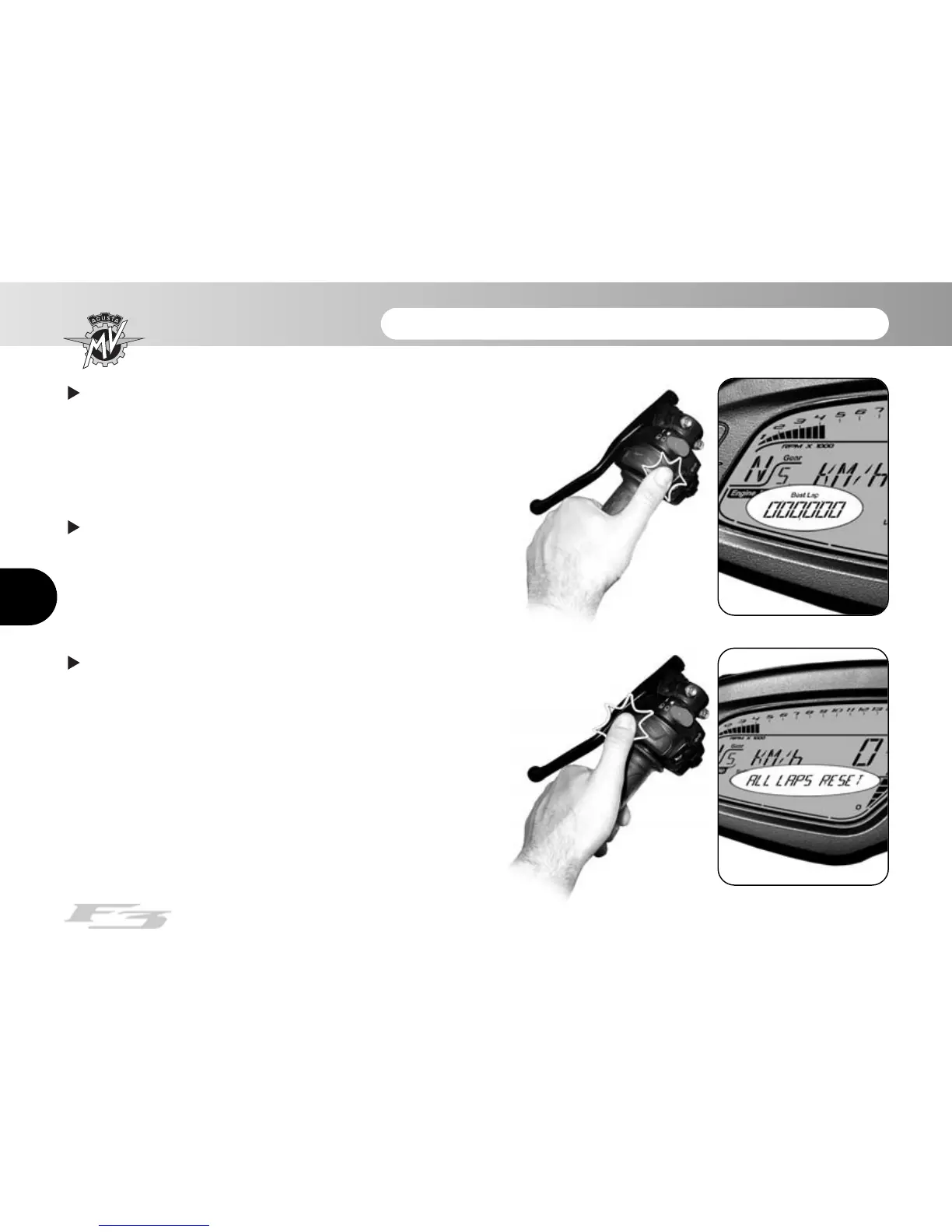
Now, press “OK” for over three seconds to delete the
value. Otherwise, press “SET” for less than three
seconds to stop the deletion procedure.
Once all the data have been cancelled, press the
“SET” key to exit the “BEST LAP RESET” mode and
then pass to the following mode.
Resetting of all lap times recorded: Access the
“CHRONO” mode and press the “SET” key for less than
three seconds until the words “ALL LAPS RESET”
appear on the display.














 To Next Page