- 85 -
OPERATION 4
4
EN
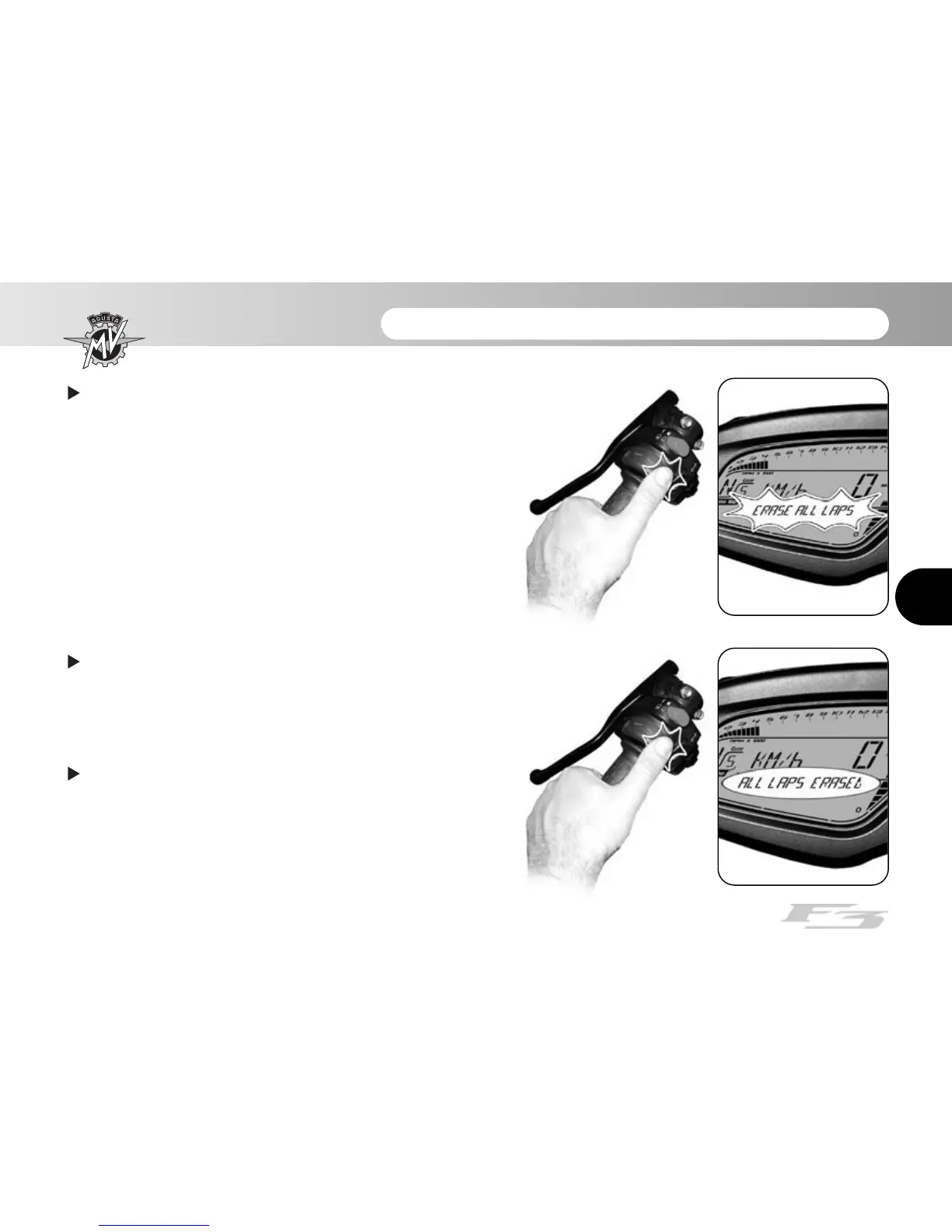
Press the “OK” key for less than three seconds; the
display will ask you to confirm cancellation of all the
data present in the memory.
By pressing the “OK” key for more than three sec-
onds, all the previously acquired times will be cancelled.
By pressing the “SET” key for less than three seconds,
the cancellation procedure will be interrupted.
Once all the data have been cancelled, press the
“SET” key to exit the “ALL LAPS RESET” mode and to
return to the “CHRONO” mode.














 To Next Page