- 78 -
Maintenance
B
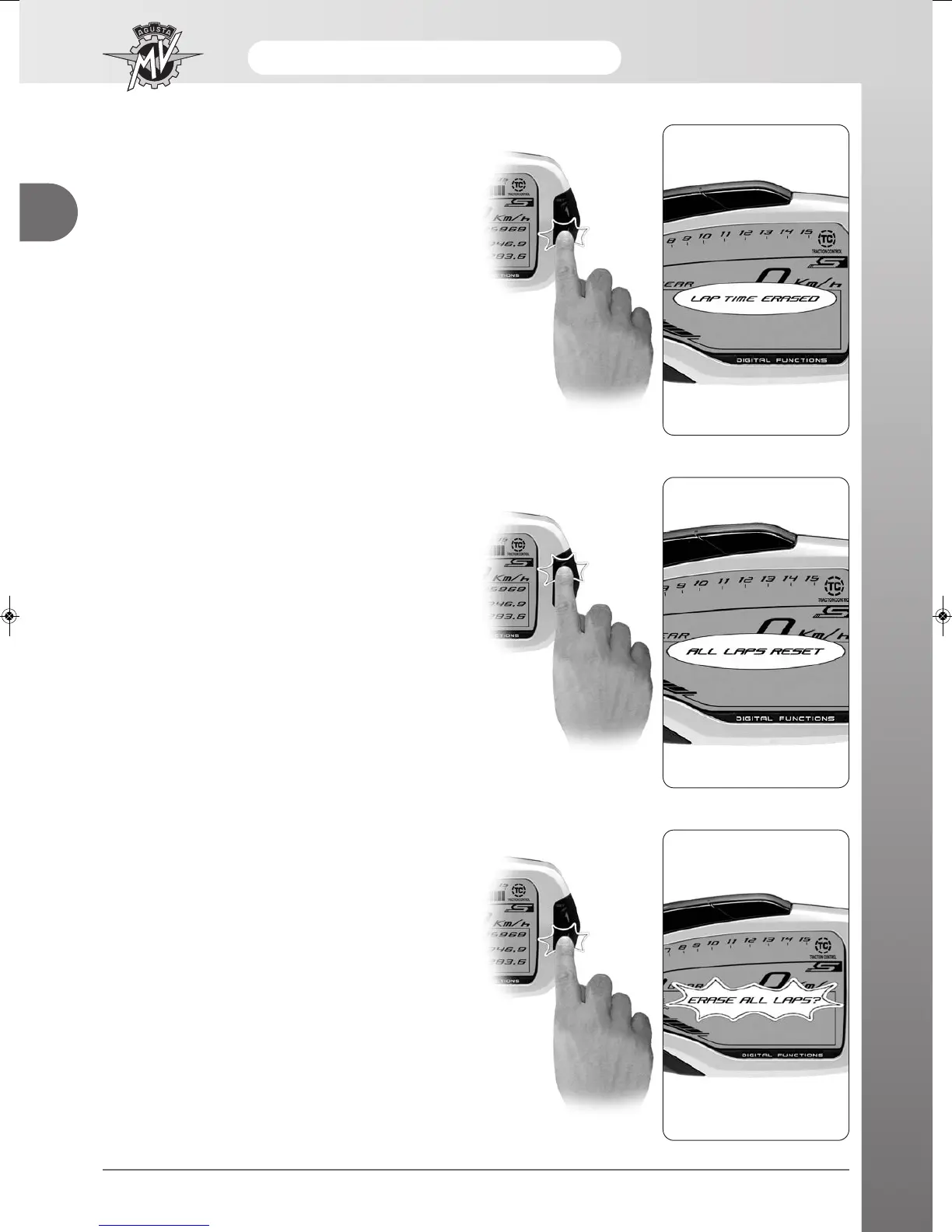
- Now, press “OK” for over three seconds to delete the
value. Otherwise, press “SET” for less than three
seconds to stop the deletion procedure.
- Once all the data have been cancelled, the display
shows “LAP TIME ERASED”, then returns to the
“LAPS VIEW” mode.
- Cancellation of all times recorded: Access the “LAPS
VIEW” mode and press the “SET” key for less than
three seconds until the words “ALL LAPS RESET”
appear on the display.
- Press the “OK” key for less than three seconds; the
display will ask you to confirm cancellation of all the
data present in the memory.












 To Next Page